Table of Contents
- Introduction
- Understanding the Legal Framework
- The Role of WCAG 2.2
- Why Accessibility Matters for Business
- Key Components of Compliance
- Drafting a UK Accessibility Statement
- Technological Barriers to Avoid
- Testing for Digital Inclusion
- Common Misconceptions About Accessibility
- Designing for Diverse User Needs
- The Intersection with Security Standards
- Strategies for Long-term Maintenance
- Conclusion
Introduction
In the digital age, your website serves as the primary interface between your brand and your customers. Making this interface usable for everyone is no longer just a best practice; it is a fundamental requirement.
Understanding UK website accessibility requirements for businesses helps you reach a wider audience and avoid potential legal complications. When you design with inclusivity in mind, you improve the overall quality of your digital presence.
Understanding the Legal Framework
The Equality Act 2010 remains the primary piece of legislation governing disability rights in the United Kingdom. It mandates that service providers must make reasonable adjustments to ensure disabled people can access their services.
While the Act does not explicitly list technical criteria for websites, courts often interpret the requirement of making reasonable adjustments as a mandate for accessible web design. Failure to comply can lead to legal action and significant reputational damage for your company.
- Prevents discrimination against disabled users
- Ensures equal access to digital services
- Aligns with broader human rights standards
The Role of WCAG 2.2
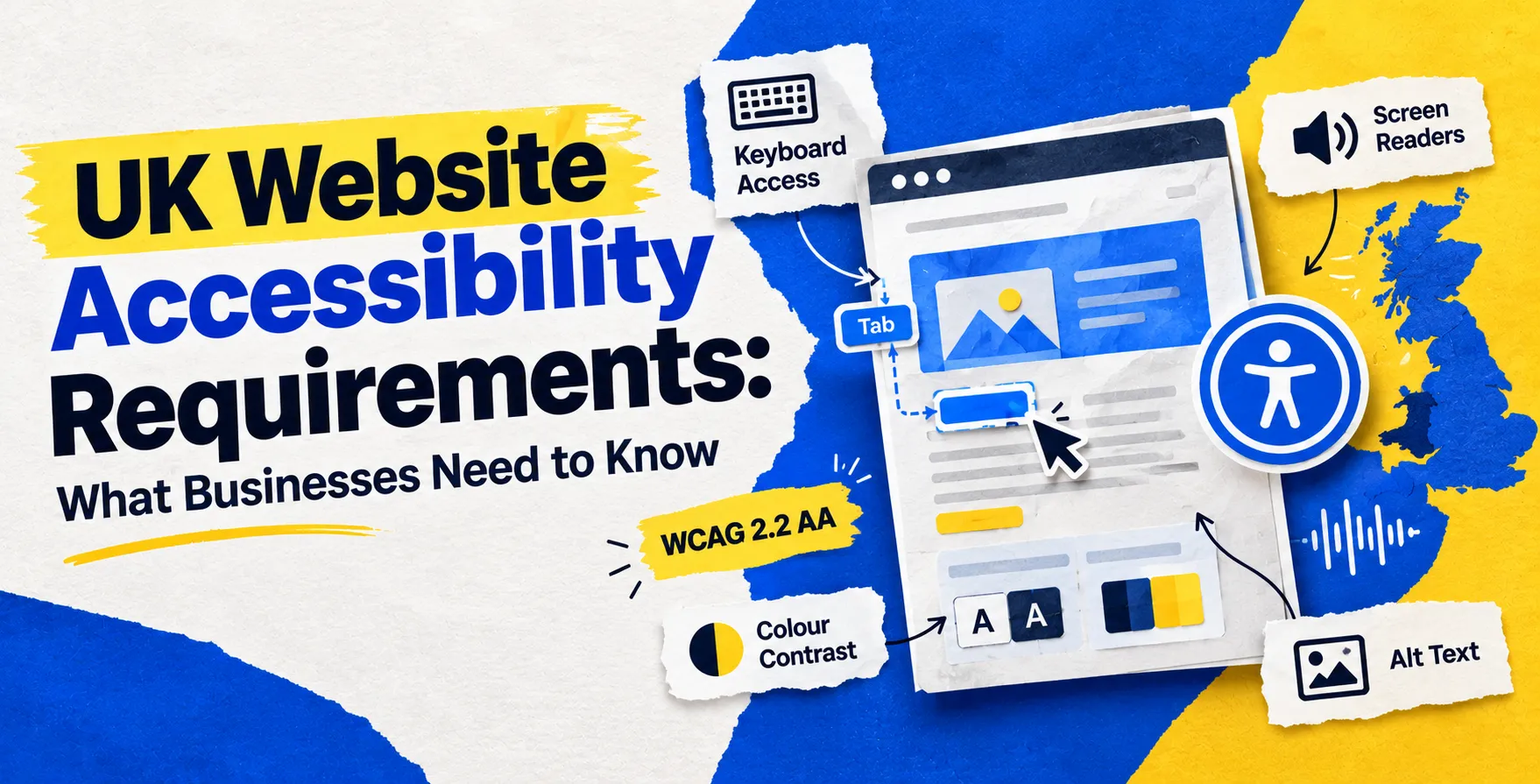
To provide a clear roadmap for compliance, developers look toward the Web Content Accessibility Guidelines. Currently, WCAG 2.2 UK requirements serve as the industry standard for measuring how well a site accommodates users with various impairments.
These guidelines are organized under four core principles known as POUR. They ensure that content is Perceivable, Operable, Understandable, and Robust for all visitors.
Perceivable and Operable Content
Perceivability means users can identify content and interface elements through different senses. Operability ensures that users can navigate your site regardless of the input device they use.
- Provides text alternatives for non-text content
- Ensures keyboard-only navigation for all features
- Offers enough time for users to read content
Understandable and Robust Systems
Understandable content allows users to comprehend the information presented without confusion. Robust design ensures compatibility with various assistive technologies, such as screen readers.
- Maintains predictable navigation across all pages
- Supports various browsers and assistive tools
- Prevents input errors through clear instructions
Why Accessibility Matters for Business
Beyond the legal obligations, prioritizing accessibility is a smart business decision. It opens your services to millions of potential customers who might otherwise be excluded by poor design choices.
Accessible websites often rank higher in search results because they are well-structured and easy to crawl. By following accessible web design principles, you naturally improve the user experience for everyone, not just those with disabilities.
- Increases your reachable market share
- Boosts search engine performance
- Enhances brand reputation and trust
Key Components of Compliance
Achieving compliance requires a holistic approach to your digital strategy. You must consider everything from your color contrast ratios to the structure of your HTML code.
Developers must ensure that all media files have appropriate descriptions or transcripts. Additionally, the navigation structure should remain consistent throughout the site to help users build a mental map of your pages.
| Feature |
Non-Compliant |
Compliant |
| Navigation |
Confusing, mouse-only |
Consistent, keyboard-friendly |
| Media |
Missing captions |
Captions and transcripts included |
| Forms |
Vague error messages |
Clear, descriptive labels |
| Colors |
Low contrast ratios |
High, readable contrast |
Drafting a UK Accessibility Statement
A formal UK accessibility statement serves as a commitment to your users. It explains what you are doing to make your site accessible and provides a clear contact path for reporting issues.
This document should be easy to find, typically linked in the website footer. It must detail any known limitations and your plans for addressing them in future updates.
- Lists identified barriers currently on the site
- Outlines the timeline for future improvements
- Provides a dedicated contact method for feedback
- Details the standards you are following
Technological Barriers to Avoid
Many common technical oversights prevent users from interacting with your platform. Avoiding these pitfalls is essential for achieving UK website accessibility at scale.
Dynamic content that changes without warning can disorient screen reader users. Similarly, reliance on visual-only cues, like color coding to indicate status, excludes users who are color-blind.
- Avoid relying solely on color indicators
- Ensure all interactive elements have labels
- Provide skip links for navigation
- Avoid automatic audio or video playback
Testing for Digital Inclusion
Regular testing is the only way to ensure your site remains accessible as you add new features. Automated tools can catch many errors, but they cannot replace human experience.
Conducting manual audits with assistive technology users provides invaluable insights into real-world usage. You should perform these checks whenever you push significant updates to your production environment.
- Use screen readers to navigate site pages
- Test all forms using only your keyboard
- Check contrast ratios against WCAG targets
- Verify that images have descriptive alt text
Common Misconceptions About Accessibility
Many businesses mistakenly believe that accessibility is only for the visually impaired. In reality, it covers cognitive, motor, and auditory impairments as well.
Another myth is that accessible sites must look boring or plain. Modern design tools allow for beautiful, high-contrast, and highly interactive sites that meet all necessary standards.
- Accessibility helps users with temporary impairments
- It improves usability for mobile device users
- Good design does not sacrifice aesthetic appeal
Designing for Diverse User Needs
Designing for inclusivity means considering how people interact with technology in different environments. Some users may be in high-glare settings, while others might have slow internet connections.
Focusing on web accessibility best practices ensures that your interface is flexible enough to adapt to these variables. This resilience is a hallmark of professional development.
- Optimize load times for better performance
- Allow text scaling without breaking layout
- Design intuitive mobile touch interfaces
The Intersection with Security Standards
Security and accessibility often go hand-in-hand when building robust platforms. For instance, when you implement UK Cyber Essentials requirements for SaaS companies, you are creating a stable environment where accessibility tools can function reliably.
Secure, well-maintained code bases are less likely to have unexpected bugs that break navigation. A commitment to security shows that you care about your users' overall digital experience and safety.
Strategies for Long-term Maintenance
Accessibility is a continuous process, not a one-time project. You need to embed these checks into your development workflow to ensure that new code does not introduce new barriers.
Training your team on current standards is the most effective way to prevent issues. When developers and designers share a common language regarding inclusion, the quality of your output remains consistently high.
- Include accessibility checks in code reviews
- Update your documentation regularly
- Schedule periodic manual accessibility audits
- Incorporate feedback from disabled users
Conclusion
Meeting accessibility requirements is a vital part of modern web development. By following established guidelines, your business can create a welcoming environment for every visitor.
Start by auditing your current site and drafting a clear statement. Remember that every improvement you make benefits your entire user base while keeping your business legally protected.


 In collaboration with