Table of Contents
- Introduction to Website Accessibility
- Understanding Accessible Web Design
- WCAG Accessibility Guidelines
- Web Accessibility Best Practices
- Designing for Disability
- Color and Contrast in Web Design
- Navigation and Links
- Images and Multimedia
- Forms and Input Fields
- Testing for Accessibility
- Common Accessibility Mistakes
- Conclusion
Introduction to Website Accessibility
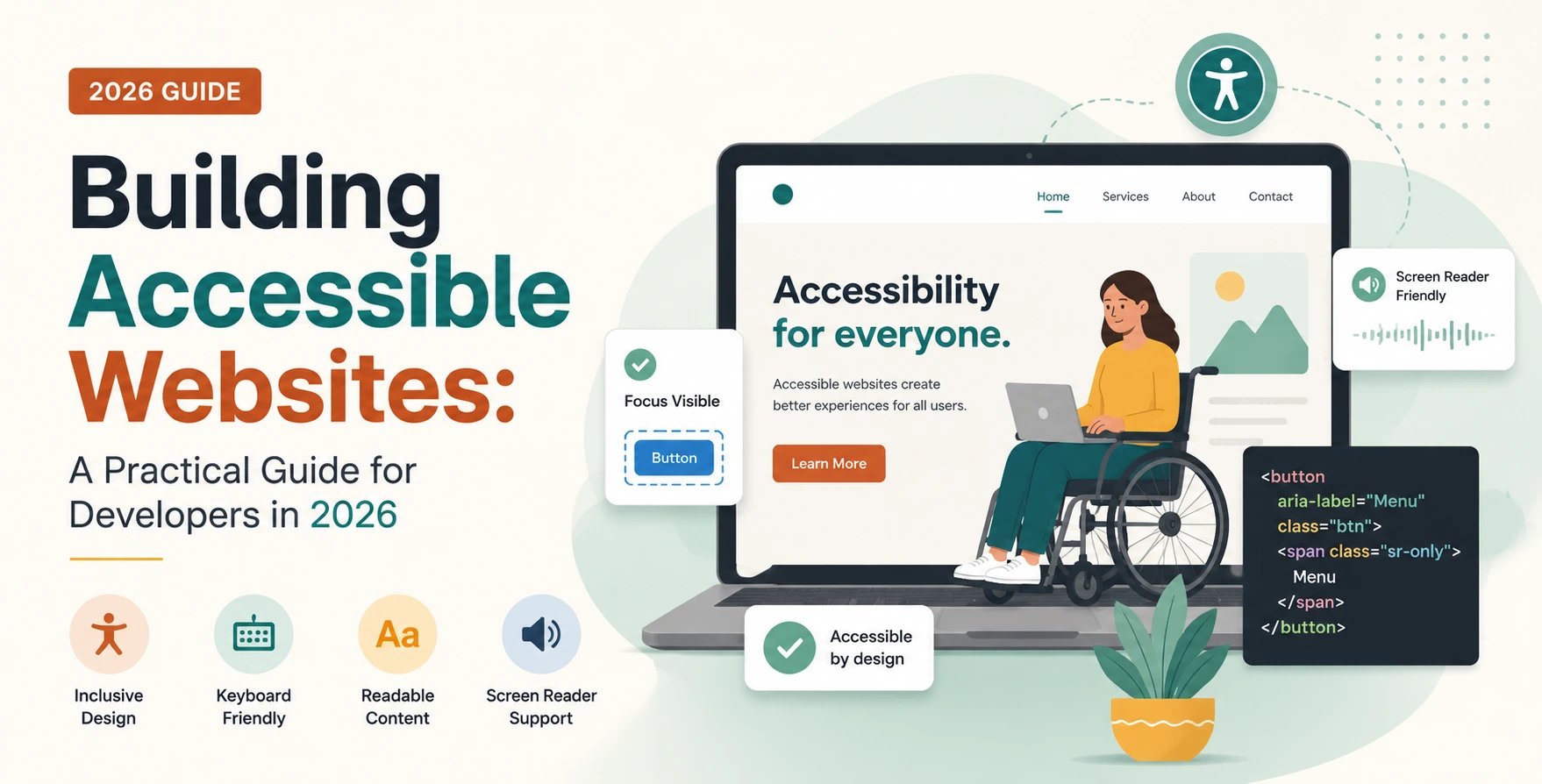
Creating an accessible website is crucial for reaching all users. Website accessibility is about making your site usable by everyone, including those with disabilities.
It involves following specific guidelines to ensure that your website can be navigated and understood by all users.
This includes following the WCAG accessibility guidelines to make your website accessible.
- Reach a broader audience
- Improve user experience
- Enhance search engine optimization
Understanding Accessible Web Design
Accessible web design is the process of creating websites that are usable by everyone. This involves considering the needs of users with disabilities and designing the website accordingly.
Accessible web design is not just about following guidelines, but also about creating a user-friendly experience for all users.
WCAG Accessibility Guidelines
The WCAG accessibility guidelines provide a set of rules for making websites accessible. These guidelines cover various aspects of web design, including color and contrast, navigation, and images.
Following the WCAG guidelines is essential for creating an accessible website.
- Perceivable: Information and user interface components must be presentable to users in ways they can perceive.
- Operable: User interface components and navigation must be operable.
- Understandable: Information and the operation of the user interface must be understandable.
- Robust: Content must be robust enough to be interpreted reliably by a wide variety of user agents, including assistive technologies.
Web Accessibility Best Practices
Following web accessibility best practices is essential for creating an accessible website. This includes designing for disability, using clear and consistent navigation, and providing alternative text for images.
It also involves testing the website for accessibility and fixing any issues that are found.
- Use clear and consistent navigation
- Provide alternative text for images
- Use high contrast colors
- Make sure the website is accessible on mobile devices
- Test the website for accessibility
Designing for Disability
Designing for disability is an essential aspect of accessible web design. This involves considering the needs of users with disabilities and designing the website accordingly.
Color and Contrast in Web Design
Color and contrast are critical aspects of web design. Using high contrast colors can help users with visual impairments to navigate the website more easily.
Navigation and Links
Navigation and links are essential components of a website. Using clear and consistent navigation and providing descriptive text for links can help users to navigate the website more easily.
- Use clear and consistent navigation
- Provide descriptive text for links
Images and Multimedia
Images and multimedia can enhance the user experience, but they can also create barriers for users with disabilities. Providing alternative text for images and captions for multimedia can help to make the content more accessible.
- Provide alternative text for images
- Provide captions for multimedia
- Provide transcripts for audio content
Forms and Input Fields
Forms and input fields can be challenging for users with disabilities to navigate. Using clear and consistent labeling and providing instructions can help users to complete forms more easily.
- Use clear and consistent labeling
- Provide instructions for completing forms
Testing for Accessibility
Testing for accessibility is an essential step in creating an accessible website. This involves using various tools and techniques to identify and fix accessibility issues.
Common Accessibility Mistakes
Common accessibility mistakes can create barriers for users with disabilities. Avoiding these mistakes can help to make the website more accessible.
- Not providing alternative text for images
- Not using high contrast colors
- Not making the website accessible on mobile devices
- Not testing the website for accessibility
- Not providing captions for multimedia
- Not providing transcripts for audio content
Conclusion
Creating an accessible website is essential for reaching all users. By following the WCAG accessibility guidelines and web accessibility best practices, developers can create websites that are usable by everyone.
Remember, accessibility is not just about following guidelines, but also about creating a user-friendly experience for all users.
Start building accessible websites today and make the web a more inclusive place for everyone.


 In collaboration with