Table of Contents
- Introduction
- Understanding Stripe API Versioning
- Why Versioning Matters for Payments
- Preparation Before an Upgrade
- Using Stripe CLI for Testing
- Updating Your Integration Safely
- Handling Breaking Changes
- Testing Strategies for API Upgrades
- Monitoring Your Integration Post-Upgrade
- Common Challenges During Upgrades
- Tools to Simplify the Process
- Maintaining Long-Term Stability
- Final Thoughts
Introduction
Integrating payment systems is a critical aspect of modern software development. Among the various providers, Stripe stands out for its robust and developer-friendly documentation.
However, as features evolve, so does the underlying platform technology. Understanding Stripe API versioning how to upgrade your integration safely is essential for any engineering team.
Understanding Stripe API Versioning
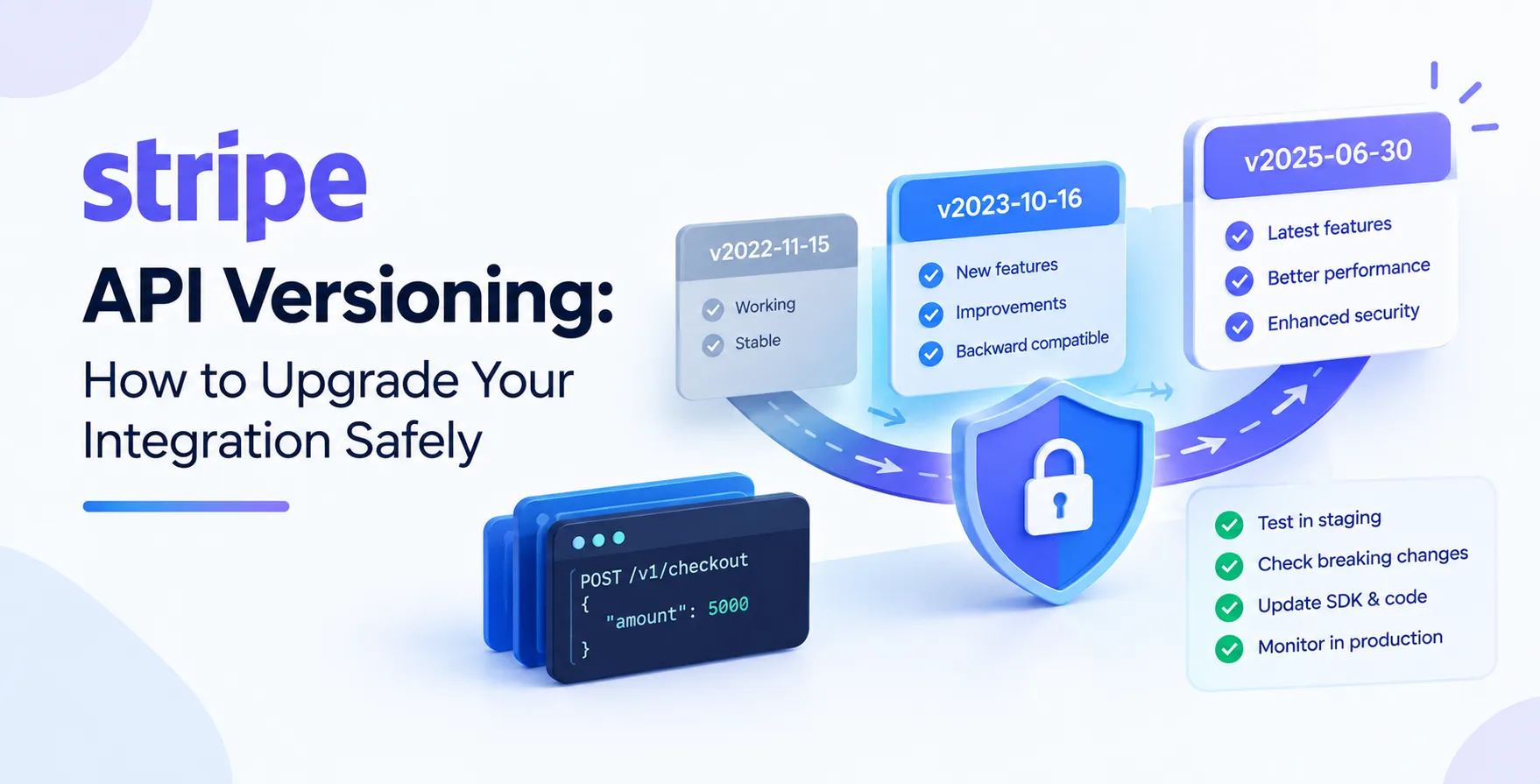
Stripe uses a versioning system based on dates. Each API version represents a snapshot of the API at a specific moment in time.
This design allows Stripe to roll out breaking changes, such as property renames or structure modifications, without disrupting existing live integrations. When you create an account, your API version is locked to the version current at that time.
You are not forced to migrate immediately. You control when you choose to move to a newer version.
- Date-based versioning scheme
- Immutable API snapshots
- Optional upgrade path
- Maintains backward compatibility
Why Versioning Matters for Payments
Payment integrations are high-stakes environments where uptime and reliability are paramount. If an API change breaks your checkout flow, you lose revenue immediately.
Proper version management ensures you have full control over the features your code interacts with. You can take advantage of new capabilities on your own timeline.
It also prevents unexpected behaviors in production environments. By pinning your version, you guarantee the API response structure remains consistent until you decide otherwise.
Preparation Before an Upgrade
Before initiating any change, you must audit your current code. Check if your codebase depends on specific objects that might be deprecated in newer versions.
Review the Stripe changelog carefully. It details exactly what changed in each release, including potential breaking changes that might affect your logic.
Create a dedicated testing environment that mirrors your production setup. Never attempt a production upgrade without verifying your code in a staging environment first.
- Review the migration guide
- Audit existing API usage
- Create a staging environment
- Notify relevant stakeholders
Using Stripe CLI for Testing
The Stripe CLI is an indispensable tool for managing your integration. It allows you to simulate webhook events and test your API calls locally before deploying them.
You can use the CLI to toggle between API versions easily. This capability lets you verify how your current code reacts to different API responses.
It simplifies the process of identifying potential issues before they hit your production servers. Always integrate this into your automated testing workflows.
Updating Your Integration Safely
When you are ready to upgrade, start by updating your Stripe API version in the dashboard. This action is global for your account.
However, you can still test the new version by setting the header in your requests. This allows you to verify the new version while the rest of your application remains on the older one.
Perform a phased rollout if possible. This ensures that any issues are isolated and can be reverted quickly without impacting all users.
| Strategy |
Benefit |
Risk |
| Global Update |
Simplifies management |
High impact if broken |
| Per-Request Override |
Safer testing |
Increased code complexity |
| Staging Mirror |
Full validation |
Maintenance overhead |
Handling Breaking Changes
Breaking changes in Stripe often involve changes to resource structures or error handling. Your code might expect an array where a dictionary is now returned.
Always use strong typing if your language supports it. This helps catch discrepancies between your code and the API contract early.
Update your error handling logic to accommodate new error types. The Stripe documentation provides clear guidance on how to interpret these changes.
- Identify structural changes
- Update your data models
- Refine error handling
- Test edge cases
Testing Strategies for API Upgrades
Automated testing is the backbone of a safe Stripe API version upgrade. You should run your full test suite against both the old and new versions.
Focus heavily on your payment processing flows. Ensure that webhooks are still received and parsed correctly by your server.
Verify that your frontend elements, like Stripe Elements, are compatible with the version you intend to adopt. Mismatched versions can sometimes lead to unexpected UI behavior.
Monitoring Your Integration Post-Upgrade
Once you deploy the new version, keep a close watch on your logs. Look for any increase in error rates or unexpected API response statuses.
Use observability tools to track your API performance and latency. Sudden spikes might indicate that the new version is processing requests differently than expected.
If you spot issues, use your version header rollback strategy to revert immediately. A quick rollback is always better than a prolonged service outage.
Common Challenges During Upgrades
Upgrades often fail due to overlooked dependencies. For instance, an external library might be hardcoded to a specific API version.
Another common issue is improper webhook signature verification. Changes in event structure can cause validation to fail if your code is not updated.
Data migration is rarely needed for Stripe, but your database schema might need updates to handle new fields. Check for any required changes to your local data storage.
- Outdated SDK versions
- Webhook parsing errors
- Hardcoded API headers
- Database schema mismatches
- Incomplete test coverage
Tools to Simplify the Process
Leverage the official Stripe libraries for your language of choice. They are designed to handle versioning gracefully and often include helper methods for migrations.
Consider using API contract testing to ensure your integration conforms to the expected structure. This approach adds a layer of safety that unit tests alone might miss.
If you are managing multiple services, use a central configuration for your Stripe API version. This makes it easier to track and update across your entire infrastructure.
Maintaining Long-Term Stability
Stripe integration best practices dictate that you should keep your integration reasonably current. Staying too many versions behind makes the eventual upgrade much harder.
Establish a regular cadence for reviewing your API version. Even if you do not upgrade immediately, knowing what is on the horizon helps your team prepare.
Document your integration thoroughly. If someone else needs to perform an upgrade in the future, they will need clear documentation of your current setup.
Final Thoughts
Managing the lifecycle of your Stripe integration is a continuous task. By following a structured approach, you can perform a Stripe API version upgrade with confidence.
Prioritize testing, monitor your production logs, and leverage the tools Stripe provides. This keeps your payment infrastructure healthy, secure, and ready for future growth.


 In collaboration with