Table of Contents
- Introduction to Resource Management
- Understanding Kubernetes CPU Requests and Limits
- Why CPU Throttling Occurs
- How to Diagnose Throttling
- The Reality of OOMKills in Kubernetes
- Kubernetes OOMKilled Troubleshooting
- Balancing Performance and Cost
- The Impact of Vertical Scaling
- Monitoring Resource Usage
- Best Practices for Setting Values
- Avoiding Common Configuration Pitfalls
- Automating Resource Optimization
- Infrastructure Stability Patterns
- Conclusion
Introduction to Resource Management
Managing resources in a containerized environment is one of the most significant challenges for DevOps teams. When orchestrating thousands of containers, improper configuration leads to instability, performance degradation, and increased costs.
Getting the balance right requires a deep understanding of how the scheduler allocates resources. Without careful tuning, your infrastructure will struggle under load.
Understanding Kubernetes CPU Requests and Limits
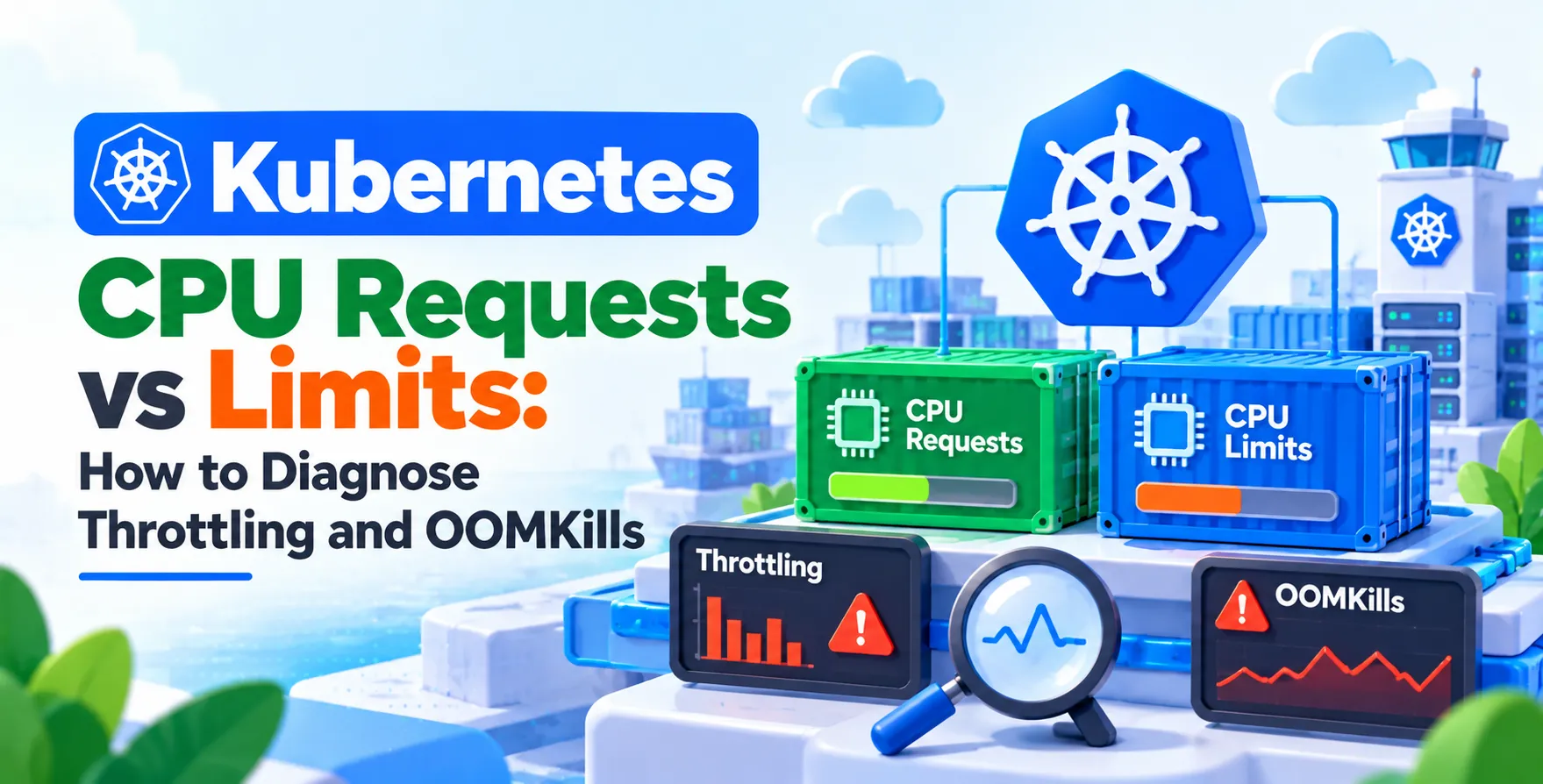
In the Kubernetes ecosystem, resource management relies on the concepts of requests and limits. Requests define the guaranteed amount of resources a container receives, while limits set the maximum ceiling.
Understanding Kubernetes CPU requests and limits is the foundation of cluster stability. When these values are mismatched, you risk either wasting expensive cloud resources or starving your critical applications.
- Requests reserve capacity for the pod
- Limits cap the consumption of resources
- Over-provisioning leads to financial waste
- Under-provisioning causes application performance issues
Why CPU Throttling Occurs
CPU throttling is a common phenomenon in highly loaded clusters. When a container exceeds its defined limit, the kernel enforces the cap by pausing the process for short intervals.
This behavior is often transparent to the application but catastrophic for latency-sensitive services. Even if your application has plenty of idle time, micro-bursts of traffic can trigger this throttling mechanism.
- Exceeding the CFS quota period
- High thread contention within the application
- Misconfigured limit values
- Unpredictable traffic spikes
How to Diagnose Throttling
Identifying the root cause of performance degradation requires precise observability. You should look directly at the metrics exposed by the cgroup controller.
Tools like Prometheus or Grafana are essential for visualizing these trends over time. If you see high rates of throttled periods, it is time to reassess your resource configuration.
- Check the container_cpu_cfs_throttled_periods_total metric
- Compare throttled periods against total runtime
- Analyze application latency logs
- Use tools like kubectl top to inspect current usage
The Reality of OOMKills in Kubernetes
While CPU issues lead to performance drops, memory issues are often fatal. An OOMKill occurs when a process exceeds the allocated memory limit and the kernel terminates it to protect the node.
This creates a cycle of restarts that can degrade availability significantly. Understanding the difference between these resource types is key to a stable Kubernetes OOMKilled troubleshooting strategy.
| Resource |
Behavior When Exceeded |
Impact |
| CPU |
Throttling |
Latency and slow responses |
| Memory |
OOMKill |
Container termination and restart |
| Disk |
Eviction |
Pod rescheduling |
Kubernetes OOMKilled Troubleshooting
When investigating a crash, start by checking the pod status. A status of OOMKilled indicates that the container reached its memory limit.
You should review the application logs for memory leaks or inefficient caching patterns. Sometimes, the fix is as simple as increasing the memory request, but you must ensure your nodes have the physical capacity available.
- Inspect pod status with kubectl describe
- Analyze application heap memory usage
- Review recent deployment changes
- Check for memory leaks in your code
Balancing Performance and Cost
Engineering teams must often navigate the trade-off between performance and expenditure. Efficiently managing your compute footprint is a core part of FinOps for Engineering Teams. Over-provisioning to avoid throttling might seem safe, but it inflates your monthly cloud bill unnecessarily.
The Impact of Vertical Scaling
Vertical scaling involves increasing the resources of an existing pod rather than adding more replicas. This is often managed via a VPA, which automates the process of finding optimal request sizes.
Understanding Kubernetes autoscaling is vital for maintaining performance without manual intervention. By using automated tools, you can ensure that your resource definitions stay aligned with actual production demand.
Monitoring Resource Usage
Effective monitoring involves more than just looking at dashboards. You need to capture the delta between what you requested and what the application actually consumes.
This gap is where optimization happens. By periodically reviewing your resource utilization, you can tighten your limits and improve node density across the entire cluster.
- Track container resource utilization
- Review node-level pressure metrics
- Set alerts for high throttling events
- Maintain historical usage reports
Best Practices for Setting Values
Establishing a standard for resource definitions is crucial for consistency. Avoid guessing your values; instead, rely on historical data gathered from your monitoring stack.
Start with conservative requests and increase them based on observed patterns. Always ensure that your limits are set slightly higher than the average peak usage to accommodate unexpected traffic bursts.
- Baseline your application performance under load
- Use performance testing in staging environments
- Apply consistent resource quotas across namespaces
- Avoid setting limits equal to requests for burstable workloads
Avoiding Common Configuration Pitfalls
One common mistake is setting CPU limits too low, which forces the container into a constant state of throttling. Another is setting memory requests too high, which prevents the scheduler from placing pods on nodes effectively.
These errors lead to either instability or inefficient resource packing. Always keep your configurations documented and part of your automated GitOps infrastructure management workflow to ensure transparency.
Automating Resource Optimization
Manual tuning is rarely sustainable in complex environments. Automating the adjustment of requests and limits allows your infrastructure to adapt to changing traffic patterns autonomously.
Using controllers that monitor and suggest updates can save your engineering team countless hours. This approach ensures your cloud cost management remains under control while keeping application performance high.
Infrastructure Stability Patterns
A stable system is one where resources are predictable. Beyond requests and limits, ensure your application handles signals correctly and that you have a robust deployment process in place.
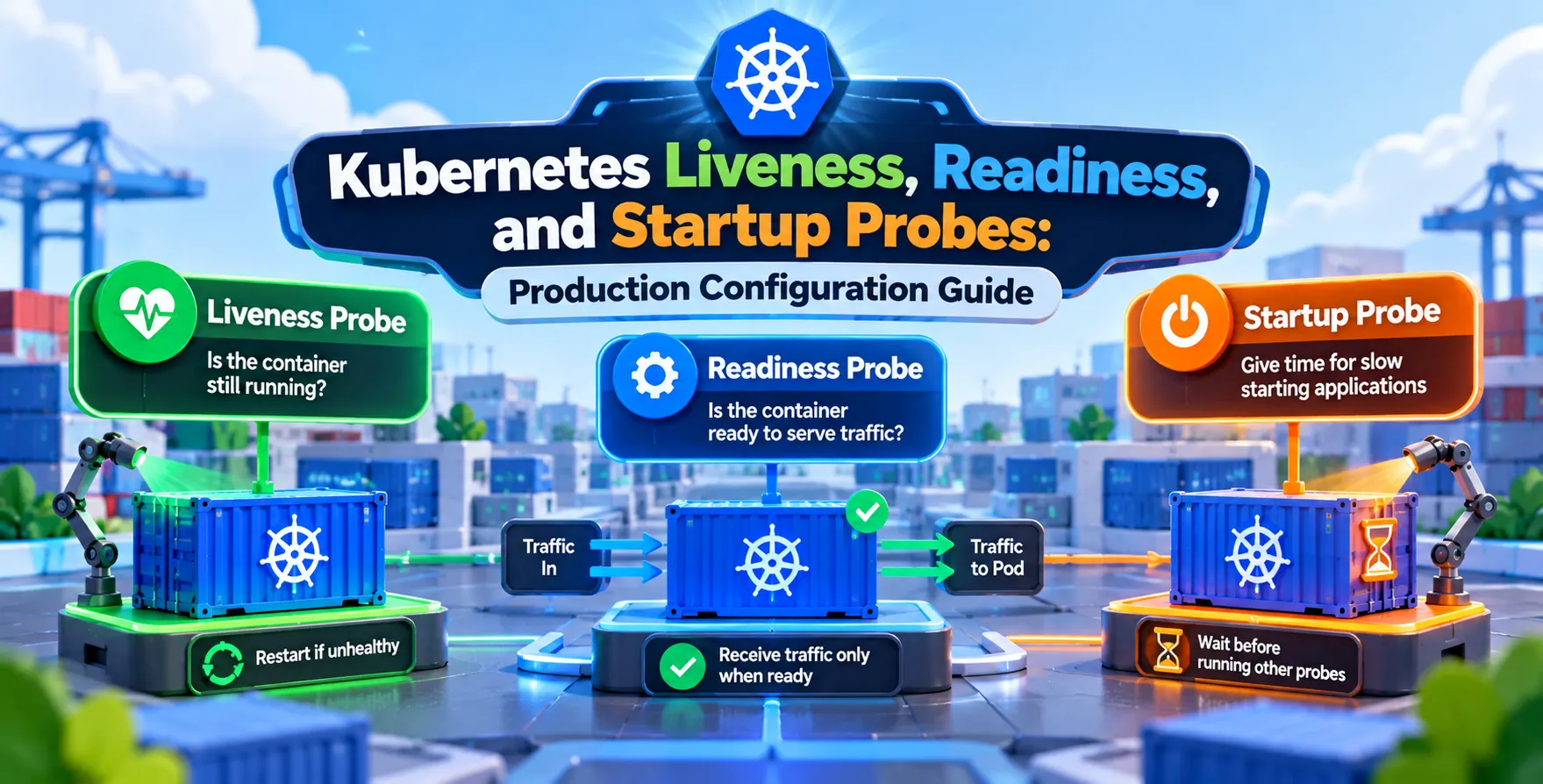
By combining proper resource management with intelligent health checks, you create a resilient architecture. Remember that even the best configuration can fail without a solid foundation of operational best practices.
Conclusion
Managing resources effectively is a journey rather than a one-time setup. Mastering Kubernetes CPU requests vs limits how to diagnose throttling and OOMKills is essential for any modern DevOps engineer.
By combining proactive monitoring, automated scaling, and consistent tuning, you can build a stable and cost-efficient cluster. Keep iterating on your configurations and always let data drive your decisions.


 In collaboration with