Table of Contents
- Introduction
- Understanding the Three Pillars
- What Are Metrics?
- What Are Logs?
- What Are Traces?
- Why the Order Matters
- Step 1: Start with Metrics
- Step 2: Add Logs for Context
- Step 3: Implement Traces
- How OpenTelemetry Simplifies the Process
- Common Pitfalls in Instrumentation
- Balancing Observability and Costs
- Final Thoughts
Introduction
Modern software systems are increasingly complex and difficult to monitor. When a service fails or slows down, engineering teams need immediate visibility to identify the root cause.
Using OpenTelemetry helps teams standardize how they collect telemetry data. However, many developers struggle to decide which signal to implement first when starting their observability journey.
Understanding the Three Pillars
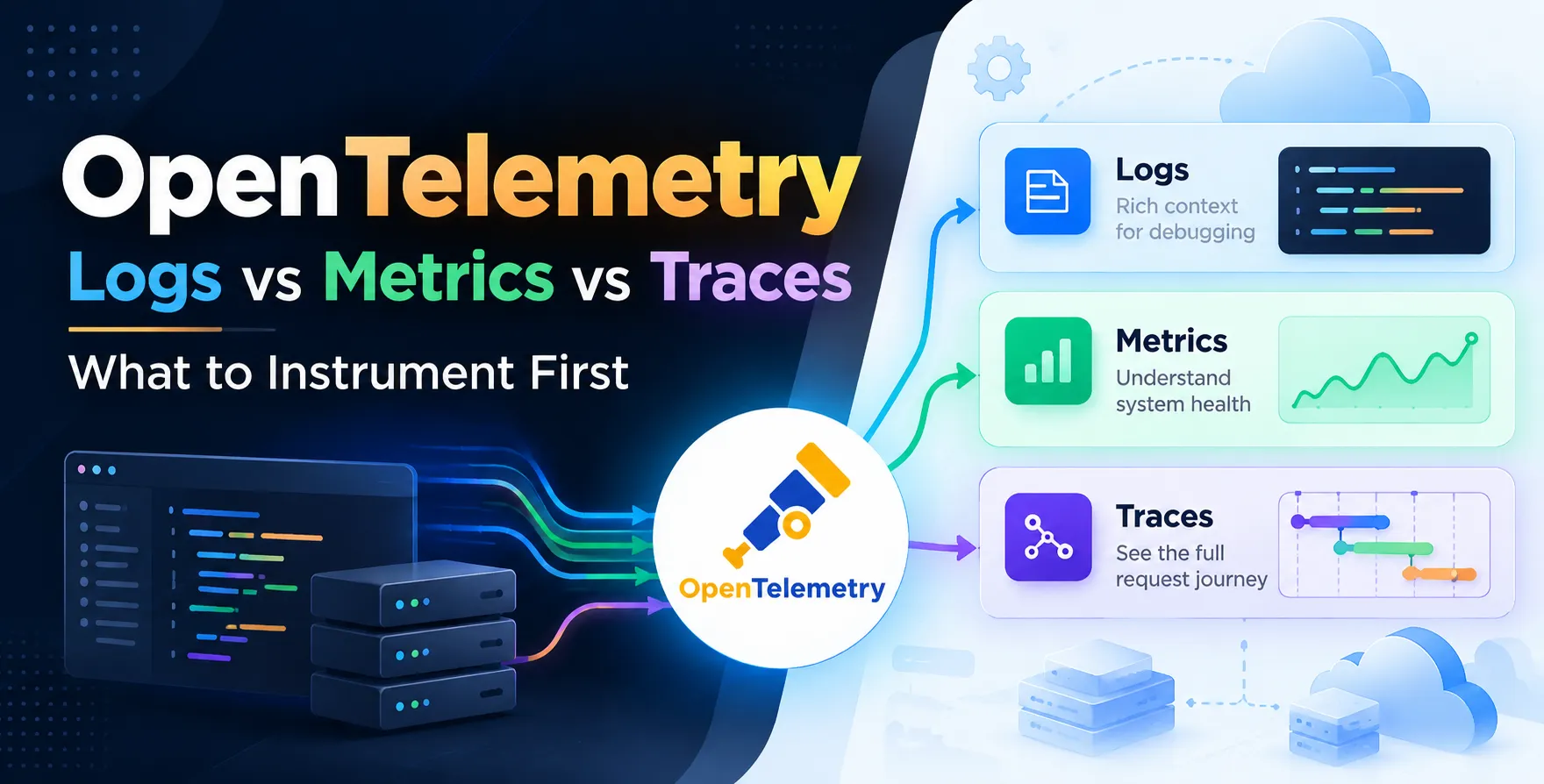
Observability relies on three distinct types of data. These signals work together to provide a complete picture of your application health.
Understanding the specific utility of each signal is the first step toward effective instrumentation. You need to know when to use each for debugging and performance analysis.
- Metrics for quantitative trends
- Logs for granular event details
- Traces for request flow visibility
What Are Metrics?
Metrics represent numeric data measured over time. They are perfect for monitoring system state and identifying overall trends in performance.
Because metrics are lightweight, they are highly efficient to store and query. They give you the high-level "what" regarding your system behavior.
- Request rates
- CPU usage percentages
- Memory consumption levels
- Error rate trends
What Are Logs?
Logs capture discrete events that happen within your application. Each log entry is essentially a timestamped record of a specific occurrence.
They are excellent for deep-dive investigations where specific error messages or state changes are needed. Logs provide the narrative context behind your metrics.
What Are Traces?
Traces provide a path of execution for a single request as it travels through your services. They are the most complex signal to implement but offer the highest value for distributed systems.
A proper distributed tracing setup allows you to identify where latency spikes occur in a microservices architecture. It shows how services interact with each other throughout the request lifecycle.
Why the Order Matters
Instrumentation is a time-consuming process that requires careful planning. If you try to instrument everything at once, you will likely face burnout and performance overhead.
Prioritizing the right signal ensures that you get the most "bang for your buck" early. You want to solve your biggest visibility gaps before tackling the more complex requirements.
| Signal |
Primary Use Case |
Implementation Effort |
| Metrics |
Trend monitoring |
Low |
| Logs |
Event debugging |
Medium |
| Traces |
Request flow |
High |
Step 1: Start with Metrics
Metrics should always be your first priority. They provide immediate feedback on whether your system is up or down.
You can quickly identify critical failures or resource exhaustion using basic dashboards. Metrics act as the alerting layer for your entire infrastructure.
- Detect service downtime
- Monitor throughput changes
- Track latency SLAs
Step 2: Add Logs for Context
Once you have metrics alerting you to problems, you need logs to explain why they happened. Logs allow you to drill down into specific service behavior.
Ensure your logging is structured for easy parsing. This makes it possible to filter by specific identifiers during an incident response.
Step 3: Implement Traces
Traces are the final piece of the puzzle for complex environments. After you have stable metrics and logs, you can focus on mapping your service dependencies.
Building a robust distributed tracing setup requires instrumentation across all service boundaries. While difficult, this step is essential for understanding performance bottlenecks in modern architectures.
How OpenTelemetry Simplifies the Process
OpenTelemetry provides a unified standard for collecting all three signals. You no longer need separate agents for logs, metrics, and traces.
By using a single library, you significantly reduce the operational burden on your team. This consistency allows for better correlation between different data types.
- Unified data collection
- Vendor-neutral architecture
- Standardized instrumentation libraries
- Simplified configuration management
Common Pitfalls in Instrumentation
Many teams fail because they focus on volume over quality. Capturing everything might seem smart, but it often leads to unmanageable costs.
Focus on capturing relevant data that actually helps you debug. Avoid the temptation to log every single function call or trace every minor background job.
Balancing Observability and Costs
Observability data usage can grow rapidly as your traffic increases. You must implement effective strategies to keep costs under control without losing visibility.
Consider sampling your traces or aggregating your metrics at the edge. These techniques allow you to maintain system health checks while managing your cloud storage budget.
- Use tail-based sampling
- Aggressive data retention policies
- Filter unimportant logs
- Monitor ingestion rates
Final Thoughts
Deciding between logs, metrics, and traces is not about picking one over the others. It is about establishing a sequence that builds value systematically.
Start with metrics to ensure uptime, add logs to enable debugging, and finish with traces to solve complex performance issues. This iterative approach ensures your observability strategy stays aligned with your operational needs.


 In collaboration with