Table of Contents
- Introduction to Passwordless Auth
- The Security Landscape for SaaS
- How Passkeys Actually Work
- Benefits of Adopting Passkeys
- The Role of WebAuthn
- Implementation Steps for Developers
- Managing User Migration
- Handling Multi-Device Syncing
- Security Considerations
- Comparing Authentication Methods
- User Experience Impacts
- Challenges in Adoption
- Final Thoughts
Introduction to Passwordless Auth
Authentication is the gateway to your software service, but traditional passwords remain a constant liability. Users struggle with memorization, leading to weak credentials and inevitable security breaches.
By shifting to passwordless authentication, you remove the primary vector for credential-based attacks. This modern approach relies on cryptographic key pairs rather than shared secrets stored on a server.
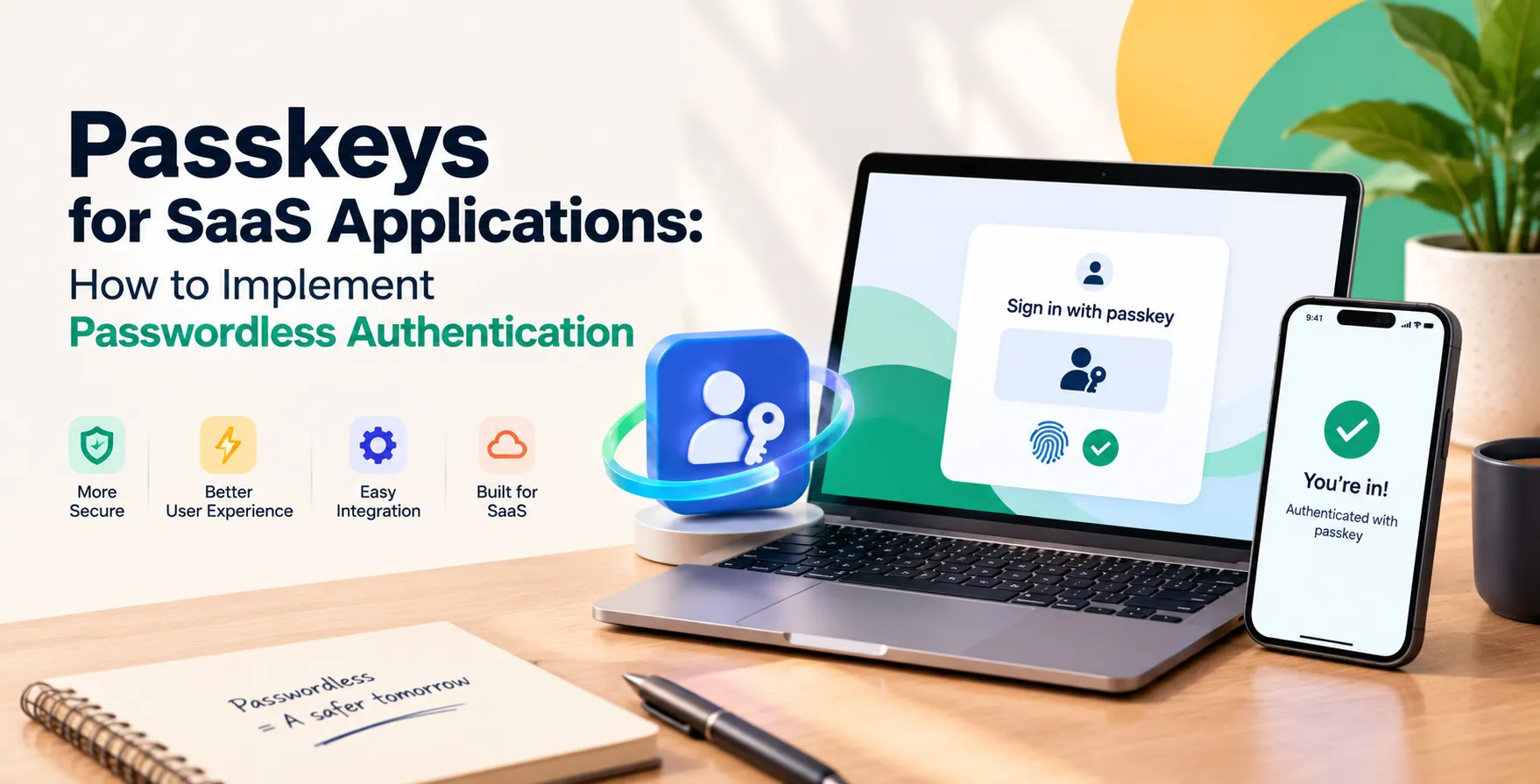
Integrating passkeys for SaaS applications creates a frictionless entry point for your users. It simplifies the login flow while significantly raising the bar for account security across your platform.
The Security Landscape for SaaS
Modern developers must contend with sophisticated phishing attacks that bypass standard multi-factor methods like SMS codes. Password-based systems are inherently vulnerable to credential stuffing and brute-force attempts.
When you build a platform, your security posture defines your market reputation. Adopting robust authentication standards helps meet strict requirements, similar to how firms align with the UK Cyber Essentials requirements for SaaS companies.
Moving away from legacy authentication allows you to implement stronger identity verification patterns. This proactive stance protects your customer data and reduces support costs associated with account recovery.
How Passkeys Actually Work
Passkeys leverage public-key cryptography to authenticate users without sending a password over the network. The user's device stores a private key, while the server keeps only the public key.
When a user attempts to sign in, the server issues a challenge. The user's device signs this challenge with the private key, proving identity without exposing any sensitive secrets.
This mechanism ensures that even if your server database is compromised, the attacker does not gain access to usable credentials. The system effectively eliminates the possibility of server-side password theft.
- Device-bound private keys
- Server-side public keys
- Cryptographic challenge-response cycles
- Biometric verification on the client
Benefits of Adopting Passkeys
Adopting passkey authentication for SaaS offers immediate advantages for both the developer and the end user. You can streamline your onboarding process by removing lengthy registration forms that require password creation.
Users benefit from a faster sign-in experience that feels natural on mobile and desktop platforms. They no longer need to remember complex strings or reset forgotten passwords constantly.
From a business perspective, you see higher conversion rates during sign-ups. Your platform becomes more resilient against common web attacks, providing a competitive edge in enterprise markets.
- Higher conversion rates
- Reduced account recovery costs
- Stronger phishing resistance
- Improved user trust
The Role of WebAuthn
WebAuthn is the underlying standard that makes passwordless experiences possible across modern browsers. It provides the API that enables browsers to communicate with hardware authenticators and platform sensors.
Successful WebAuthn passkeys implementation requires a deep understanding of the navigator.credentials API. You must handle the registration and authentication ceremonies specifically defined by the W3C standard.
By following these open specifications, you ensure interoperability across devices and operating systems. This consistency allows your application to support a wide range of hardware without building custom drivers.
Implementation Steps for Developers
Integrating this technology requires careful planning of your backend logic and frontend interactions. You need to store public keys in your database linked to user IDs.
- Configure the Relying Party ID and origin.
- Create a registration ceremony for new credentials.
- Store the public key and credential ID.
- Implement the authentication ceremony for logins.
- Verify the cryptographic signature on the server.
Start by testing the flow in a staging environment to ensure all edge cases are handled. Proper validation of the challenge signature is critical to prevent replay attacks during the authentication process.
Managing User Migration
You cannot switch your entire user base to passwordless overnight. A gradual migration strategy is necessary to maintain service availability and user comfort.
Start by offering passkeys as an optional second factor or an alternative sign-in method for existing users. Provide clear educational prompts that explain the benefits of switching to the new system.
Monitor your adoption metrics to identify common points of friction in the user journey. Adjust your UI elements to make the transition as intuitive as possible for non-technical users.
- Hybrid authentication support
- Step-by-step user education
- Monitoring adoption rates
Handling Multi-Device Syncing
Modern operating systems now support synchronized passkeys, allowing users to access their credentials across multiple devices. This convenience is essential for users who switch between phones, tablets, and laptops.
Your application must be prepared to handle these synced credentials gracefully. The WebAuthn API handles most of the heavy lifting here by managing the cross-device trust relationship.
Ensure your interface clearly informs users about the status of their synchronized credentials. This transparency helps manage expectations and reduces confusion during multi-device login attempts.
Security Considerations
While passkeys are secure, you must still follow general security best practices. Protect your endpoints against common vulnerabilities and ensure your server-side validation is robust.
Consider how passkeys fit into your overall Zero Trust security for SaaS applications strategy. Authentication is only one piece of the puzzle; you must also enforce granular access controls once the user is authenticated.
Regularly audit your authentication logs for suspicious activity. Even with passwordless systems, you should maintain visibility into login patterns to detect anomalous behavior.
Comparing Authentication Methods
| Method |
Security Level |
User Effort |
| Password |
Low |
High |
| SMS OTP |
Medium |
Medium |
| Passkeys |
Very High |
Low |
| Email Magic Link |
Medium |
Low |
User Experience Impacts
The UX shift is significant because it removes the mental burden of password management. Users appreciate the speed and reliability of biometric authentication compared to manual typing.
Design your UI to prioritize passkeys as the primary login method. Keep legacy options available but tucked away to avoid overwhelming new users with too many choices.
Clear error messaging is essential if a device authentication fails. Ensure the user can easily switch to a fallback method if they encounter hardware-related issues during the sign-in flow.
Challenges in Adoption
The primary challenge remains user education and hardware support. While most modern devices are compatible, some users may still rely on older systems that do not support WebAuthn.
You must maintain backward compatibility for these edge cases without compromising the security of your platform. This creates a dual-path development requirement for your authentication services.
Internal team training is also necessary to support these new workflows. Your support staff must understand how to troubleshoot passkey-related issues effectively.
- Legacy hardware limitations
- Customer education efforts
- Support team training
- Managing fallback scenarios
- Browser compatibility variations
Final Thoughts
Transitioning to a passwordless model is a major step toward modernizing your SaaS infrastructure. While the implementation involves complex cryptographic concepts, the result is a safer and more convenient experience for your customers.
Start by auditing your current authentication flow to identify where you can introduce passkeys today. As you move toward a more secure future, ensure your team stays updated on the latest standards and best practices.
The era of password fatigue is coming to an end. By embracing these modern authentication patterns, you position your software product for long-term success and improved user loyalty.


 In collaboration with