Table of Contents
- Introduction to Gateway API
- Understanding Non-HTTP Traffic
- What is Kubernetes Gateway API v1.6
- Role of TCPRoute in Kubernetes
- Role of UDPRoute in Kubernetes
- Prerequisites for Configuration
- Configuring a Basic TCPRoute
- Configuring a Basic UDPRoute
- Traffic Management Patterns
- Gateway API vs Ingress Alternatives
- Security Considerations for L4 Traffic
- Best Practices for Deployment
- Monitoring and Observability
- Conclusion
Introduction to Gateway API
Modern cloud-native networking requires more than just basic HTTP load balancing. As your architecture grows, you often need to handle raw TCP or UDP traffic for databases, caches, or custom protocols. The evolution of the standard networking interface has made this much easier for platform engineers.
The current standard, known as the Gateway API, provides a unified way to manage this traffic. It moves beyond the limitations of older methods, offering a more expressive and extensible framework for cluster administrators. Understanding how to utilize these resources is essential for modern cluster management.
Understanding Non-HTTP Traffic
Many legacy applications and specialized services rely on Layer 4 protocols rather than HTTP. While HTTP is common for web services, databases like PostgreSQL or message brokers often require persistent TCP connections. UDP is equally critical for real-time services like streaming or gaming.
Managing this traffic traditionally involved complex configurations or specific proprietary controllers. Now, developers can standardize their approach using the native API resources. This consistency significantly reduces operational overhead during complex cloud deployment cycles.
What is Kubernetes Gateway API v1.6
Kubernetes Gateway API v1.6 represents a significant milestone in the maturity of cluster networking. It introduces more granular control over traffic routing, allowing teams to define sophisticated rules for both L4 and L7 traffic. This version focuses on stability and broader cross-vendor compatibility.
By using this API, you move away from fragmented custom resource definitions. It provides a standardized contract that ensures your networking logic remains portable across different infrastructure providers. This standardization is a key benefit for teams focusing on long-term maintainability.
- Unified interface for multiple protocols
- Improved support for cross-namespace routing
- Standardized L4 traffic handling
- Extensible design for future growth
Role of TCPRoute in Kubernetes
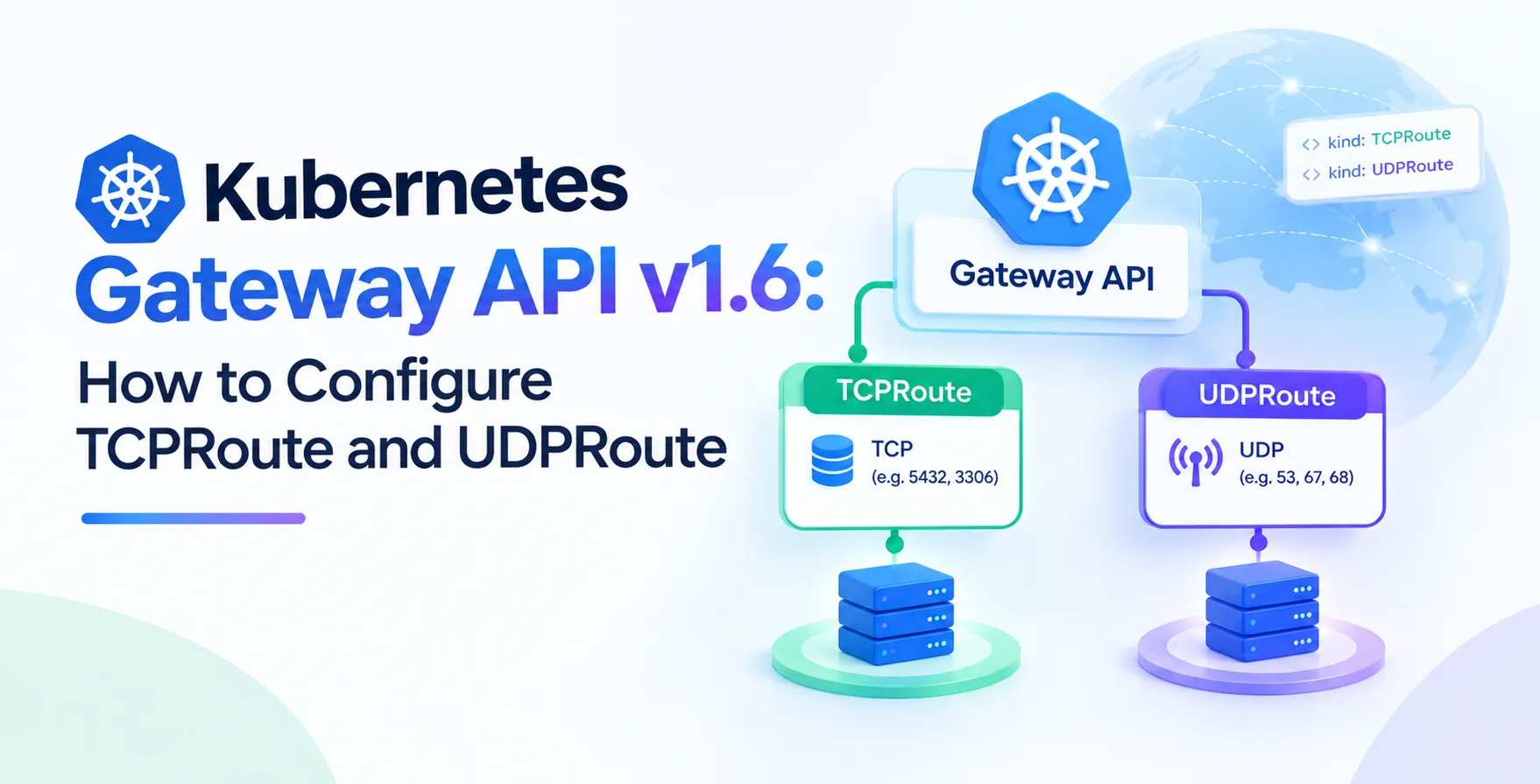
A Kubernetes TCPRoute resource is designed specifically to handle Layer 4 TCP traffic. Unlike HTTPRoute, which inspects headers and paths, a TCPRoute focuses on port-level routing. It acts as a bridge between an external listener on your gateway and your backend services.
Using this resource, you can easily expose non-HTTP services to the outside world. It ensures that traffic reaches the correct pod without the need for manual iptables or complex service mesh configurations. This makes managing persistent connections much simpler for your DevOps teams.
Role of UDPRoute in Kubernetes
The Kubernetes UDPRoute resource provides the same functional benefits as its TCP counterpart but for connectionless protocols. UDP is frequently used for high-performance telemetry, DNS services, or voice-over-IP applications. Configuring these routes allows for efficient delivery of datagrams to specific backend endpoints.
The API handles the unique challenges of UDP, such as keeping flows consistent. By leveraging this resource, you can maintain high performance for latency-sensitive applications. It is a powerful tool for any infrastructure that requires low-overhead networking.
Prerequisites for Configuration
Before you begin, ensure your cluster environment is ready for these resources. You must have a compatible implementation of the Gateway API installed, such as Istio, Cilium, or Contour. These controllers are responsible for translating your API definitions into actual network rules.
Verify that your CRDs are up to date. Using an outdated version can lead to reconciliation errors or unexpected behavior during traffic routing. Always check your controller's documentation for specific compatibility requirements with this API version.
- Running a supported Gateway API controller
- Updated CRDs installed in the cluster
- Basic knowledge of Kubernetes services
- Access to cluster administration tools
Configuring a Basic TCPRoute
To define a TCPRoute, you must reference a valid Gateway resource. This gateway acts as the entry point for your traffic. You then specify the backend service that should receive the packets, along with the port numbers involved.
The resource definition needs to clearly map the listener port to the target service. Below is a conceptual example of how these fields are structured. Once applied, the controller picks up the configuration and programs the underlying load balancer or proxy.
Mapping Ports to Services
The route configuration requires a direct mapping between the external port and your internal service port. This ensures that incoming traffic is routed to the correct destination pod.
- Define the parent reference to your gateway
- Specify the port for the listener
- Point the backend to a target service
- Set the weight for traffic distribution
This structure allows you to modify backend targets without updating the core gateway configuration. It keeps your networking definitions clean and modular.
Configuring a Basic UDPRoute
Configuring a UDPRoute follows a similar pattern to TCP but with specific focus on datagram handling. You define the listener on the gateway and link it to your service. Since UDP is connectionless, there is no handshake to maintain, making the configuration straightforward.
Ensure your backend services are configured to accept UDP traffic on the specified ports. If your application expects a specific protocol behavior, verify that your network policy also permits this traffic. Misaligned policies are a common cause of connectivity issues.
Traffic Management Patterns
Advanced traffic management allows you to shift traffic based on specific business requirements. You can perform canary deployments or blue-green switches by adjusting the weights in your route definitions. This control is vital for zero downtime deployment strategies.
By combining these routes with proper monitoring, you can detect issues early. If a new version of a service exhibits high error rates, you can quickly revert the weight to the previous version. This capability significantly improves the resilience of your production environment.
| Feature |
TCPRoute |
UDPRoute |
| Protocol Type |
Connection-oriented |
Connectionless |
| Use Case |
Databases, API backends |
Streaming, DNS, Gaming |
| Statefulness |
Maintains state |
Stateless datagrams |
| Retries |
Handled by protocol |
Application-level logic |
Gateway API vs Ingress Alternatives
When comparing the Kubernetes Gateway API vs Ingress which should you use, consider the protocol requirements. Ingress is primarily limited to HTTP/HTTPS traffic and often lacks the flexibility needed for L4 protocols. The Gateway API provides a unified, extensible model that covers these gaps effectively.
If you need to manage complex environments, the Gateway API is the superior choice. It offers better support for multi-team environments and complex traffic routing requirements. Moving to this standard ensures your architecture remains scalable as your needs evolve.
Security Considerations for L4 Traffic
Securing L4 traffic requires a layered approach. Since these routes bypass standard HTTP filters, you cannot rely on traditional web application firewalls for inspection. Instead, use network policies to restrict which pods can communicate with your gateway.
Always follow the principle of least privilege. Only expose the necessary ports to the public internet. If possible, terminate external connections at an edge proxy and use encrypted tunnels for internal traffic. These precautions keep your backend services isolated and secure.
Best Practices for Deployment
Consistency is key when managing network resources. Use git-based workflows to track changes to your route definitions. This allows you to audit who made changes and when, providing a clear history of your networking configuration.
Test your configurations in a staging environment before pushing to production. Verify that your service endpoints are healthy and that the gateway controller is successfully reconciling the routes. Small errors in port definitions can result in significant connectivity outages.
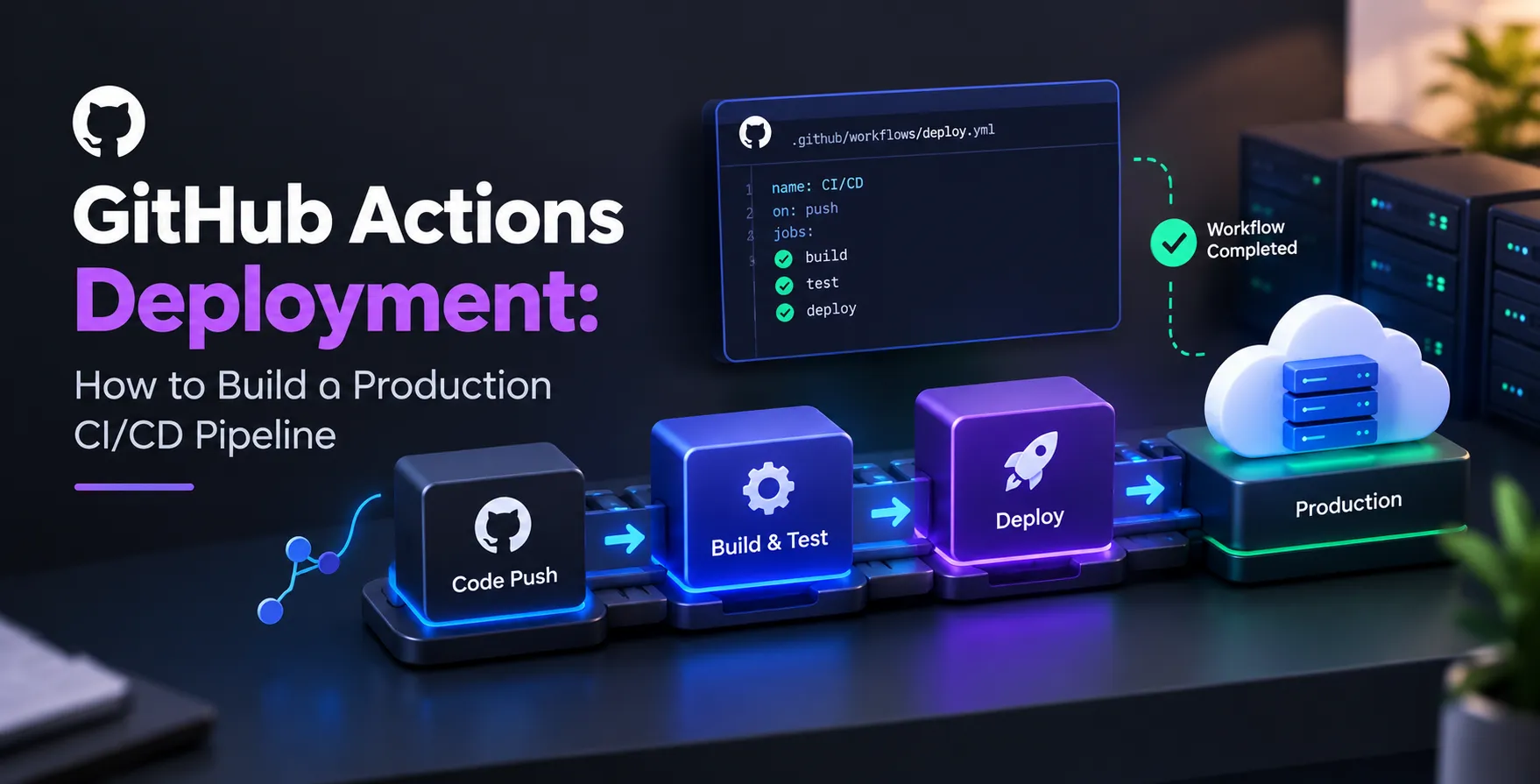
- Automate route deployment via CI/CD
- Implement strict network policies
- Use descriptive naming conventions
- Validate configs before applying
- Regularly audit route definitions
Monitoring and Observability
Observability is critical when dealing with raw TCP or UDP streams. Since you lose the context of HTTP logs, you must rely on metrics from your proxy or service mesh. Track connection counts, error rates, and latency for your L4 routes.
By setting up dashboards, you can visualize the flow of traffic through your cluster. This visibility helps in troubleshooting performance bottlenecks and identifying misconfigured routes. Reliable data is the foundation of a stable and performant network architecture.
Conclusion
Mastering the configuration of TCP and UDP routes opens up new possibilities for your Kubernetes infrastructure. By using the Gateway API, you gain a standard, powerful toolset to manage traffic that goes beyond the capabilities of standard web servers. Implementing these patterns correctly will lead to more robust and scalable services.
As you continue to refine your architecture, remember to prioritize security and observability. Standardizing your networking approach with these modern APIs is a major step forward. Your infrastructure will be better prepared to handle diverse workloads while maintaining high levels of performance and reliability.


 In collaboration with