Table of Contents
- Introduction
- Organizing Your Terraform State
- Modular Design Principles
- Version Control and Collaboration
- Managing Terraform Variables
- Security and Compliance
- Environment Management Strategies
- State Management and Locking
- Terraform and CI/CD Integration
- Testing Your Infrastructure
- Documentation Standards
- Cost Management and Resource Tagging
- Infrastructure as Code Best Practices with Terraform Overview
- Conclusion
Introduction
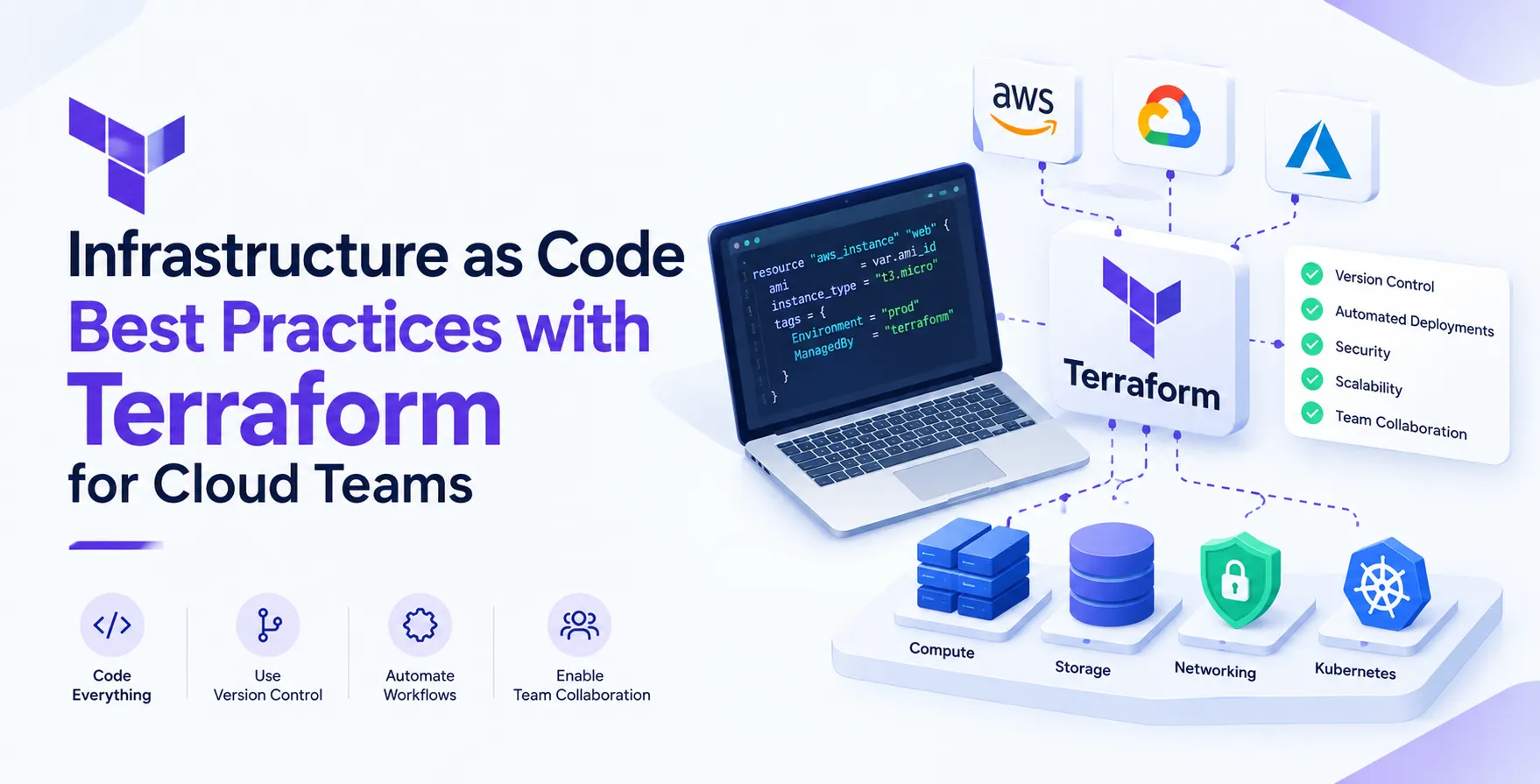
Modern cloud engineering requires more than just provisioning resources. Teams must ensure that their infrastructure is reproducible, scalable, and secure, which is why infrastructure as code has become the industry standard for managing cloud environments.
By leveraging Terraform, teams can define complex architectures in a declarative way. This approach reduces manual intervention and minimizes the risk of human error during deployments.
Organizing Your Terraform State
The state file is the heart of any Terraform configuration. Keeping it clean and isolated is critical for performance and security.
Avoid keeping all your resources in a single monolithic file. Instead, split your infrastructure into logical components based on lifecycle or environment.
- Use separate state files for distinct environments
- Isolate core networking from application layers
- Keep state files in remote, encrypted backends
- Implement state locking to prevent concurrent modification
- Maintain granular control over resource dependencies
Backend Configuration
Always store your state files in a secure, remote backend like S3 with DynamoDB for locking. This ensures that team members are always working against the same source of truth.
- Enable versioning on your storage bucket
- Restrict access using IAM policies
Without these controls, you risk corrupting your state or exposing sensitive metadata to unauthorized users.
Modular Design Principles
Modularity is the cornerstone of Terraform best practices. By abstracting resource definitions into reusable modules, you reduce duplication and simplify maintenance.
Think of modules as functions in software engineering. They take inputs, perform a task, and provide outputs for other modules to consume.
- Create a library of internal, versioned modules
- Keep modules focused on a single responsibility
- Use outputs to pass data between modules
- Standardize module directory structures
- Publish modules to a private registry
Version Control and Collaboration
Infrastructure code deserves the same rigor as application source code. All Terraform configurations must live in a version control system like Git.
This allows teams to track changes, review pull requests, and roll back infrastructure if something goes wrong. Treating infrastructure as code means your Git repository becomes the single source of truth for your entire production environment.
- Require code reviews for all infrastructure changes
- Use feature branches for testing new configurations
- Automate linting and formatting in the pipeline
- Maintain a clear history of infrastructure evolution
- Manage secrets outside of your version control system
Managing Terraform Variables
Hardcoding values inside your configuration files is a recipe for disaster. Use variable files to keep your code environment-agnostic and clean.
This approach allows you to reuse the same module for staging, development, and production. You simply swap the variable files to adjust resource counts or instance sizes.
- Use variables for all environment-specific settings
- Implement default values for optional configurations
- Use environment variables for sensitive inputs
- Validate inputs using type constraints
- Keep variable declarations clear and documented
Security and Compliance
Security should never be an afterthought in your deployment lifecycle. Integrate security scanning early to catch misconfigurations before they reach the cloud provider.
Many tools now allow you to scan your plans for common policy violations. This proactive stance is essential for maintaining a secure and compliant cloud footprint.
- Scan plans for open security groups
- Enforce encryption on storage volumes
- Audit access controls regularly
- Automate policy checks in the pipeline
- Use least-privilege principles for provider credentials
Environment Management Strategies
Managing multiple environments often creates a maintenance burden for growing teams. Consistency across dev, staging, and production is the goal.
Avoid copying and pasting code between folders. Instead, use a single module source and pass different configurations for each environment.
| Strategy |
Complexity |
Scalability |
| Workspaces |
Low |
Low |
| Directory Per Env |
Medium |
High |
| Terragrunt |
High |
High |
State Management and Locking
State locking prevents multiple engineers from running plans simultaneously. If two people update the same resource at once, you will inevitably face state conflicts.
Always use a remote backend that supports atomic locking. This is a non-negotiable requirement for any professional team working with Terraform.
- Verify backend locking before deployment
- Automate state backups to prevent data loss
- Restrict write access to production states
Terraform and CI/CD Integration
Your CI/CD pipeline should handle the execution of Terraform plans and applies. This removes the need for local machine execution and ensures a consistent environment.
By automating your deployment services, you create an audit trail of every change. This integration is vital for maintaining a reliable cloud deployment process.
- Run plans automatically on pull requests
- Require manual approval for production applies
- Use ephemeral runners for secure execution
- Keep logs for every infrastructure change
- Automate the entire deployment cycle
Testing Your Infrastructure
Testing infrastructure is often overlooked but extremely valuable. Unit testing your modules ensures that your logic behaves as expected before you provision real resources.
You can use specialized testing frameworks to spin up temporary environments, verify resource existence, and tear them down immediately. This level of confidence is necessary for complex architectures.
- Validate plan outputs against expectations
- Test module functionality in isolation
- Verify resource tags and networking rules
- Tear down resources after testing completes
- Use mock providers for faster feedback
Documentation Standards
Well-documented code is essential for team onboarding and long-term maintenance. Every module should include a standard README file explaining its purpose and inputs.
Clear comments within the HCL files also help developers understand complex logic. If you cannot explain why a resource is configured a certain way, it becomes technical debt.
- Include descriptions for every input variable
- Document the expected output values
- Maintain a changelog for module updates
- Use automated documentation generators
- Keep README files up to date
Cost Management and Resource Tagging
Cloud costs can spiral quickly if infrastructure is left unmanaged. Implementing a strict tagging policy allows you to track spending by department, project, or environment.
Use Terraform to enforce these tags on every resource created. This makes the work of engineering cloud cost optimization much easier during monthly reviews.
- Require tags for all resource types
- Use data sources to pull cost-related info
- Audit unused resources periodically
- Set budgets for development environments
- Monitor cost trends through tags
Infrastructure as Code Best Practices with Terraform Overview
Adopting these practices takes time and effort. Start by cleaning up your state management and moving to a modular structure.
Once you have a foundation, focus on automating your testing and deployment pipelines. Your team will benefit from the increased speed, reliability, and security that these changes bring.
Conclusion
Mastering these infrastructure as code best practices with Terraform will transform how your team operates. By treating infrastructure like software, you gain control over the complexity of modern cloud environments.
Focus on modularity, state management, and automated testing to build a scalable foundation. Consistency and security are the keys to long-term success in the cloud.


 In collaboration with