Table of Contents
- Introduction
- Understanding CI/CD Workflows
- Setting Up Your Repository Environment
- Designing the Pipeline Structure
- Managing Secrets and Security
- Handling Build Artifacts
- Testing Strategies in CI/CD
- Environment-Specific Deployments
- Monitoring and Observability
- Scaling Your Workflow
- Infrastructure Considerations
- Common Pipeline Pitfalls
- Conclusion
Introduction
Modern software teams require rapid iteration cycles to stay competitive in today's market. A manual approach to shipping code is no longer sustainable for growing engineering organizations.
Implementing an automated deployment pipeline is the industry standard for ensuring consistency and speed. GitHub Actions offers a powerful, integrated solution that lives right alongside your source code.
Understanding CI/CD Workflows
Continuous Integration (CI) and Continuous Deployment (CD) are the backbone of modern DevOps. CI focuses on merging code changes into the main branch frequently, followed by automated builds and tests.
CD extends this by ensuring your code is always in a releasable state. Using GitHub Actions allows you to define these complex workflows in simple YAML files that reside in your repository.
- Faster feedback loops for developers
- Consistent environment configurations
- Reduced human error during releases
- Seamless integration with GitHub repositories
Setting Up Your Repository Environment
Before writing workflows, you must prepare your repository for automation. Proper branch protection rules ensure that only verified code reaches your production environment.
You should also configure environment variables at the repository or organization level. This keeps sensitive configurations out of your codebase while remaining accessible to your workflows.
Designing the Pipeline Structure
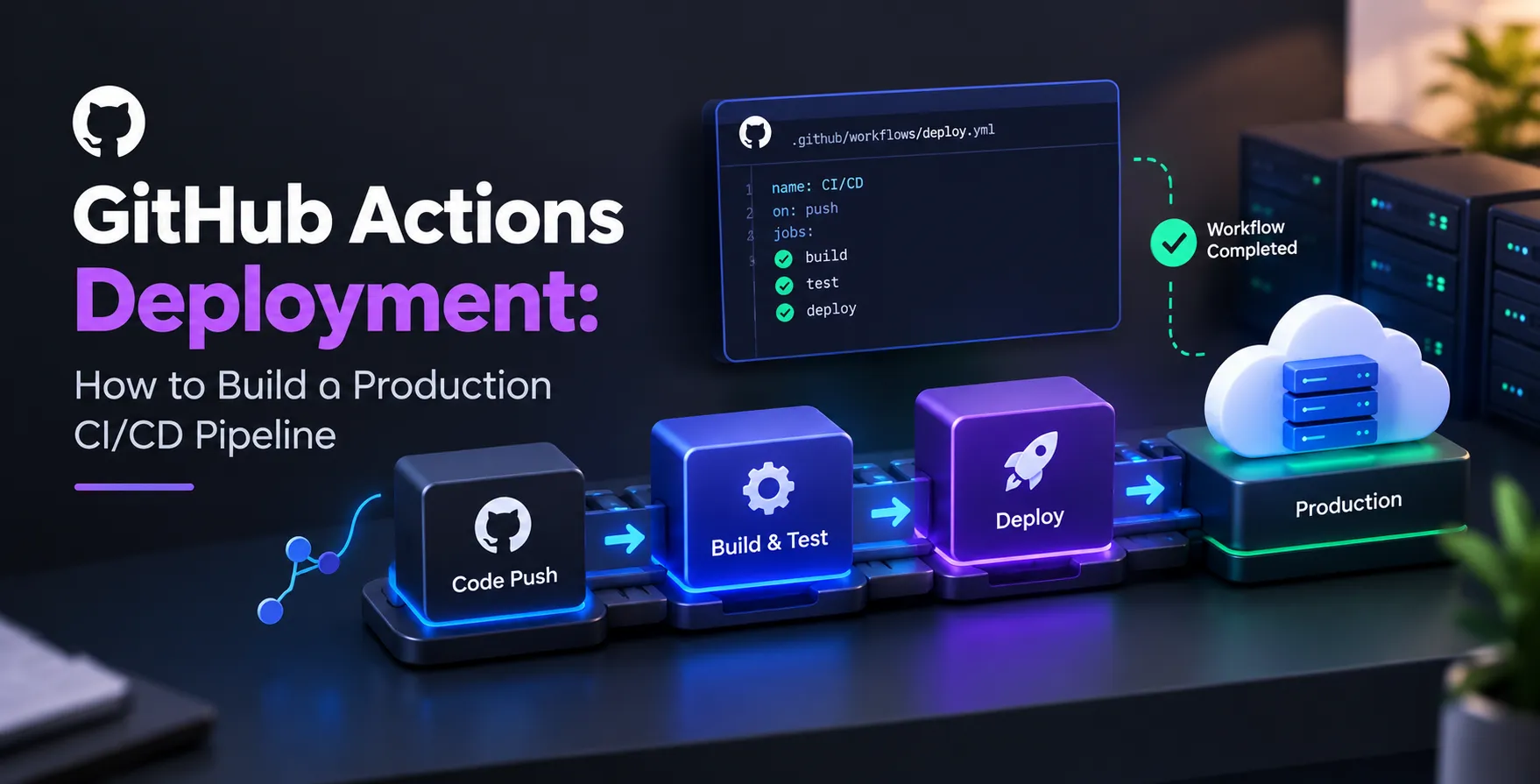
A production-ready pipeline requires a logical flow of stages. You should start with linting and unit testing, followed by integration tests and finally the deployment phase.
GitHub Actions uses runners to execute these jobs. You can choose between GitHub-hosted runners for convenience or self-hosted runners if you have specific hardware or network requirements.
- Static code analysis
- Dependency vulnerability scanning
- Build container images
- Push artifacts to registry
- Deploy to target environment
Managing Secrets and Security
Security is non-negotiable when dealing with production systems. Never hardcode credentials, API keys, or tokens in your workflow files.
GitHub provides a secure Secrets store for each repository and environment. You can reference these secrets in your YAML configuration without exposing the actual values in your logs.
Credential Rotation
Regularly rotating your service account keys minimizes the risk of unauthorized access. Automation should handle these updates seamlessly without requiring manual intervention.
- Use short-lived tokens
- Implement least privilege access
- Monitor secret usage logs
Always verify that your deployment service accounts have only the permissions necessary for their specific tasks.
Handling Build Artifacts
Build artifacts are the tangible outputs of your CI process, such as compiled binaries or container images. Properly caching these artifacts significantly speeds up subsequent runs.
GitHub Actions provides native caching capabilities to store dependencies. This reduces redundant network traffic and minimizes build times for large applications.
Testing Strategies in CI/CD
Testing is the gatekeeper of your production environment. A robust pipeline must incorporate various types of automated checks before any code is promoted.
Integrating specific API testing in CI/CD pipeline workflows ensures that external interfaces remain contractually sound. This prevents breaking changes from reaching your users unexpectedly.
- Unit tests for logic verification
- Integration tests for service communication
- End-to-end tests for user flows
- Performance testing benchmarks
High-quality software testing & qa services ensure that your automated checks actually catch bugs before they reach customers. Relying on superficial tests is often worse than having no tests at all.
Environment-Specific Deployments
Production environments should be isolated from staging or development environments. GitHub Environments allow you to define rules and protection policies for each stage of your delivery process.
You can require manual approval from specific team members before a deployment proceeds to production. This adds a human check for critical releases without slowing down the initial development cycle.
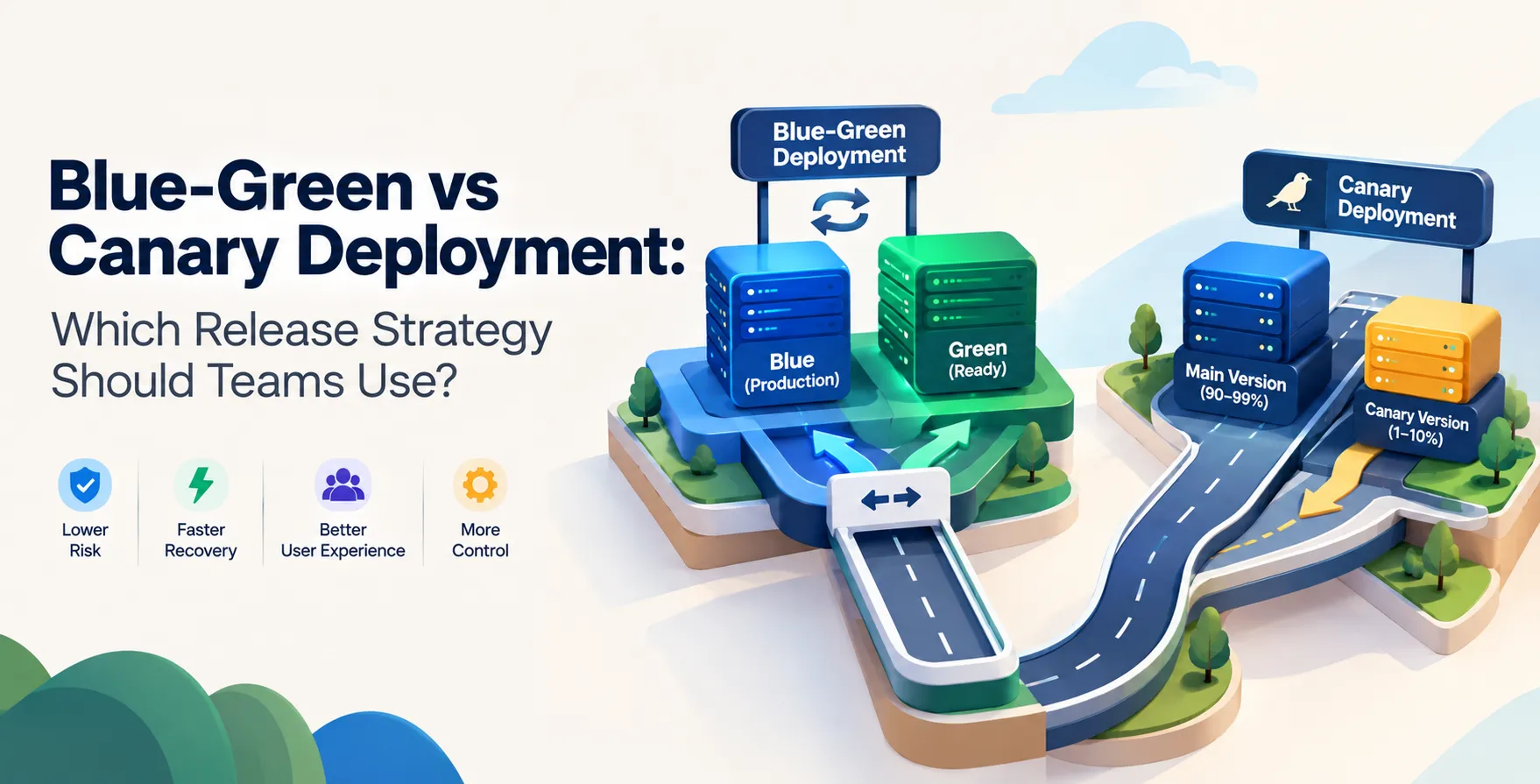
| Deployment Strategy |
Primary Use Case |
Risk Profile |
| Rolling Update |
General availability |
Low |
| Blue-Green |
Zero downtime |
Very Low |
| Canary |
Risk mitigation |
Minimal |
| Recreate |
Development environments |
High |
Monitoring and Observability
Once your deployment is live, the work is not finished. You need deep visibility into how your application performs under real-world conditions.
Implementing production AI monitoring or standard application observability allows you to catch regressions immediately. If error rates spike, you should have automated rollback procedures ready to trigger.
Scaling Your Workflow
As your team grows, you will need to manage multiple workflows efficiently. Reusable workflows allow you to centralize common logic across different services.
This reduces maintenance overhead and ensures that security standards are applied consistently across the entire organization. It is a fundamental aspect of scaling your engineering operations.
Infrastructure Considerations
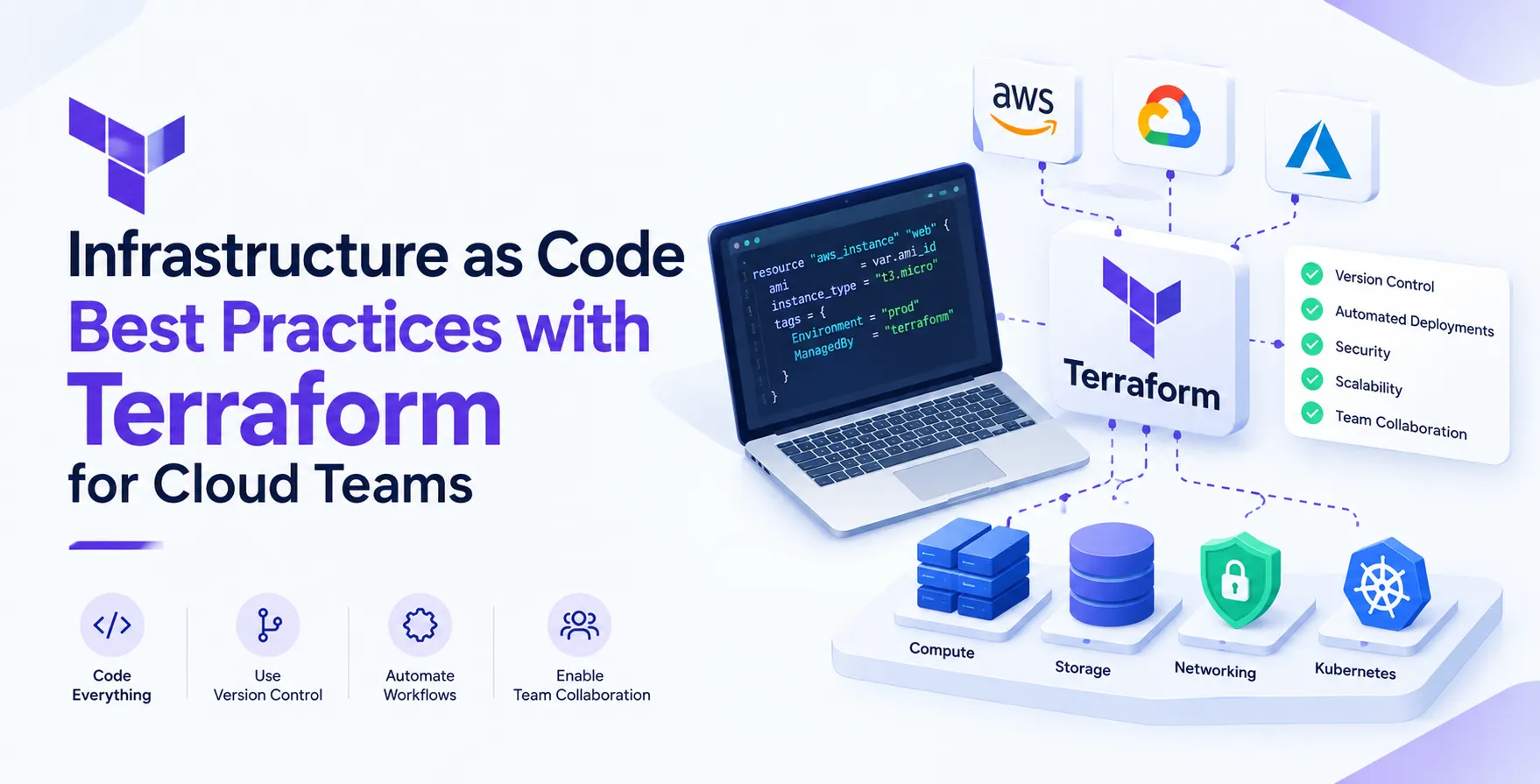
Your deployment process often interacts with cloud resources. Using infrastructure as code best practices with Terraform allows you to treat your environment setup with the same rigor as your application code.
Integrating your infrastructure updates into the same pipeline ensures that your application and its underlying resources are always in sync. This alignment is critical for avoiding configuration drift in complex cloud setups.
Common Pipeline Pitfalls
Teams often encounter challenges when scaling their automation. Recognizing these issues early saves countless hours of debugging.
- Overly complex YAML configurations
- Ignoring build caching opportunities
- Lack of rollback automation
- Insufficient logging visibility
- Hardcoded environment variables
Focusing on modularity and clear failure states will resolve most of these common issues. Keep your jobs small and focused on a single responsibility.
Conclusion
Building a production-grade GitHub Actions CI/CD pipeline is a journey of continuous improvement. By prioritizing security, testing, and observability, you create a foundation that empowers your developers to ship with confidence.
Remember that the goal is to make your GitHub Actions workflows a transparent, reliable utility for your entire team. Start small, iterate often, and always keep the end user's experience at the center of your deployment strategy.


 In collaboration with