Table of Contents
- Introduction
- What is an AI Copilot for Internal Business Tools?
- Core Architecture of an Internal AI Copilot
- Step 1: Identifying High-Value Use Cases
- Step 2: Preparing Internal Data and APIs
- Step 3: Selecting Models and Frameworks
- Step 4: Implementing Retrieval-Augmented Generation
- Step 5: Building Context-Aware Agentic Workflows
- UI/UX Design and Embedded Integration
- Custom Software vs Off-the-Shelf AI Copilots
- Security, Governance, and Access Control
- Testing with AI Model Evaluation and Monitoring
- Conclusion
Introduction
Modern enterprises generate massive amounts of operational data across CRM systems, databases, and internal software platforms. Teams spend hours searching for scattered information and performing repetitive manual tasks across these systems daily.
In this guide, we break down how engineering teams can design, build, and deploy an Internal AI Assistant for Business operations. You will learn the core architecture, data pipelines, security controls, and integration strategies required to ship a reliable solution.
What is an AI Copilot for Internal Business Tools?
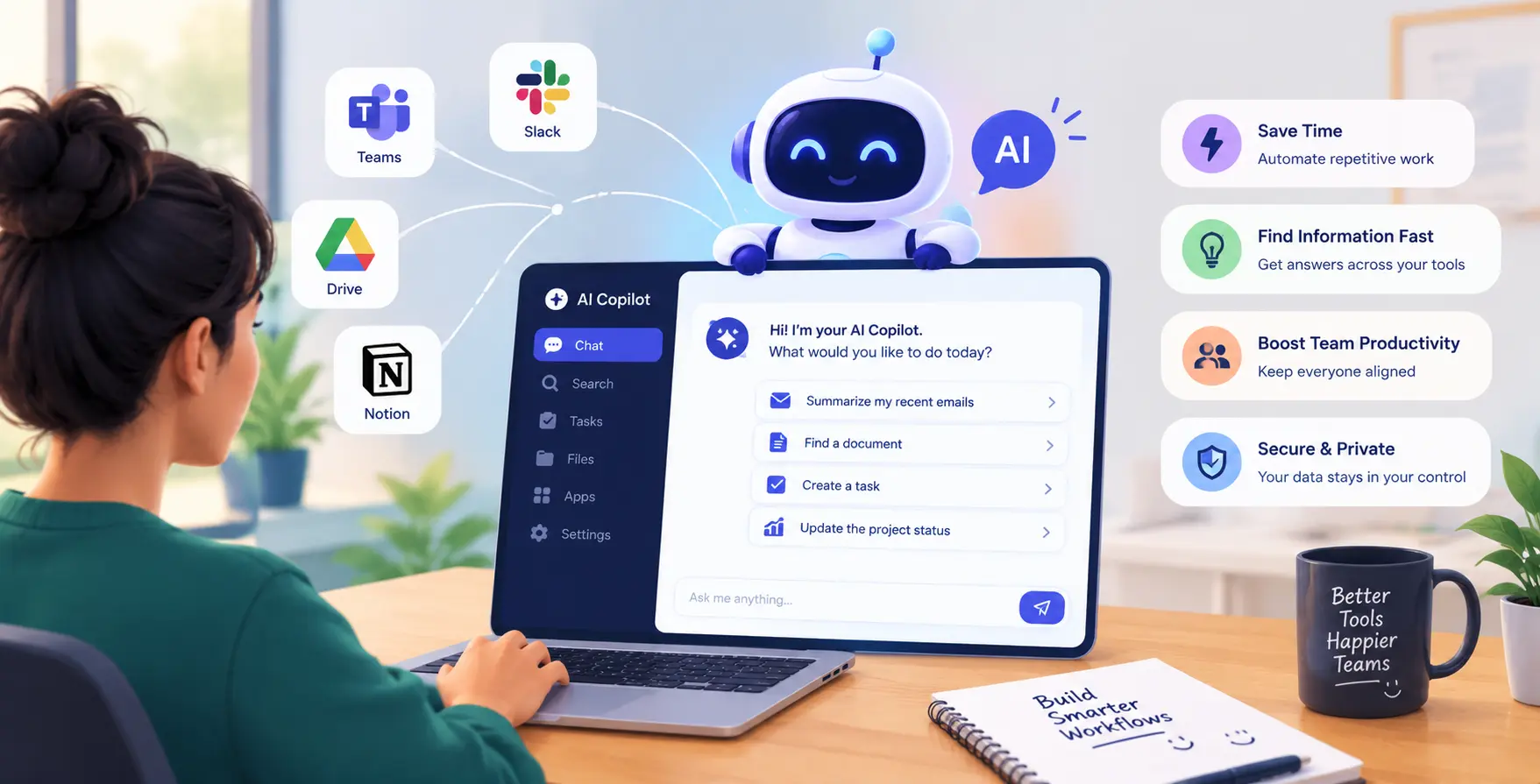
An AI Copilot for Internal Business Tools is an intelligent interface embedded directly into existing employee workflows to automate operational tasks and query internal databases. Unlike generic commercial chatbots, internal copilots operate securely inside your enterprise infrastructure and possess deep context regarding your proprietary workflows.
These systems assist employees by retrieving information from internal documentation, drafting responses, and executing operations via secure API endpoints. They connect natural language queries directly to business logic across accounting, sales, and software management applications.
By integrating intelligent interfaces into daily business systems, organizations reduce context switching and accelerate operational decision-making across all teams.
Core Architecture of an Internal AI Copilot
Designing a resilient internal copilot requires a modular software architecture. The architecture separates data collection and retrieval from execution logic and user interfaces.
Data Processing Layer
This layer collects, cleans, and indexes operational data from your business tools.
- Connects structured SQL databases
- Indexes unstructured document repositories
Data pipelines process documents continuously to keep stored information fresh for query resolution.
Logic and Execution Layer
The logic layer orchestrates model requests, applies business permissions, and calls APIs.
- Routes user prompts dynamically
- Executes safe API calls
- Applies role permission filters
- Saves detailed conversation logs
Decoupling core business logic from models ensures seamless framework upgrades over time.
Step 1: Identifying High-Value Use Cases
Before writing code to Build an AI Copilot for Business operations, engineering leadership must isolate targeted operational friction points. Adding generative interfaces without clear goals leads to complex tools that fail to gain traction.
Focus on tasks where employees routinely search for data across multiple software tools or execute repetitive administrative steps manually.
- Automating triage for internal support tickets
- Generating initial enterprise customer response drafts
- Querying real-time product inventory databases
- Summarizing internal regulatory compliance guidelines
- Drafting technical documentation for software releases
Prioritizing tasks with high frequency yields immediate productivity gains for your engineering and operational teams.
Step 2: Preparing Internal Data and APIs
An enterprise assistant is only as valuable as the quality of internal data and services it accesses. Successful custom software development projects require clean, standardized access endpoints to connect LLMs with operational tools.
Follow a structured sequence to prepare your existing backend infrastructure for seamless integration.
- Audit enterprise data source access permission boundaries
- Clean and reformat unstructured operational documents
- Expose core business logic using standardized api integration endpoints
- Implement secure token-based authentication for model calls
Restricting model interactions to validated APIs prevents accidental data corruption while keeping background systems stable.
Step 3: Selecting Models and Frameworks
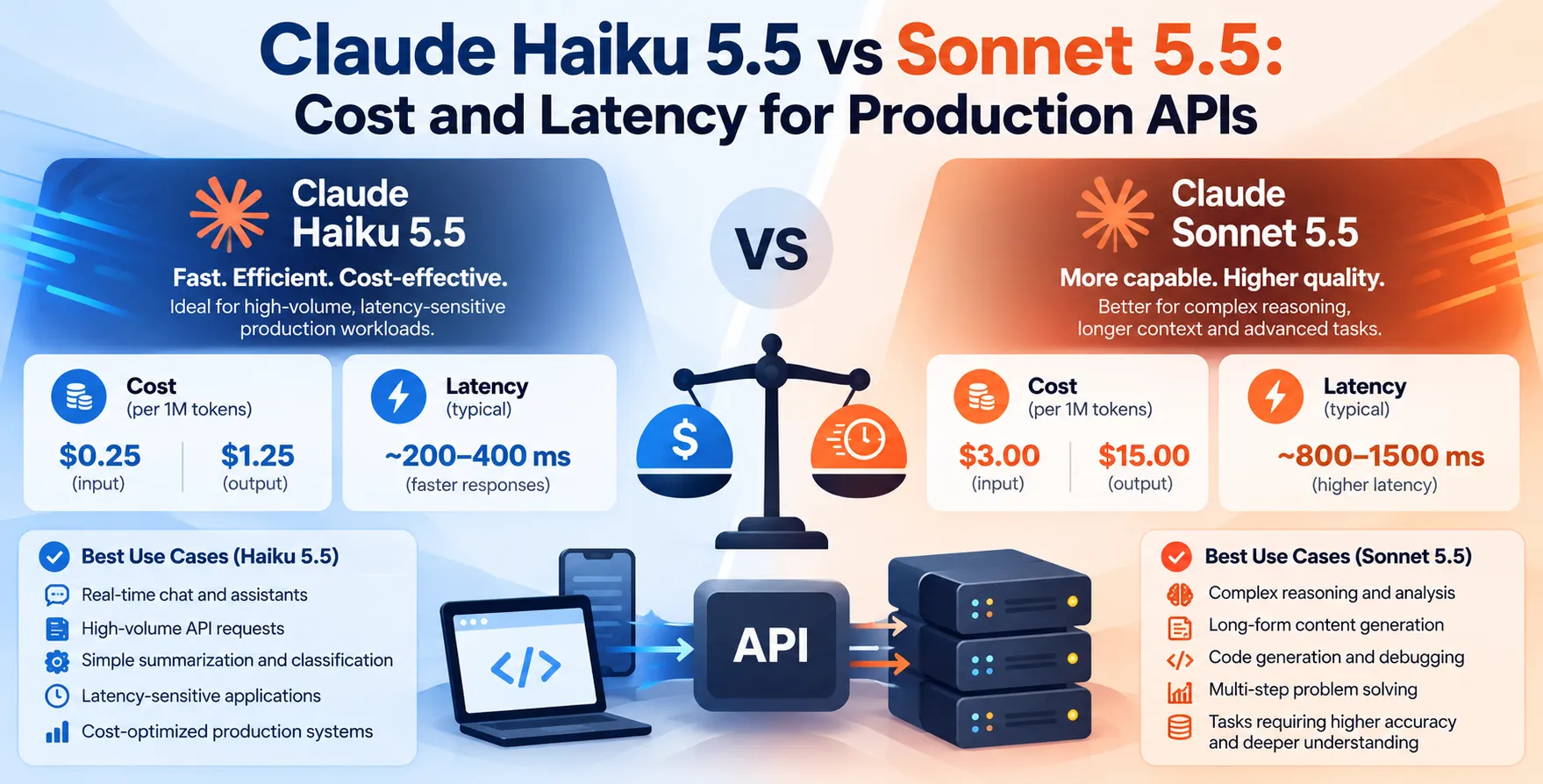
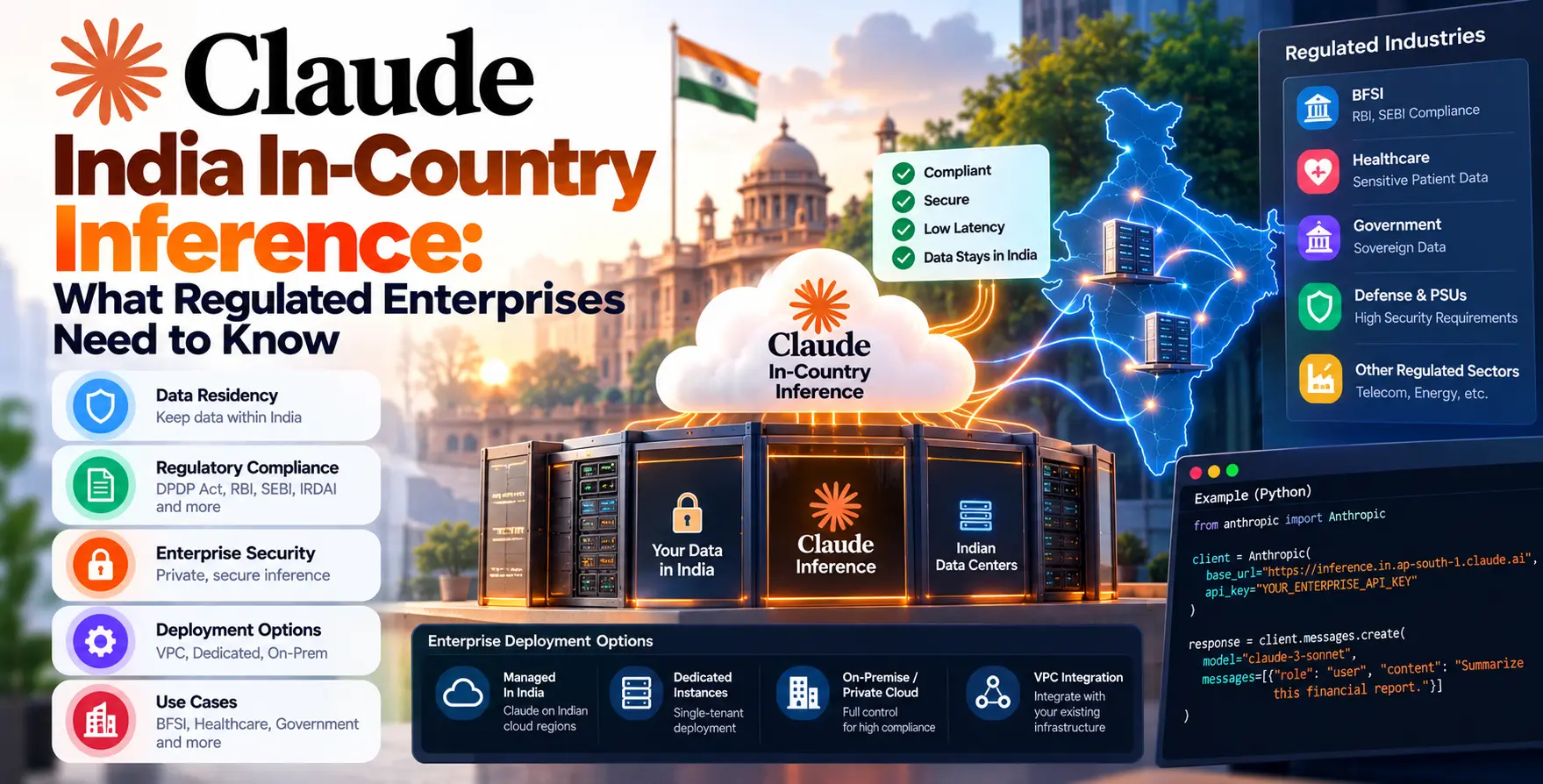
Selecting the right foundational model depends on data privacy boundaries, processing speed requirements, and deployment budgets. Enterprise teams often deploy small language models locally on private cloud infrastructure for sensitive internal workloads requiring complete privacy.
Larger hosted foundation models can process complex multi-step reasoning queries across disparate internal systems. However, hosting dedicated fine-tuned open models gives organizations complete operational control over data transmission and recurring usage costs.
Engineers must evaluate context window sizes and inference latency targets when selecting development frameworks like LangChain, LlamaIndex, or native model SDKs.
Step 4: Implementing Retrieval-Augmented Generation
Grounding model responses in accurate internal data requires an enterprise-grade vector storage pipeline. Implementing retrieval-augmented generation enables your assistant to retrieve up-to-date company facts without requiring frequent fine-tuning.
The retrieval pipeline searches indexed document chunks before passing relevant context to the model along with the user prompt.
- Splits internal documentation into distinct chunks
- Generates precise vector embeddings
- Stores vectors inside scalable database indices
- Executes hybrid semantic search queries
- Reranks top retrieved context passages
- Injects verified information into prompts
A well-tuned retrieval framework minimizes factual hallucinations and ensures that responses match company policy accurately.
Step 5: Building Context-Aware Agentic Workflows
Static question-answering systems only solve half the operational challenge inside modern organizations. To create real operational value, developers must apply effective prompt engineering for AI agents so assistants can plan and execute multi-step workflows.
These agents analyze natural language instructions, break down necessary steps, and execute backend software calls in proper sequence.
- Parses complex natural language action requests
- Selects correct API parameters automatically
- Executes multi-system updates safely
- Handles unexpected API errors gracefully
Agentic workflows empower staff to execute multi-system updates using simple natural language conversation.
UI/UX Design and Embedded Integration
User interface design dictates whether non-technical employees accept or ignore a new operational assistant. Embedded copilots should integrate seamlessly into existing portals, web dashboards, or communication channels like Slack and Microsoft Teams.
Modern UI UX design company standards favor contextual sidebars and floating command overlays over standalone chat applications. Inline action triggers and floating input fields make AI assistance feel like a native feature of your core tools.
Providing real-time response streaming, clear document citations, and immediate visual status updates maintains user trust during interaction cycles.
Custom Software vs Off-the-Shelf AI Copilots
Deciding whether to build an internal copilot or purchase a pre-built commercial software tool requires evaluating security, control, and integration limits.
| Evaluation Factors |
Custom-Built Copilot |
Off-the-Shelf SaaS |
| Data Ownership |
Complete local control and isolation |
Data shared with external vendors |
| API Flexibility |
Deep access to custom software backend |
Restricted to basic pre-built triggers |
| UI Customization |
Tailored directly to employee workflows |
Fixed standardized dashboard formats |
| Upfront Effort |
Requires initial engineering investment |
Immediate setup with subscription fees |
| System Scalability |
Controlled fully by internal team |
Subject to vendor rate limits |
Custom solutions offer unmatched flexibility and data safety for organizations running complex enterprise tools or sensitive internal applications.
Security, Governance, and Access Control
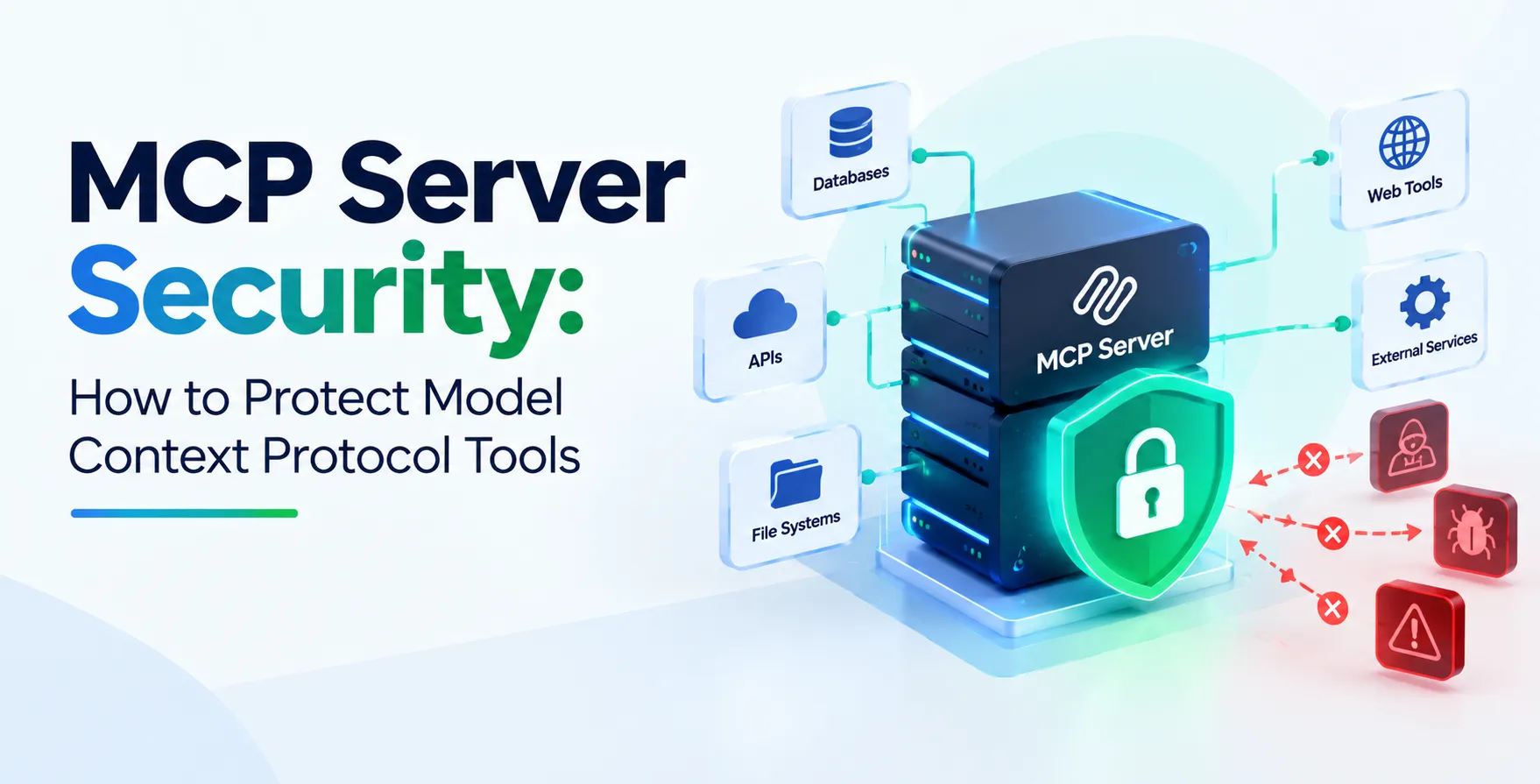
An enterprise AI Assistant for Internal Business Tools must strictly enforce existing corporate permission rules. An assistant must never return restricted financial reports or sensitive personal records to users who lack explicit clearance.
Enforcing security filters at both the retrieval pipeline and API execution layers keeps enterprise data protected against unauthorized internal exposure.
- Enforces user role access control constraints
- Redacts sensitive personal identifying information
- Logs all user queries and system responses
- Blocks unauthorized destructive database operations
- Encrypts operational data during transit and rest
Comprehensive security oversight ensures regulatory compliance while empowering employees to search company data safely.
Testing with AI Model Evaluation and Monitoring
Deploying AI systems to live internal production environments requires continuous quality assurance and performance monitoring. Engineering leads must institute rigorous ai model evaluation workflows to ensure output accuracy remains high across model updates.
Furthermore, maintaining production reliability requires real-time ai observability tracking across every layer of your software stack.
- Measures response correctness against test benchmarks
- Monitors system token latency and costs
Automated evaluation dashboards alert developers to model drift, hallucination spikes, and broken backend integrations instantly.
Conclusion
Building an internal AI copilot transforms how modern teams navigate enterprise data and execute routine software operations. By combining modular architecture, retrieval-augmented generation, robust security controls, and clean API integrations, organizations can deploy high-impact assistants tailored to their exact operational needs.
Focus on high-value friction points, maintain strict access permissions, and evaluate output quality continuously. With a structured software development strategy, your custom AI assistant will become an indispensable asset for your entire enterprise workforce.


 In collaboration with