Table of Contents
- Why API Documentation Matters
- The Role of Developer Experience
- Standardizing Your API Documentation
- Essential Sections for Every API Guide
- Writing Clear Endpoint Descriptions
- Handling Authentication and Security
- Interactive Examples and Sandboxes
- Maintaining Up-to-Date Documentation
- Choosing the Right Tools for Documentation
- Structuring Your Developer Portal
- Common Pitfalls to Avoid
- Metrics for Documentation Success
- Conclusion
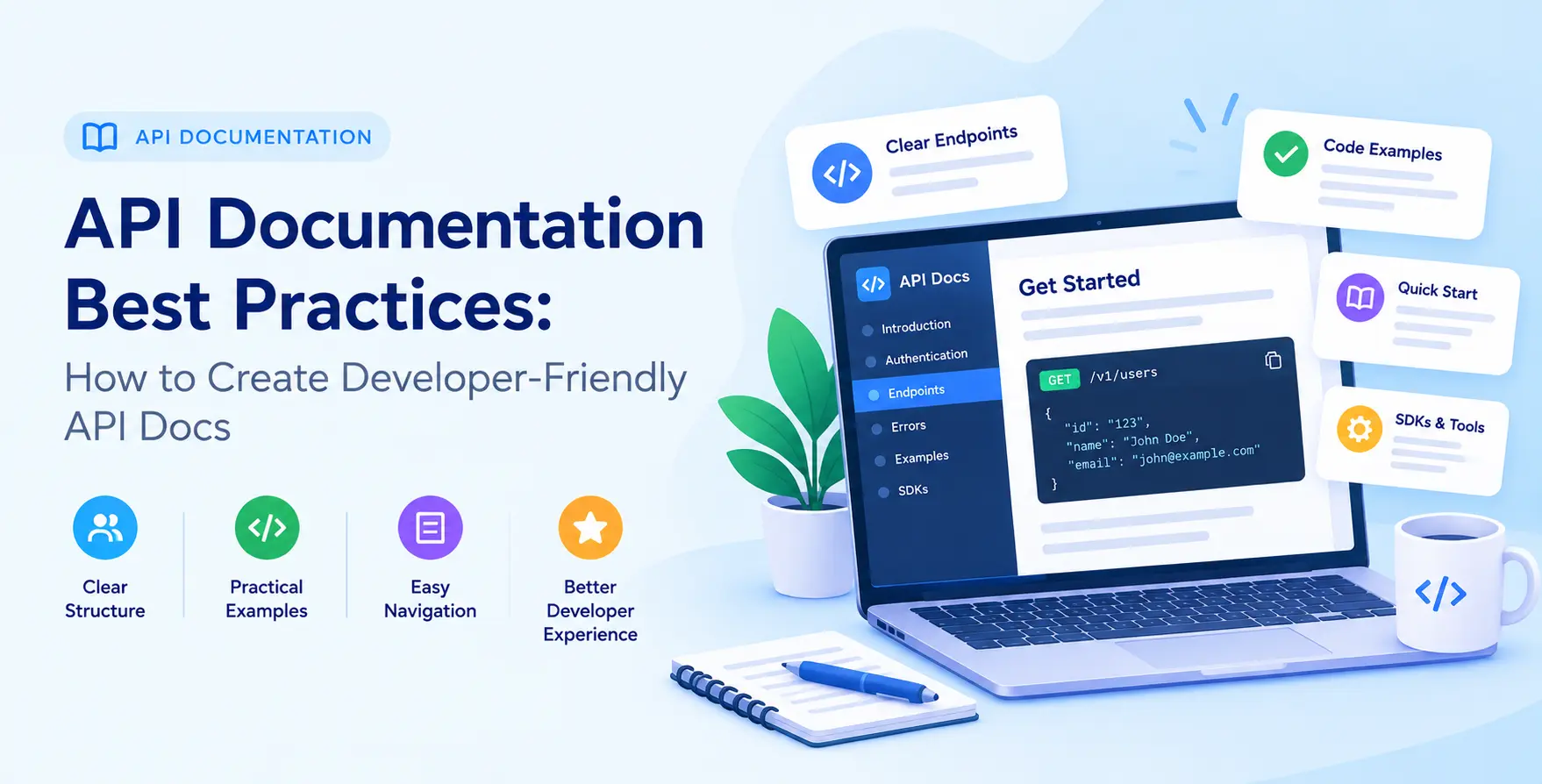
Why API Documentation Matters
Your API is only as good as the ability of your users to understand it. Even the most robust backend architecture fails if developers cannot figure out how to consume your endpoints effectively.
Comprehensive API documentation acts as the primary interface between your system and the outside world. It reduces the time spent on support tickets and lowers the barrier to entry for new users.
When you prioritize quality documentation, you turn complex technical requirements into actionable steps. This investment pays dividends in developer adoption and long-term ecosystem health.
- Reduces integration time for third-party developers
- Clarifies technical requirements and constraints
- Minimizes redundant support communication
- Increases overall service adoption rates
The Role of Developer Experience
Developer experience, or DX, encompasses every interaction a programmer has with your product. Effective docs are the cornerstone of a positive DX journey from first discovery to production deployment.
When developers land on your site, they want to see if your solution solves their specific problem immediately. They look for clear examples, intuitive navigation, and reliable error codes to guide their implementation.
Focusing on the user journey ensures that your documentation serves as an educational tool rather than a static technical manual. Treat your documentation as a product itself, iterating based on feedback and usage patterns.
- Prioritize clarity over technical complexity
- Anticipate common integration roadblocks
- Design for scanability and quick information retrieval
Standardizing Your API Documentation
Consistency is the secret to professional-grade technical writing. When your documentation follows a predictable pattern, developers spend less time deciphering formats and more time writing code.
Adopting industry-standard formats is one of the most effective API documentation best practices for developers. It allows you to leverage existing toolchains for rendering, testing, and validation.
Standardization also helps when you need to maintain multiple versions of an interface. It ensures that your team maintains a uniform style across different services and business units.
- Use consistent naming conventions for all resources
- Maintain uniform formatting for request and response blocks
- Establish clear patterns for error handling and status codes
Essential Sections for Every API Guide
Every well-structured documentation set should provide enough context for a developer to start from zero. You need to balance high-level concepts with deep technical specifications.
Start with an overview of your platform and its core value proposition. Provide a quick-start guide that covers the most basic "hello world" request to establish confidence.
Include detailed reference tables for every parameter, header, and body field. Finally, provide clear troubleshooting guides to help users resolve issues without manual intervention.
- Getting started and quick-start tutorials
- Full reference for every endpoint
- Comprehensive authentication and authorization guides
- Detailed error code explanations
- Rate limiting and usage policy details
Writing Clear Endpoint Descriptions
Your endpoint descriptions must convey the purpose, required inputs, and expected outcomes clearly. Avoid assumptions about the user's prior domain knowledge regarding your specific platform.
Clearly label every required field and distinguish it from optional parameters. Use descriptive names that explain the function rather than just the variable name in your codebase.
Explain the business logic or side effects associated with specific actions. If an endpoint triggers an asynchronous task or a long-running process, explicitly mention that to manage expectations.
- Define all HTTP methods accurately
- List every parameter with its data type
- Provide clear examples of successful requests
- Document all possible error responses
Handling Authentication and Security
Security is the most critical part of any integration. Clearly documenting how to manage API keys, JWTs, or OAuth workflows prevents common implementation errors that lead to vulnerabilities.
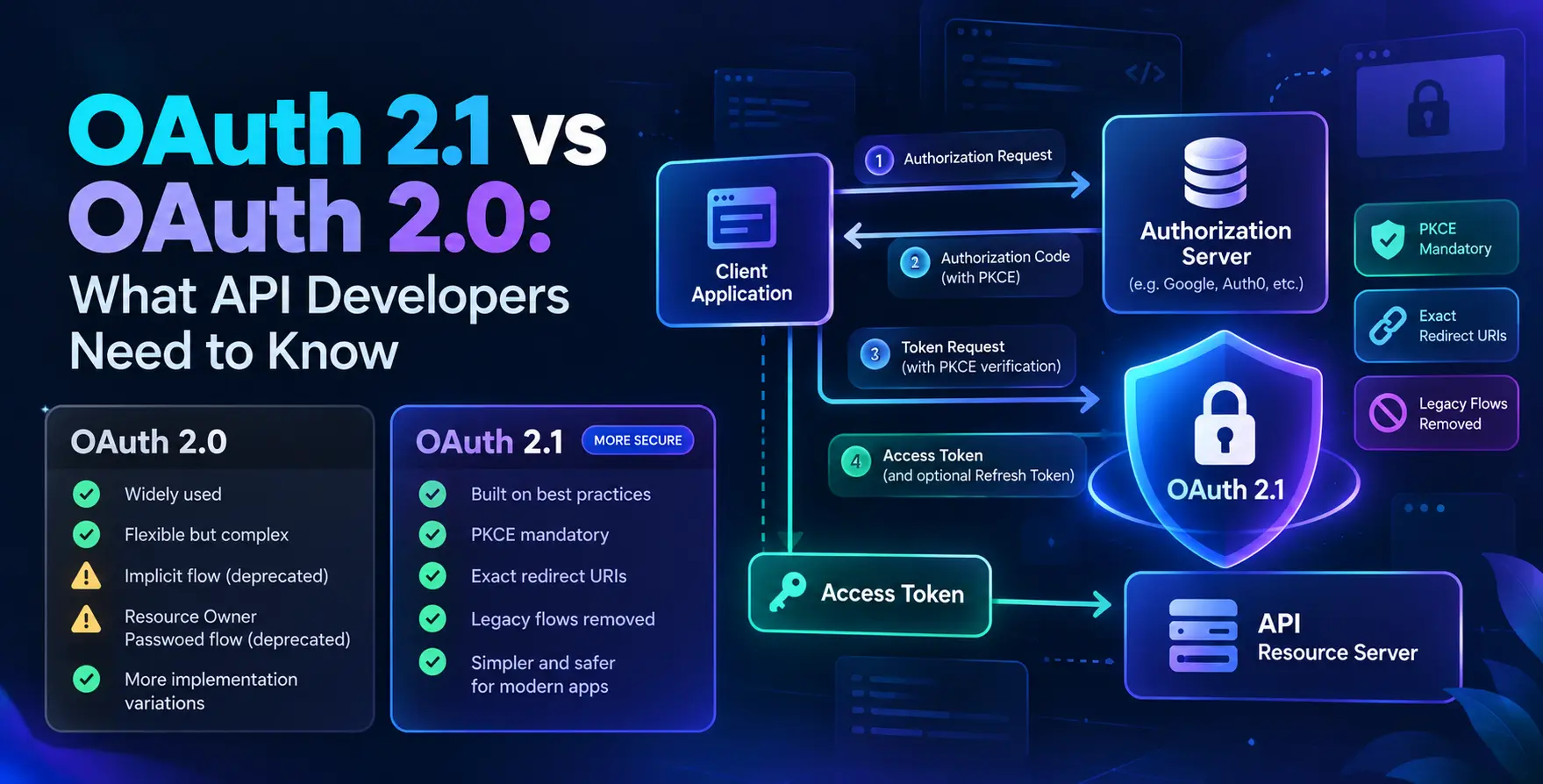
Explain how to pass credentials in the header, body, or query parameters explicitly. If you use specific API authentication methods like OAuth 2.1, link to the official standards to provide context for developers.
Help users understand how to securely store their credentials. Remind them to keep sensitive tokens out of client-side code and version control systems.
- Document token refreshing processes clearly
- Provide code snippets for header construction
- Explain the scope and permission levels of keys
- Include security best practices for credential storage
Interactive Examples and Sandboxes
Static text is rarely enough for complex integrations. Providing interactive tools allows developers to experiment with your API in a risk-free environment.
A sandbox environment lets users test requests without affecting production data. This hands-on approach builds confidence and allows developers to debug their logic against a real response structure.
Keep these interactive elements updated alongside your core documentation. Nothing frustrates a developer more than an interactive "try it" button that returns a 404 or outdated data.
- Provide copy-paste code snippets in multiple languages
- Offer an interactive console for real-time testing
- Use a dedicated sandbox for development testing
- Enable auto-generation of request bodies
Maintaining Up-to-Date Documentation
Documentation that lags behind your actual code is dangerous. It leads to confusion, bugs, and a loss of trust from your developer community.
Integrate your documentation generation into your CI/CD pipeline to ensure that every build produces accurate spec files. Using OpenAPI documentation best practices allows you to automate the creation of these specifications directly from your source code.
Treat documentation updates as a mandatory part of every pull request. If the code changes, the documentation must change before the merge is approved.
- Automate documentation generation from code annotations
- Flag discrepancies between spec and implementation
- Incorporate documentation review into standard peer reviews
- Schedule periodic audits of all public-facing guides
Choosing the Right Tools for Documentation
The right tooling makes documentation maintenance sustainable. You should choose platforms that support your specific architecture, whether you are building REST, GraphQL, or gRPC services.
Modern tools provide features like auto-generated SDKs, interactive playgrounds, and search functionality. These tools allow your team to focus on writing content rather than building static web pages.
Evaluate your needs based on the size of your team and the complexity of your API. Most teams benefit from tools that support standard specification formats to remain vendor-neutral.
| Tool Feature |
Manual Approach |
Automated Approach |
| Updating Specs |
Slow, manual edits |
Automatic via CI/CD |
| Code Snippets |
Hand-written |
Generated from source |
| Interactive UI |
Not available |
Included in portal |
| Versioning |
Complex to manage |
Built-in versioning |
Structuring Your Developer Portal
Your developer portal is the hub for all things related to your API. It needs to be easy to navigate, with a logical hierarchy that guides users from onboarding to advanced features.
Implement developer portal best practices by creating a search-first interface. Developers should be able to find exactly what they need within seconds of arriving at your page.
Group content logically by service, resource, or user intent. Keep the layout clean, responsive, and free from unnecessary marketing fluff that distracts from the technical content.
- Centralize all technical guides and references
- Provide easy access to support and forums
- Include a search bar for global navigation
- Feature a dedicated section for version history
Common Pitfalls to Avoid
Even well-intentioned teams fall into traps when documenting their systems. Recognizing these mistakes early allows you to build a better experience for your users.
Do not assume the user knows your internal jargon. Avoid dumping raw code without explaining the purpose behind a specific request or data structure.
Ignoring mobile responsiveness or accessibility is another major oversight. Ensure that your portal works on all devices and satisfies basic accessibility standards for all users.
- Lack of clear error documentation
- Outdated code examples and snippets
- Inconsistent formatting across different endpoints
- Poor navigation and search capabilities
Metrics for Documentation Success
You cannot improve what you do not measure. Track how developers interact with your documentation to identify where they struggle or where they drop off.
Look at search queries to see what information is missing. Monitor bounce rates on specific pages to identify sections that are confusing or incomplete.
Gather qualitative feedback through surveys or GitHub issues. Ask users directly what they need to succeed and use that data to prioritize your documentation roadmap.
- Monitor search query logs for missing content
- Track time spent on specific documentation pages
- Analyze support ticket trends related to docs
- Collect direct feedback from user surveys
Conclusion
Creating excellent API documentation is an ongoing process of refinement and empathy for your users. By following these guidelines, you create a developer-friendly environment that encourages adoption and growth.
Start by focusing on clarity, consistency, and automation. As your API evolves, your documentation must evolve with it to remain a reliable source of truth.
Remember that your goal is to enable developers to solve their problems quickly. When you succeed at that, your API becomes an essential tool in their development stack.


 In collaboration with