Table of Contents
- Introduction
- Preparing Your Environment
- Dependency Management Updates
- Configuration File Changes
- Plugin System Enhancements
- Build Performance Improvements
- CSS and Asset Handling
- Migration Strategy Overview
- Common Troubleshooting Steps
- Updating Framework Integrations
- Testing Your New Build
- Future-Proofing Your Setup
- Conclusion
Introduction
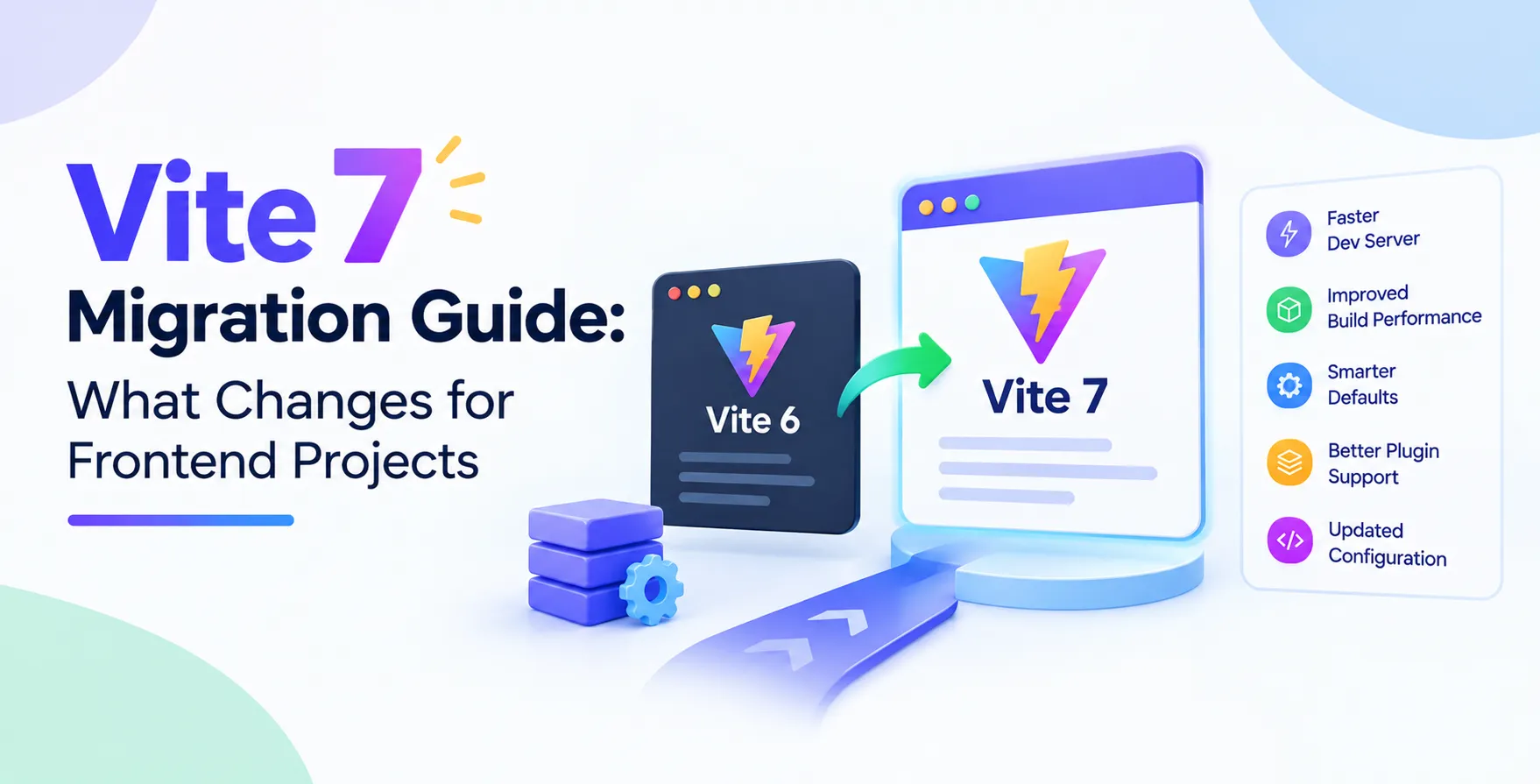
Upgrading your build tooling is a critical part of maintaining modern applications. The release of Vite 7 brings significant performance gains and refined API surfaces for developers.
Following a structured Vite 7 migration guide ensures your transition is smooth and minimizes downtime. This version focuses on streamlining the internal architecture and improving developer experience.
Whether you are managing a small project or a large enterprise app, understanding these shifts is essential. Proper planning prevents common pitfalls during the transition process.
- Faster development server startup times
- Improved tree-shaking capabilities
- Enhanced plugin compatibility
- Cleaner configuration structure
Preparing Your Environment
Before initiating the Vite 7 upgrade, you must audit your current dependency tree. Ensure your Node.js version meets the new minimum requirements defined in the release notes.
Check your package manager lock files for any outdated sub-dependencies that might conflict with new tooling. Keeping your environment consistent across development and production stages is vital.
Always perform a full backup of your project files before running any migration scripts. Having a clean state allows you to revert quickly if something goes unexpected during the build process.
- Verify Node.js version compatibility
- Update package manager versions
- Audit existing plugin versions
- Create a git branch for migration
Dependency Management Updates
Vite 7 introduces stricter dependency requirements to improve overall security and build speed. Many third-party plugins have also been updated to align with the new core APIs.
You should review your package.json file to ensure all related tools match the required versions. Mismatched dependencies often lead to runtime errors or build failures in complex environments.
Focus on updating core ecosystem packages first, then move to specialized plugins. This incremental approach makes debugging much easier if errors occur.
- Review core dependency versions
- Sync plugin versions with core
- Remove deprecated peer dependencies
- Test build scripts after updates
Configuration File Changes
The configuration structure has been slightly refined to support more complex build scenarios. Some deprecated properties have been removed to encourage the use of modern API alternatives.
Review your vite.config.js or vite.config.ts file carefully for any warnings during the initial dry-run build. The migration process often involves mapping old configuration keys to their new, more efficient equivalents.
Take advantage of the improved TypeScript support in your configuration files. It provides better autocompletion and type safety for your custom build logic.
- Update deprecated config properties
- Migrate to new API signatures
- Leverage improved TypeScript definitions
- Refactor custom build logic
Plugin System Enhancements
Plugins are the backbone of the Vite ecosystem. Vite 7 introduces a more robust hook system that allows for deeper integration during the bundling phase.
If you have authored custom plugins, you will need to verify them against the latest hook specifications. The internal event lifecycle has been optimized to reduce overhead during large project builds.
Most popular community plugins have already received updates to support this new architecture. Check your plugin documentation for specific instructions regarding the latest major release.
- Review plugin hook implementation
- Update internal event handling
- Verify compatibility with new hooks
- Check for deprecated plugin usage
Build Performance Improvements
Performance remains the primary driver for every release. Vite 7 leverages advanced bundling techniques to reduce final bundle sizes and improve load times for end users.
Developers will notice faster HMR (Hot Module Replacement) cycles, especially in massive codebases. This speed boost significantly impacts daily productivity and shortens the feedback loop.
The internal caching mechanisms have also been overhauled to be more intelligent. This reduces redundant work and ensures that only modified files trigger a rebuild.
- Faster hot module replacement
- Optimized code splitting algorithms
- Reduced cold start times
- Smaller production bundle output
CSS and Asset Handling
Handling assets and CSS has become more predictable in this version. The internal processing pipeline now offers better support for post-processing and asset optimization.
If your project relies heavily on pre-processors, ensure your loaders are configured for the updated asset resolution logic. This prevents issues with missing file paths or incorrect import orders.
Standardizing how CSS modules are processed helps in maintaining consistent styles across different pages. The new approach also reduces the likelihood of style conflicts during the build process.
- Updated asset resolution logic
- Refined CSS module processing
- Improved post-processor integration
- Standardized file path handling
Migration Strategy Overview
A successful migration requires a clear strategy that balances speed and stability. Start by testing the upgrade in a dedicated environment before moving to production branches.
Use the following comparison table to understand the key differences between the previous version and the latest release regarding project setup.
| Feature |
Previous Version |
Vite 7 |
| Node Requirement |
Lower version |
Higher version |
| Config Complexity |
High |
Streamlined |
| HMR Speed |
Standard |
High-performance |
| Plugin Hooks |
Basic |
Advanced |
| Bundle Size |
Optimized |
Highly optimized |
Common Troubleshooting Steps
Even with thorough planning, you might encounter issues during the upgrade. The most common problems relate to mismatched peer dependencies or cached configuration files.
Always clear your node_modules and lock file when facing persistent errors that do not resolve after updating dependencies. A fresh installation often clears out stale artifacts from previous versions.
Consult the official migration documentation for known issues and specific workarounds for your framework integration. Community forums are also excellent resources for solving obscure build errors.
- Clear cache and node_modules
- Reinstall project dependencies
- Check plugin compatibility matrices
- Search issue trackers for patterns
Updating Framework Integrations
Modern frontend frameworks require specific Vite plugins to function correctly. Ensure these integrations are updated to match the core version of your build tool.
Whether you are working with Vue, React, or other libraries, the framework-specific plugins serve as the bridge to the underlying bundler. Keeping these in sync is vital for maintaining the developer experience.
Some frameworks might introduce their own changes in how they leverage the build tool's capabilities. Check the specific framework documentation alongside this guide for a complete picture.
- Update framework-specific plugins
- Verify framework-specific build hooks
- Check for framework configuration updates
- Test framework-specific HMR features
Testing Your New Build
Testing is the final and most important step of the migration process. Run your test suite early and often to identify any regressions caused by the new tooling.
Verify that your production build matches the expected output in terms of size and functionality. Automated testing pipelines can help catch issues that manual inspection might miss.
Invite your team to test the development environment once the upgrade is stable. Diverse hardware and software setups can reveal edge cases in the new configuration.
- Run unit and integration tests
- Validate production build artifacts
- Test HMR functionality locally
- Perform cross-browser compatibility checks
Future-Proofing Your Setup
Staying current with Vite 7 keeps your project aligned with the broader web ecosystem. It opens doors to faster tooling and better performance metrics for your users.
Establish a regular maintenance cadence to review your build tools every few months. This prevents massive migration gaps that become harder to bridge over time.
Investing time in mastering the new features will pay off in improved developer velocity. Your team will benefit from a faster, more reliable build process every single day.
- Schedule regular tool updates
- Monitor ecosystem changes
- Keep configuration files clean
- Document custom build logic
Conclusion
Migrating to the latest version is a strategic move that enhances your development workflow and improves performance. By following this Vite 7 upgrade path, you ensure your project remains efficient and stable.
The changes introduced in this version represent a significant step forward in build tooling technology. Embrace these improvements to stay ahead in the competitive landscape of web development.
Consistent maintenance and proactive updates are the hallmarks of successful engineering teams. Your efforts today will result in a much smoother experience for your entire development cycle.


 In collaboration with