Table of Contents
- Introduction to Next.js 16
- Preparing Your Environment
- Core Architecture Changes
- Routing and Middleware Updates
- React Server Components Refinement
- Updating Dependencies
- Handling Breaking Changes
- Data Fetching Adjustments
- Testing Your Migration
- Performance Considerations
- Deployment Best Practices
- Common Migration Pitfalls
- Post-Migration Cleanup
- Conclusion
Introduction to Next.js 16
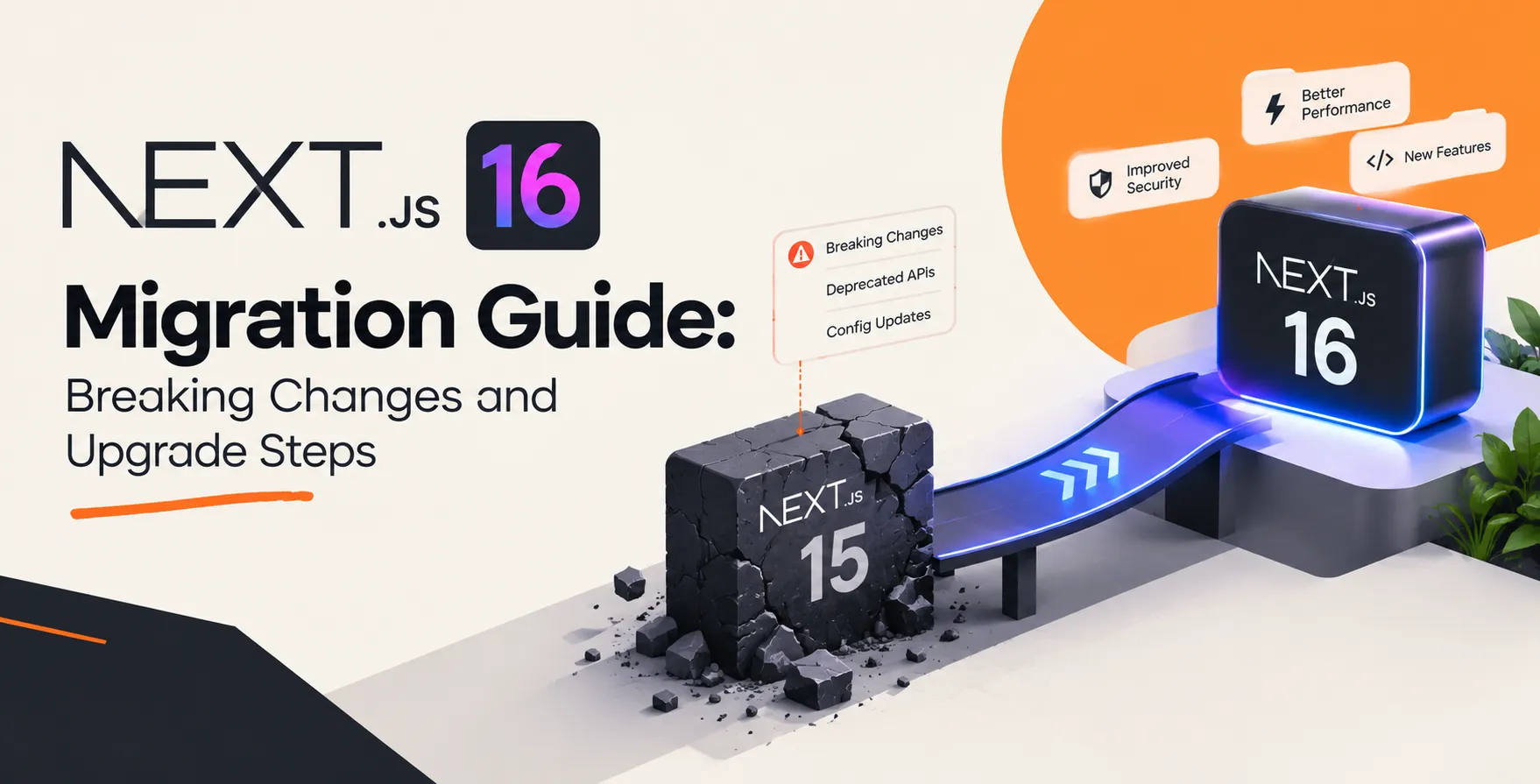
The arrival of a new major version in the React ecosystem always brings a mix of excitement and apprehension for engineering teams. A proper Next.js 16 migration guide is essential to ensure your transition remains smooth and avoids common pitfalls during the upgrade process.
As frameworks evolve, they prioritize developer experience and runtime performance. This version introduces significant architectural shifts that require careful planning before you begin your transition.
Preparing Your Environment
Before running any installation commands, you must ensure your current codebase is stable and fully tested. A successful Next.js 16 upgrade requires a clean slate to avoid carrying over technical debt from previous versions.
- Audit all current dependencies
- Run full test suites
- Back up your entire repository
- Check Node.js version compatibility
- Review existing custom server logic
Start by verifying that your current version is fully up to date with the latest minor release. This minimizes the delta between your current state and the new version requirements.
Core Architecture Changes
Next.js 16 introduces deeper integration with newer React features, which fundamentally changes how components interact with the server. Understanding these shifts is vital for maintaining high-quality code standards as you modernize your application.
The framework now enforces stricter boundaries between client and server code. This approach reduces bundle sizes and improves the overall loading speed of your web applications.
Routing and Middleware Updates
Routing has undergone several refinements to support more complex application structures. These changes impact how you handle redirects, rewrites, and dynamic route segments in your projects.
Middleware Configuration
The middleware layer is now more performant and offers better integration with edge runtimes. You should review your existing middleware files to ensure they align with the updated API signatures.
- Updated request handling headers
- Enhanced pattern matching logic
- Improved edge runtime support
- Refined cookie manipulation methods
These updates provide developers with more granular control over request processing. Always test your middleware logic in a staging environment to catch unexpected redirect behaviors.
React Server Components Refinement
The implementation of React Server Components continues to mature in this release. You will find better error boundaries and more intuitive patterns for managing component-level data fetching.
Leveraging these components effectively is a cornerstone of modern frontend development trends 2026. Developers should focus on shifting logic from the client to the server wherever possible to maximize performance.
Updating Dependencies
Keeping your package ecosystem aligned with the latest framework version is non-negotiable. Mismatched versions often lead to silent failures that are notoriously difficult to debug in production.
| Dependency Type |
Action Required |
Risk Level |
| React Core |
Update to latest stable |
High |
| TypeScript |
Update to current version |
Medium |
| Tailwind CSS |
Check for compatibility |
Low |
| ESLint Config |
Update ruleset |
Low |
| Build Tooling |
Review plugin versions |
Medium |
Ensure your lockfile is regenerated after updating your primary dependencies. This prevents ghost issues where old versions of sub-dependencies persist in your node_modules folder.
Handling Breaking Changes
Every major version release includes breaking changes that force developers to rethink specific implementation patterns. This Next.js 16 migration guide emphasizes the importance of reading the official changelog thoroughly before executing the final upgrade.
- Deprecated API removals
- Strict type checking requirements
- Folder structure adjustments
- Configuration file schema updates
- Default export changes
Take the time to refactor code blocks that rely on deprecated methods. Ignoring these warnings can lead to broken builds in your CI/CD pipelines.
Data Fetching Adjustments
Data fetching patterns have evolved to be more predictable and efficient. The framework now encourages a more unified approach for both static and dynamic data requirements.
You will notice that caching strategies are more transparent than in previous versions. This clarity helps developers avoid common pitfalls when working with stale data in distributed environments.
Testing Your Migration
Testing is the most critical phase of any major framework upgrade. You need to verify that existing functionality remains intact while incorporating the new features properly.
- Execute end-to-end test suites
- Run unit tests for components
- Verify accessibility audit scores
- Check SEO impact metrics
- Test authentication flows
Use local proxy tools to simulate production traffic patterns during your testing phase. This helps identify performance regressions that might not appear in standard unit tests.
Performance Considerations
Performance optimization remains a primary goal for the framework maintainers. By adopting the new features, you can often achieve faster Time to First Byte and improved Core Web Vitals without significant manual effort.
Monitor your bundle sizes closely after the upgrade. Significant changes in how assets are bundled might require you to adjust your existing optimization plugins.
Deployment Best Practices
Deployment strategies should be adjusted to account for the new runtime requirements. Ensure your cloud infrastructure supports the updated Node.js versions and any new edge features included in the release.
Infrastructure Audits
Your CI/CD pipeline needs to be robust enough to handle the new build requirements. Always perform a canary deployment to validate the new version in a real-world environment.
- Validate environment variable access
- Verify build cache behavior
- Update deployment scripts
- Test rollback procedures
Having a solid rollback plan is essential for any major transition. Never proceed with a full deployment without a proven path to return to the previous stable state.
Common Migration Pitfalls
Many developers encounter issues when they rush the migration process without adequate preparation. Avoiding these common traps can save your team dozens of hours in troubleshooting time.
The most frequent error is failing to update underlying peer dependencies alongside the framework. Another common issue is neglecting to update custom server configurations that conflict with the new internal routing engine.
Post-Migration Cleanup
Once your application is running stably on the new version, you should begin the cleanup process. This involves removing temporary shims, legacy code paths, and unnecessary polyfills that are no longer needed.
- Remove legacy configuration flags
- Update documentation for the team
- Delete deprecated utility functions
- Archive old build artifacts
A clean codebase is easier to maintain and faster to build. Dedicate time after the migration to ensure your repository reflects the best practices of the new version.
Conclusion
Upgrading to the latest framework version is an investment in the long-term health of your application. By following this structured approach, you can navigate the complexities of the transition with confidence.
Remember to prioritize testing and incremental updates throughout the process. A successful migration is not just about getting the code to run, but ensuring your team can leverage the new features to build even better products.


 In collaboration with