Table of Contents
- Introduction
- Understanding OAuth Apps
- Understanding GitHub Apps
- Key Differences at a Glance
- Choosing for User-Based Actions
- Managing Repository Automation
- GitHub App Permissions Explained
- Authentication and Security Differences
- When to Use GitHub OAuth Integration
- The Role of Webhooks in Integrations
- Scalability Considerations
- Integration Maintenance and Lifecycle
- Final Thoughts
Introduction
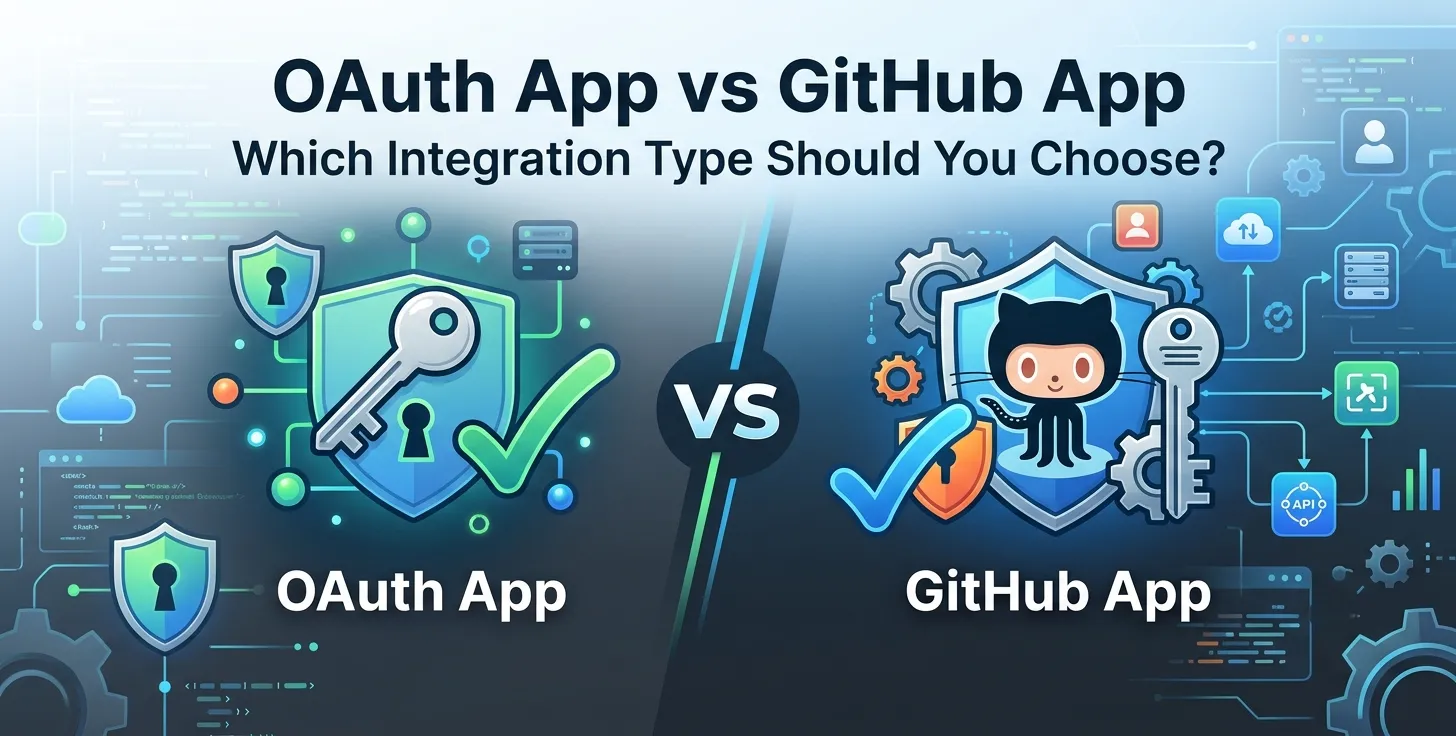
Choosing the right integration model is a critical architectural decision when building on the GitHub platform. Developers often face a choice between OAuth Apps and GitHub Apps, and the implications ripple through your security model and user experience.
While both allow you to interact with the platform, they serve distinct purposes. Understanding their core differences ensures your application remains secure, scalable, and easy to maintain over time.
Understanding OAuth Apps
OAuth Apps represent a traditional way to integrate with GitHub, relying heavily on user identity. When a user authorizes an OAuth App, they grant it access to their personal account and all associated repositories.
This "user-as-the-actor" model is perfect for applications that need to perform actions on behalf of a specific developer. If your software requires acting exactly as the user does in the browser, this is the primary path.
- Acts on behalf of a user
- Accesses everything the user can see
- Limited to user-bound permissions
- Best for user-centric tooling
Understanding GitHub Apps
GitHub Apps are first-class citizens within the GitHub ecosystem, designed for service-to-service interaction. They operate independently of any single user account and use their own identity to authenticate.
This design makes them significantly more powerful for automation and CI/CD pipelines. By separating the app's identity from the user, you gain better control over security and access scopes.
- Acts as a standalone service
- Requires specific granular permissions
- Can be installed on repositories or organizations
- Ideal for automated workflows
Key Differences at a Glance
| Feature |
OAuth App |
GitHub App |
| Identity |
User-based |
App-based |
| Permissions |
Broad/User-bound |
Granular/Scoped |
| Installation |
OAuth flow |
Repository/Org install |
| Acting Entity |
The user |
The application |
| Security |
Higher risk |
Better isolation |
Choosing for User-Based Actions
You should prioritize OAuth when your core requirement involves acting exactly as an authenticated person. For example, a dashboard that displays a user's specific activity feed or personal settings relies on this model.
Because the app "becomes" the user, it is constrained by the user's personal access levels. This simplicity is its biggest advantage for quick, user-facing features.
When to Favor User-Centricity
Consider this path if your software is an extension of a user's personal workflow. It minimizes the overhead of managing separate app identities.
- Personalized user dashboards
- User-specific data visualization
- Simple account-linked utilities
- Developer productivity tools
By keeping the user as the primary actor, you naturally respect repository visibility settings configured for that individual. This reduces the risk of accidental exposure.
Managing Repository Automation
If your goal is to automate repository management, GitHub Apps are superior to older integration methods. They offer a more robust structure for handling events across an entire organization without needing a specific user to be online.
Since they function as an automated service, they can operate 24/7 in your infrastructure. This removes the dependency on a single user's token, which can expire or be revoked if that person leaves the organization.
Benefits for Automation
GitHub Apps allow for precise control over what your automation tool can touch, minimizing the blast radius of potential vulnerabilities. This is a crucial part of modern security best practices.
- Consistent background operations
- No token expiration issues
- Org-wide installation flexibility
- Strictly defined scope of work
Automating repository tasks like linting, issue triaging, or deployment triggering works best with this model. It ensures your CI/CD pipeline remains stable even if individual team members change roles.
GitHub App Permissions Explained
Managing GitHub App permissions requires a shift in mindset compared to traditional OAuth. You must explicitly define what the app can read or write for each resource type.
This granularity allows you to follow the principle of least privilege. If your tool only needs to read issues, you don't have to grant it write access to code or pull requests.
- Read-only access for analytics
- Read and write access for automation
- No access for unnecessary features
- Scoped by repository or organization
Reviewing these permissions regularly is essential to maintain a strong security posture. It ensures that your application never holds more power than it currently requires.
Authentication and Security Differences
OAuth Apps rely on client secrets and user tokens, which are effectively long-lived identity proxies. If a user token is compromised, the attacker has access to everything that user can reach.
GitHub Apps, conversely, use private keys to generate short-lived JSON Web Tokens for authentication. This significantly improves your security profile, as the window of opportunity for an attacker is drastically smaller.
Security Comparison
Adopting token-based authentication with short TTLs helps satisfy many compliance requirements in enterprise environments. It shifts the burden away from storing sensitive user credentials.
- JWT-based authentication flow
- Private key signing mechanism
- Reduced credential exposure risk
- Strictly scoped access tokens
Using these modern patterns effectively secures your integration point. It makes your infrastructure much more resilient to standard credential theft attacks.
When to Use GitHub OAuth Integration
Sometimes, the simple nature of a standard GitHub OAuth integration is exactly what you need. If your application is a small, internal tool that doesn't require deep automation, this remains a viable choice.
It provides an easy path to getting started without the setup complexity of creating an app identity and managing private keys. For simple prototypes, this speed can be a major factor.
However, you must be prepared to handle the trade-offs in security and scalability later. As your product grows, moving from an OAuth-based architecture to a native App architecture is a common evolution.
The Role of Webhooks in Integrations
Webhooks are the backbone of modern event-driven development on GitHub. Both integration types support them, but the configuration and management differ significantly.
GitHub Apps make it easier to receive events for entire organizations. This means you don't have to configure webhooks for every single repository individually.
- Event-driven architecture support
- Simplified org-level event handling
- Real-time interaction capabilities
- Native integration with CI/CD
By leveraging these events correctly, you can build responsive tools that react instantly to changes. Ensuring your webhook endpoints are properly secured is critical to prevent unauthorized data injection.
Scalability Considerations
Scaling your integration depends on how you handle authentication and rate limits. GitHub Apps are generally more scalable because they don't depend on individual user tokens.
This allows your backend services to handle thousands of requests without hitting per-user rate limits. It effectively decouples your service performance from the activity patterns of your users.
When you design your architecture, think about the long-term volume. If you anticipate high activity, the App-based approach provides a much more stable foundation.
Integration Maintenance and Lifecycle
Maintaining an OAuth App often involves handling token refreshing and user re-authentication flows. These add complexity to your frontend and backend codebases.
GitHub Apps simplify this lifecycle by using programmatic authentication. You manage the lifecycle of the app internally, reducing the friction for your end-users during their daily work.
Ultimately, the choice between these models dictates how you scale and secure your platform integration. Choose the model that matches your current needs while keeping your future growth in mind.
Final Thoughts
Choosing between an OAuth App and a GitHub App is not just about features but about the philosophy of your integration. OAuth excels in user-centric experiences, while GitHub Apps provide the power and isolation needed for robust automation.
By understanding the security benefits of granular permissions and the operational stability of service-based authentication, you can build better tools. Evaluate your requirements against these models today to ensure you set the right path for your next development project.


 In collaboration with