Table of Contents
- Understanding the Node.js Release Cycle
- Why Upgrade to Node.js 24?
- Preparation Before You Start
- Audit Your Dependencies
- Testing Your Application Infrastructure
- Handling Breaking Changes
- Environment Configuration Updates
- Monitoring and Observability
- Security Considerations During Migration
- Deployment Best Practices
- Common Migration Pitfalls
- Performance Improvements
- Conclusion
Understanding the Node.js Release Cycle
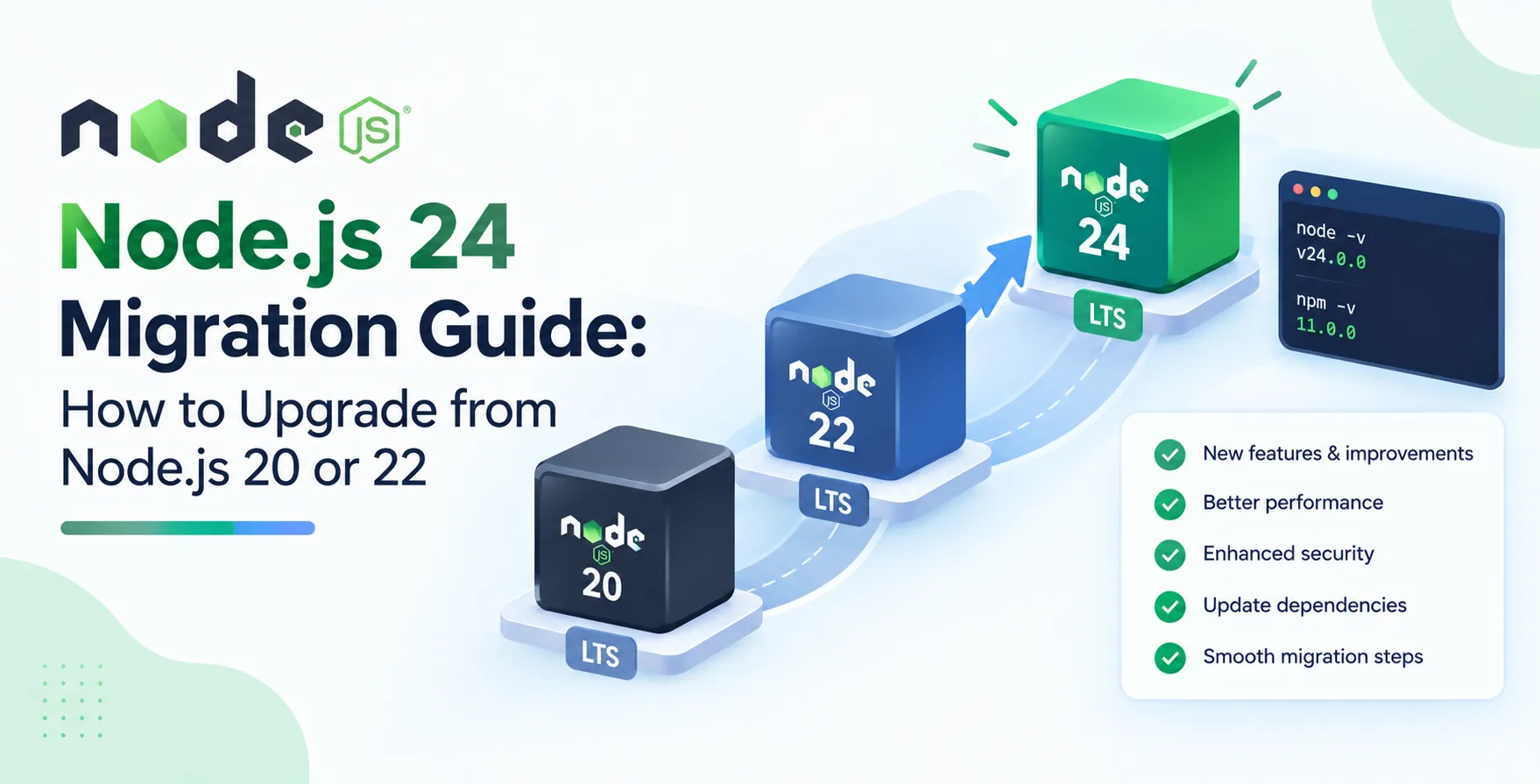
Node.js follows a predictable release schedule that helps developers plan their maintenance. Understanding this cadence is vital for any successful Node.js 24 migration guide implementation.
The ecosystem relies on Long Term Support (LTS) releases to ensure stability for enterprise applications. Upgrading from older versions requires awareness of the lifecycle stages for your current runtime.
- Odd-numbered releases are short-term
- Even-numbered releases become LTS
- Active LTS receives critical updates
- Maintenance mode marks end of life
Why Upgrade to Node.js 24?
Upgrading to the latest version is about more than just having the newest features. You gain access to updated V8 engine performance, better language support, and critical security patches.
Staying current simplifies your maintenance burden over time. Falling too far behind makes the eventual jump significantly more complex and risk-prone.
- Improved memory management
- Modern ECMAScript features
- Faster execution times
- Better diagnostic capabilities
Preparation Before You Start
Before modifying any code, you must ensure your development environment is ready. A solid plan reduces the likelihood of downtime during the transition process.
Start by verifying your current version and noting any specific configurations. Backing up your existing environment and dependencies is an essential first step.
- Check current node version
- Review project documentation
- Verify compatibility with your OS
- Create a migration branch
Audit Your Dependencies
Dependencies often cause the most friction during a major upgrade. Your Node.js 24 upgrade project needs a thorough review of every package in your lockfile.
Some libraries may rely on native bindings that break with newer versions. Use automated tools to scan for known vulnerabilities and compatibility issues before attempting the upgrade.
- Check package.json files
- Run security audits
- Update outdated peer dependencies
- Test native modules separately
Testing Your Application Infrastructure
Testing is the backbone of any successful deployment. You need a robust CI/CD pipeline to validate that your application behaves exactly as expected after the upgrade.
Ensure your test suite covers critical paths and edge cases. Automated testing helps catch regressions early in the development cycle, long before they hit production environments.
- Unit tests for core logic
- Integration tests for API endpoints
- Performance benchmarks for throughput
- Security vulnerability scanning
Handling Breaking Changes
Every major version introduces subtle shifts in behavior. These changes can range from deprecated APIs to stricter type checking in internal modules.
Carefully review the official release notes for Node.js 24. Documenting these changes helps your team identify which parts of the codebase require immediate attention.
- Identify deprecated function calls
- Update global object usage
- Review internal module changes
- Refactor legacy code patterns
Environment Configuration Updates
Your production environment often needs adjustments to match the new runtime requirements. This includes updating your container configurations or server settings.
If you use containerization, update your base images to the new Node.js version. Ensure all environment variables are correctly mapped and accessible to the new runtime.
- Update docker base images
- Adjust memory limit settings
- Configure logging levels
- Verify path environment variables
Monitoring and Observability
Once you deploy the update, you must track how your application performs. Robust monitoring helps you catch anomalies that might not have appeared during local testing.
Implement comprehensive logging to capture errors in real-time. Observing metrics like heap usage and request latency provides confidence that the new version is stable.
- Track memory consumption trends
- Monitor error rates closely
- Analyze CPU utilization patterns
- Observe request response times
Security Considerations During Migration
Security should never be an afterthought during a technical migration. New versions often contain hardened security features that require specific implementation steps.
Audit your security policies to ensure the new version complies with your internal standards. Keeping your runtime updated is the best defense against known vulnerabilities.
- Update security headers
- Review access control lists
- Check library patch notes
- Validate data sanitization steps
Deployment Best Practices
Deploying major changes requires a measured approach. Avoid pushing to production without a clear rollback strategy in place.
Utilize deployment strategies that minimize user impact. Testing the upgrade in a staging environment that mirrors your production setup is a non-negotiable requirement for success.
- Implement canary releases
- Use blue-green deployments
- Keep previous builds available
- Automate rollback procedures
Common Migration Pitfalls
Many teams run into similar issues when upgrading their runtime. Anticipating these common traps can save your team dozens of hours of debugging time.
Focus on avoiding manual configuration errors by automating your infrastructure changes. Relying on thorough documentation ensures that everyone on the team understands the new constraints.
- Ignoring dependency conflicts
- Skipping integration testing phases
- Underestimating performance overhead
- Poor rollback planning
Performance Improvements
Node.js 24 brings significant improvements to the underlying V8 engine. These updates often lead to lower latency and more efficient resource utilization across your stack.
Measuring these improvements allows you to justify the effort to stakeholders. Use standard benchmarks to compare your pre-migration and post-migration performance metrics.
- Optimized garbage collection
- Faster startup times
- Enhanced async performance
- Reduced memory footprints
Conclusion
Performing a Node.js migration guide routine requires patience and attention to detail. By following these structured steps, you can minimize risk and maximize the benefits of the new runtime.
Stay proactive with your maintenance schedules to ensure your infrastructure remains secure and performant. With the right preparation, your upgrade to Node.js 24 will be a seamless experience for your development team.


 In collaboration with