Table of Contents
- Introduction to Microsoft Copilot
- The Core Microsoft Copilot Pricing Structure
- Microsoft 365 Business Plans
- Enterprise Licensing Explained
- Understanding Copilot Business Cost
- The Role of Usage-Based Billing
- Comparing Subscription Tiers
- Integration with Existing Cloud Infrastructure
- Managing AI Investments via FinOps
- Hidden Costs of AI Implementation
- Best Practices for Adoption
- Selecting the Right Plan
- Final Thoughts
Introduction to Microsoft Copilot
Integrating AI into daily workflows is now a standard for modern enterprises. Microsoft Copilot represents a significant leap in how employees interact with data, documents, and communication tools.
However, understanding the financial commitment is essential for long-term success. Businesses must evaluate their specific needs against the available licensing options to ensure they maximize their return on investment.
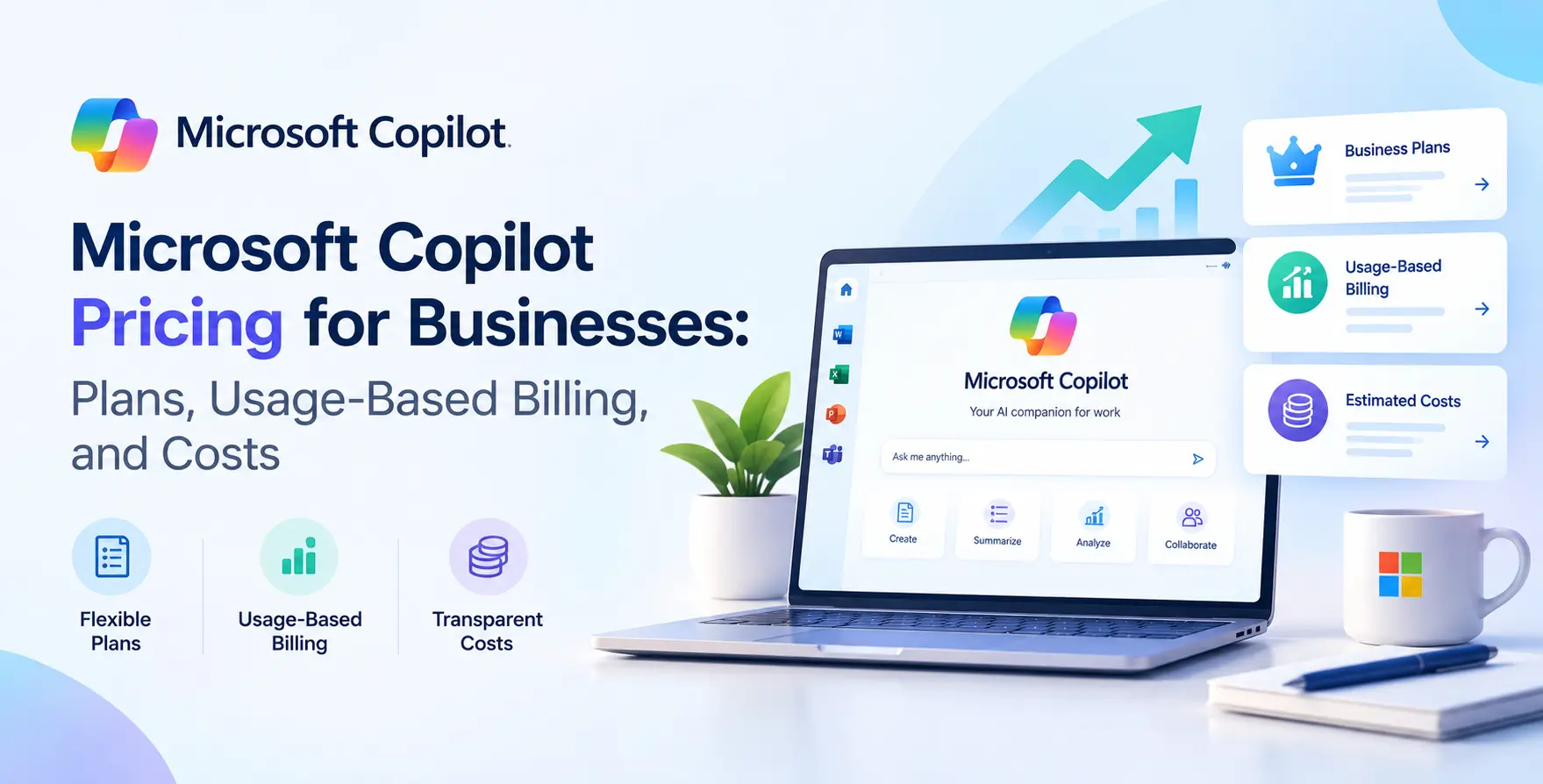
The Core Microsoft Copilot Pricing Structure
The pricing model is primarily seat-based, designed to integrate seamlessly into existing Microsoft 365 environments. This structure simplifies deployment but requires careful planning regarding who actually needs access.
While the base subscription is straightforward, the total cost depends on your existing software suite. Organizations already using deep integrations within the Microsoft ecosystem will find the transition natural, though it is not without financial implications.
- Predictable monthly seat costs
- Annual commitment requirements
- Integration with existing M365 licenses
- Scalable licensing per user
Microsoft 365 Business Plans
For smaller organizations, the focus is often on accessibility and ease of management. These plans are tailored to ensure that teams can leverage AI without needing massive infrastructure overhead.
Deciding between Basic, Standard, and Premium tiers can be tricky. It is important to remember that Copilot is an add-on, not a baseline service, for most of these tiers.
- Business Standard eligibility
- Business Premium requirements
- Tiered feature sets
- User-level seat management
Enterprise Licensing Explained
High-Volume Agreements
Larger organizations often utilize Enterprise Agreements to manage software assets. Microsoft Copilot pricing for businesses of this scale is usually negotiated as part of a broader enterprise contract.
- Custom volume pricing
- Multi-year service agreements
- Enterprise support included
- Centralized billing management
Negotiating these contracts requires a clear understanding of your organizational footprint. By aligning your AI rollout with your enterprise renewal, you can often secure more favorable terms.
Standardization Requirements
Enterprise deployments usually mandate a uniform baseline of underlying software. You cannot simply add Copilot to an unsupported or legacy environment without upgrading your core productivity suite first.
- Base license prerequisites
- Compliance standard alignment
- Security configuration needs
- Identity management integration
Understanding Copilot Business Cost
When calculating the true Copilot business cost, you must look beyond the monthly per-user fee. You need to factor in the time spent on training, configuration, and internal support for users navigating the new interface.
If you have previously invested in custom software development, you should consider how these new AI tools might replace or enhance your current internal applications. A balanced approach ensures you are not paying for redundant functionality.
| Cost Factor |
Direct Impact |
Strategy |
| Seat Licensing |
Monthly recurring expense |
Allocate based on usage |
| Training Costs |
Initial investment |
Phased rollout approach |
| Admin Overhead |
Operational expense |
Centralized governance |
| Cloud Storage |
Scalable usage |
Monitor data footprint |
| Support Resources |
Staffing impact |
Internal knowledge base |
The Role of Usage-Based Billing
While standard subscriptions are fixed, there is growing interest in Microsoft Copilot usage based pricing for specific services. This model allows companies to pay only for the compute or tokens consumed during heavy AI tasks.
This is particularly useful for organizations with fluctuating demand or seasonal spikes in data processing. Aligning your costs with actual consumption helps keep your budget predictable.
- Token-based consumption models
- Dynamic scaling capabilities
- Budget alerts for usage
- Transparent monitoring dashboards
Comparing Subscription Tiers
Choosing between different tiers often comes down to the specific productivity needs of your departments. Not everyone requires the full suite of AI capabilities, and identifying power users is key to cost control.
Some roles may only need email drafting assistance, while researchers might need advanced document synthesis. Tailoring the license to the persona prevents unnecessary spending.
- Frontline worker tiers
- Knowledge worker tiers
- Executive access levels
- Admin-only management tools
Integration with Existing Cloud Infrastructure
Your cloud environment dictates how efficiently Copilot operates. Integrating AI services into your existing setup is rarely plug-and-play, especially for firms that rely on complex, legacy-heavy architectures.
As you scale, the interaction between your cloud storage and your AI tools becomes a primary cost driver. Keeping your data clean and indexed reduces the compute cycles needed to get accurate results.
Managing AI Investments via FinOps
As AI costs become a significant line item, many teams are adopting a structured approach to managing them. This is where modern cloud cost optimization becomes relevant for AI services.
By treating AI as an infrastructure asset, you can apply standard financial rigor to these costs. This ensures that every dollar spent on AI licenses translates into measurable productivity gains for your engineering teams.
Hidden Costs of AI Implementation
The sticker price of a license is only the beginning. You must account for the hidden costs associated with security, compliance, and data governance, which are critical when handling proprietary information.
Many firms find that their internal data hygiene is not ready for AI. Cleaning up legacy databases and setting up proper access controls can add significant labor costs before the system is even fully operational.
- Data preparation labor
- Security audit requirements
- Compliance verification cycles
- Internal help desk training
Best Practices for Adoption
Successful rollout requires more than just purchasing licenses. You should start with a small pilot group to gauge the actual impact on workflow efficiency and identify potential blockers.
Gathering feedback from these early adopters allows you to refine your strategy before a company-wide deployment. This iterative approach minimizes waste and ensures high adoption rates.
- Phased team rollouts
- Internal champion identification
- Feedback loop mechanisms
- Regular usage reporting
Selecting the Right Plan
Choosing the right path requires a thorough audit of your current Microsoft stack and your long-term business goals. Do not feel pressured to commit to the most expensive tier immediately.
Start with a manageable baseline and expand access as users demonstrate clear productivity benefits. This conservative approach to scaling is generally the safest way to manage your overall financial risk.
Final Thoughts
Microsoft Copilot offers a powerful way to enhance workforce productivity, but it requires a disciplined approach to financial management. Understanding the nuances of Microsoft Copilot pricing allows you to make informed decisions that align with your business objectives.
By focusing on usage patterns and integrating AI into your broader cost governance strategies, you ensure that your investment pays off. Keep your deployment scalable, monitor your consumption metrics, and always prioritize the needs of your end users to get the most value from these tools.


 In collaboration with