Table of Contents
- Introduction
- The Risks of Unrestricted File Uploads
- Validating File Extensions
- Implementing Mime Type Checks
- Scanning Files for Malicious Content
- Storage Strategies for Uploaded Files
- Renaming Files to Prevent Overwrites
- Limiting File Sizes
- Securing the File Upload API
- Permissions and Access Control
- Logging and Monitoring
- Infrastructure Hardening
- Testing Your Implementation
- Conclusion
Introduction
Allowing users to upload files is a common requirement in modern web development. Whether you are building a profile picture upload feature or a document management system, you are opening a door to your server.
If you fail to implement a secure file upload process, you invite attackers to execute arbitrary code or compromise your database. Understanding the risks is the first step toward building a resilient system.
The Risks of Unrestricted File Uploads
An unrestricted upload endpoint is a primary target for malicious actors. Attackers often try to upload web shells, which are scripts that allow them to gain remote access to your server.
Once a web shell is executed, the attacker can manipulate files, steal sensitive data, or launch further attacks against your internal network. You must assume that every file uploaded by a user is potentially dangerous.
- Remote code execution attacks
- Server-side request forgery attempts
- Malware propagation across users
- Storage exhaustion through large files
- Cross-site scripting via uploaded HTML files
Validating File Extensions
Many developers mistakenly rely on client-side validation to check file types. You must never trust the data sent from the browser, as it can be easily bypassed by intercepting the request.
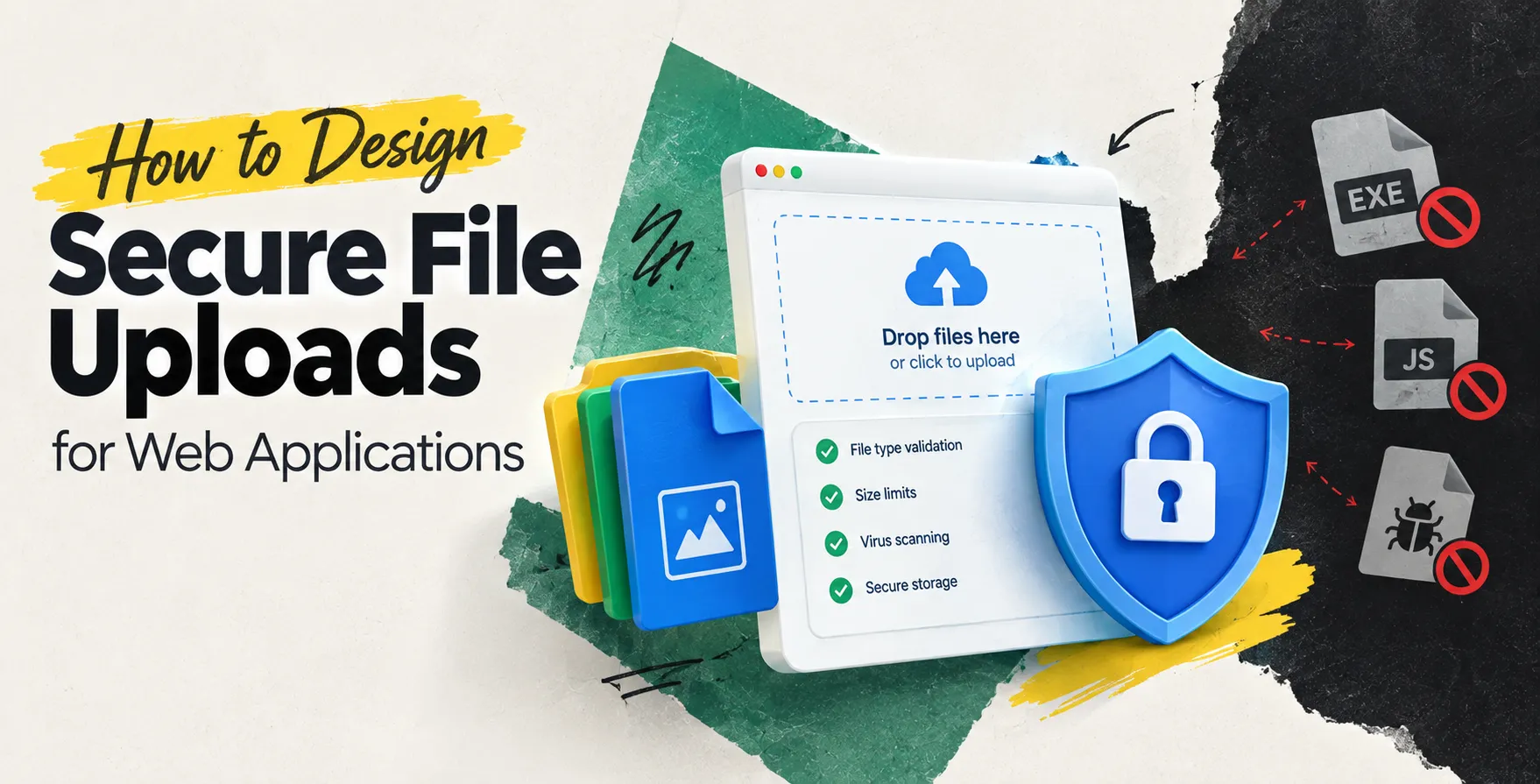
Server-side extension validation is mandatory for any secure application. Maintain a strict allow-list of permitted extensions rather than trying to block bad ones.
Ensure your validation logic is case-insensitive to avoid bypasses like uploading a .PHP file instead of a .php file. This is a basic layer of defense that prevents common script execution.
Implementing Mime Type Checks
Checking extensions is insufficient because attackers can rename a malicious script to look like an innocent image. You should verify the actual content type of the file using server-side libraries.
When you use a secure file upload API, always inspect the file signature or magic bytes. Relying solely on the Content-Type header sent by the client is a significant security flaw.
- Verify magic bytes
- Use reliable server libraries
- Reject unknown file types
- Avoid client-side headers
Scanning Files for Malicious Content
Even if a file looks like a valid image, it might contain embedded malware or malicious scripts. Integrating an automated antivirus or malware scanner is a critical step in professional web development.
For high-security environments, you should offload scanning to a separate microservice. This ensures that a compromised file cannot interact with your main application logic during the scanning phase.
If a file is flagged as suspicious, reject it immediately and log the incident. Never attempt to clean or sanitize files unless your business requirements strictly demand it.
Storage Strategies for Uploaded Files
Where you store user-uploaded content significantly impacts your security posture. Avoid storing files in a directory that is directly accessible by the web server.
If a file is stored in a public folder, an attacker could potentially execute it by navigating to its URL. Use a non-executable storage location or a dedicated cloud object storage bucket.
Using Object Storage
Cloud providers offer robust storage solutions that decouple file storage from your web server application. This architecture significantly reduces the risk of remote code execution.
- Use private buckets
- Enable server-side encryption
- Restrict public access
- Generate temporary access URLs
Local Storage Precautions
If you must store files locally, ensure the directory lacks execution permissions. Configure your web server to treat all files in that directory as static blobs rather than executable scripts.
- Disable script execution
- Use randomized folder names
- Isolate the storage volume
Renaming Files to Prevent Overwrites
Never store a file with its original name provided by the user. An attacker might use directory traversal characters like ../ to overwrite critical system files.
Always generate a unique, randomized filename on the server side before saving the file. Mapping these random names to the original names in your database is a safer approach for tracking user content.
This strategy also prevents collisions when two different users upload files with the same name. It provides an extra layer of protection against predictable file paths.
Limiting File Sizes
A simple denial-of-service attack involves flooding your server with massive files. You must enforce strict size limits at both the application level and the web server configuration.
Set a reasonable maximum size based on your specific use case. If you expect images, a few megabytes should be more than enough for almost any application.
- Enforce limits in Nginx or Apache
- Validate size in application code
- Provide clear user feedback
Securing the File Upload API
Your file upload security strategy must include robust authentication and authorization. Only authenticated users should have access to the upload endpoint.
Follow standard API security best practices to protect your endpoints from unauthorized access. Use rate limiting to prevent brute-force attacks and ensure that you are using secure tokens to validate user identity.
Additionally, consider implementing CSRF protection if your application is vulnerable to cross-site request forgery. This prevents attackers from submitting files on behalf of an unsuspecting user.
Permissions and Access Control
Once a file is uploaded, who can access it? If the file contains private user information, it must be protected by the same access control rules as your database records.
Implement a service that checks user permissions before serving the file. Never make uploaded files globally readable, as this leads to data leaks.
- Check user session tokens
- Verify file ownership
- Audit access logs regularly
- Implement least privilege access
Logging and Monitoring
Maintain detailed logs of all upload activities. This includes the timestamp, the user ID, the original filename, and the result of the security checks.
If an attacker is probing your upload endpoint for vulnerabilities, your logs should reveal patterns like repeated failed attempts. Use this data to trigger automated alerts for your security team.
Proactive monitoring is essential for identifying breaches early. If you notice unusual spikes in traffic to your upload endpoint, investigate it immediately to prevent potential data loss.
Infrastructure Hardening
Your server architecture plays a huge role in overall security. Keep your software up to date and patch any known vulnerabilities in your web server or language runtime.
Use security headers to protect your users from malicious content that might be served via your domain. Tools that perform automated testing & qa services can help ensure your infrastructure remains solid over time.
- Update server software
- Use strong security headers
- Run services as non-root
- Implement network segmentation
Testing Your Implementation
After designing your system, verify it against common attack vectors. Use automated api testing tools to simulate malicious uploads and ensure your error handling is robust.
Do not assume that your code is secure just because you followed these steps. Regular penetration testing and code audits are required to maintain high standards of security.
Treat your upload functionality as a high-risk area of your application. Consistent vigilance is the only way to stay ahead of evolving threats in the digital landscape.
Conclusion
Designing a secure file upload system requires a multi-layered approach. By validating extensions, scanning content, using secure storage, and enforcing strict access controls, you can mitigate most common risks.
Building a secure system is not a one-time task but a continuous effort. Stay informed about new threats and regularly update your file upload security processes to protect your users and your infrastructure.


 In collaboration with