Table of Contents
- Introduction to Real-Time Voice AI
- What is the GPT-Live-1 API?
- Core Architecture for Voice Apps
- Setting Up Your Development Environment
- Managing Audio Streaming Protocols
- Handling Latency in Conversational AI
- Implementing Natural Language Understanding
- Tools for Voice AI App Development
- Security Considerations for Live Audio
- Handling Interruptions and Barge-ins
- Testing and Debugging Voice Flows
- Best Practices for Conversational Design
- Scalability in Real-Time Applications
- Conclusion
Introduction to Real-Time Voice AI
The landscape of human-computer interaction is shifting toward conversational interfaces. Users no longer want to type commands; they expect to speak naturally and receive immediate, human-like responses.
Building systems that can process audio input and generate speech in milliseconds is a complex engineering feat. This is where the GPT-Live-1 API becomes a transformative tool for developers.
What is the GPT-Live-1 API?
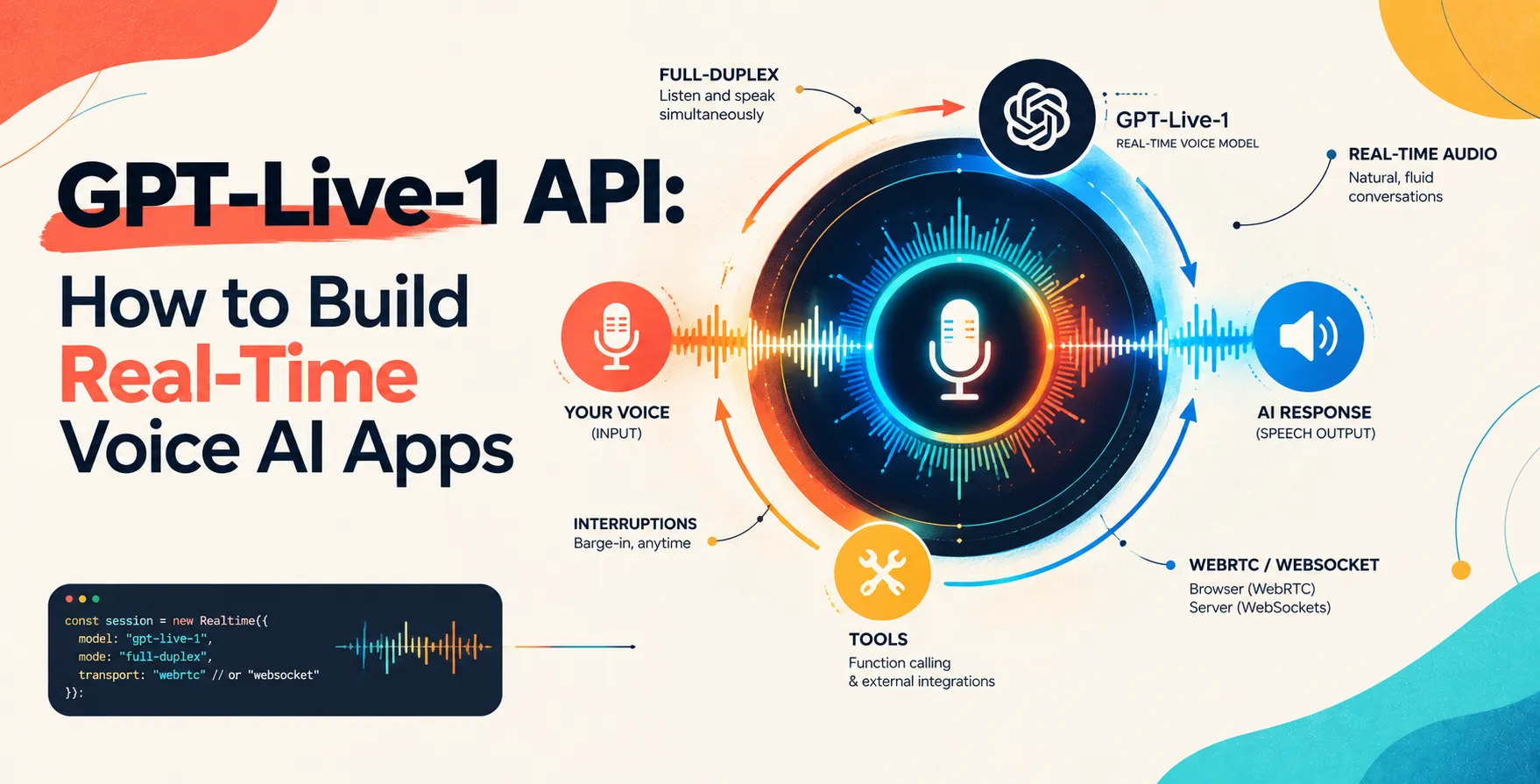
The GPT-Live-1 API is a specialized interface designed for high-performance audio processing. It bridges the gap between raw audio streaming and large-scale language model inference.
Unlike traditional request-response architectures, this API supports persistent connections. It is built to handle the nuances of human speech, including prosody, emotion, and rapid interruptions.
- Provides low-latency audio inference
- Supports bidirectional audio streaming
- Handles natural language synthesis natively
- Maintains context over long sessions
Core Architecture for Voice Apps
When you start to build real-time voice AI apps with GPT-Live-1 API, you must rethink your data pipeline. You cannot wait for complete audio files to upload before processing starts.
You need a streaming architecture that captures, buffers, and transmits audio chunks in real-time. This ensures that the model begins generating tokens while the user is still speaking.
- Client-side audio capture
- Websocket-based duplex communication
- Server-side streaming response
- Real-time playback buffer management
Setting Up Your Development Environment
Before writing code, ensure your environment is optimized for handling binary data streams. Most modern frameworks require robust asynchronous support to prevent blocking the main thread.
You will need a reliable SDK to manage the connection state. Keep your dependencies minimal to reduce overhead during the initial handshake.
- Node.js or Python environments
- WebSocket client libraries
- Audio codec libraries
- Local testing simulators
Managing Audio Streaming Protocols
Efficiency in audio transmission is critical for voice AI app development. You must choose the right sample rate and compression format to balance quality with bandwidth constraints.
Modern systems often use Opus or similar codecs. These provide high fidelity at low bitrates, making them ideal for mobile applications where network conditions might fluctuate.
- Sample rate standardization
- Codec selection for streaming
- Jitter buffer implementation
- Packet loss recovery strategies
Handling Latency in Conversational AI
Latency is the primary killer of user experience in voice applications. A delay of more than a few hundred milliseconds makes a conversation feel unnatural and disjointed.
To mitigate this, developers should use streaming inference. This allows the system to begin outputting audio as soon as the first few tokens are generated, rather than waiting for the entire response.
Infrastructure Optimization
Your cloud architecture must be geographically distributed to keep compute resources close to the user. This reduces the time packets spend traveling over the public internet.
- Edge computing deployment
- Global load balancing
- Reduced compute overhead
- Optimized model inference paths
Code-Level Latency Reduction
Avoid heavy processing on the main execution thread. Use non-blocking I/O and efficient memory management to ensure the system stays responsive under load.
- Asynchronous processing loops
- Pre-fetching common responses
- Efficient memory allocation
Implementing Natural Language Understanding
Understanding intent from audio is harder than from text. You must account for background noise, filler words, and regional accents.
The GPT-Live-1 API simplifies this by handling the speech-to-text and text-to-speech conversion internally. Your application focus shifts to managing the conversation flow and business logic.
Tools for Voice AI App Development
Choosing the right tools determines the speed of your iteration cycle. Use specialized debugging proxies to inspect the audio packets flowing between your server and the API.
| Tool Type |
Common Selection |
Purpose |
| Logging |
ELK Stack |
Tracking session events |
| Monitoring |
Datadog |
Latency and error tracking |
| Communication |
WebSockets |
Persistent data transfer |
| Testing |
Postman |
API endpoint validation |
| Audio |
FFmpeg |
Stream manipulation |
Security Considerations for Live Audio
Securing voice streams requires more than just standard API keys. You are handling sensitive user data, so you must implement robust encryption for data in transit and at rest.
Never log raw audio streams in production environments. If you need to debug, ensure that personal identifiable information is scrubbed or masked before storage.
- TLS 1.3 for all connections
- Strict scope limiting for keys
- Regular security audits
- Audio data anonymization
Handling Interruptions and Barge-ins
A true real-time voice system must allow the user to interrupt the model. This is called a barge-in, and it is essential for a natural flow.
When the user starts speaking, your system must immediately send a stop signal to the audio output buffer. This clears the current playback and prepares the system to listen to the new input.
- VAD or voice activity detection
- Interrupt signal handling
- Buffer clearance logic
- State reset mechanisms
Testing and Debugging Voice Flows
Testing voice apps is inherently different from testing standard REST interfaces. You cannot simply check JSON responses; you must listen to the audio output quality.
Use automated scripts to simulate user input at various speeds and volumes. This ensures your system handles edge cases like fast talkers or background interference correctly.
Best Practices for Conversational Design
The technical implementation is only half the battle. Your prompts must be carefully crafted to encourage concise, helpful, and natural responses from the model.
Keep the system persona consistent throughout the conversation. If the user expects a professional assistant, the model should not switch to a casual tone mid-stream.
- Consistent system prompts
- Concise response rules
- Clear turn-taking signals
- Error handling feedback
Scalability in Real-Time Applications
Scaling a voice application involves managing thousands of concurrent WebSocket connections. This places significant demand on your infrastructure memory and CPU.
Use horizontal scaling to distribute connections across multiple server nodes. Implement state management in a shared cache to maintain context across these nodes.
Conclusion
Building real-time voice AI apps with GPT-Live-1 API opens up immense possibilities for developers. By mastering streaming protocols, managing latency, and prioritizing user experience, you can create interfaces that feel truly human.
Start by focusing on low-latency connections and robust audio handling. As you iterate, incorporate sophisticated conversational design to ensure your application stands out in a crowded market.


 In collaboration with