Table of Contents
- Introduction
- Understanding External Access Risks
- How AWS IAM Access Analyzer Works
- Enabling Access Analyzer
- Analyzing Your Resource Policies
- Interpreting Cross-Account Access Findings
- Managing AWS Public Resource Policy Audit
- Automating Findings with EventBridge
- Best Practices for Policy Hygiene
- Integrating with CI/CD Pipelines
- Comparing Manual Audits vs Automated Analysis
- Security Benefits for Modern Teams
- Addressing Common False Positives
- Conclusion
Introduction
Cloud security relies on precise configuration of permissions. When policies are too permissive, you open doors to unintended entities. AWS IAM Access Analyzer helps you regain control over who can access your resources.
This tool is essential for maintaining a secure environment as your infrastructure scales. It automates the complex task of identifying policy risks across your entire organization.
By leveraging automated analysis, you can confidently manage complex permission structures without constant manual intervention. It provides the visibility needed to apply the principle of least privilege effectively.
Understanding External Access Risks
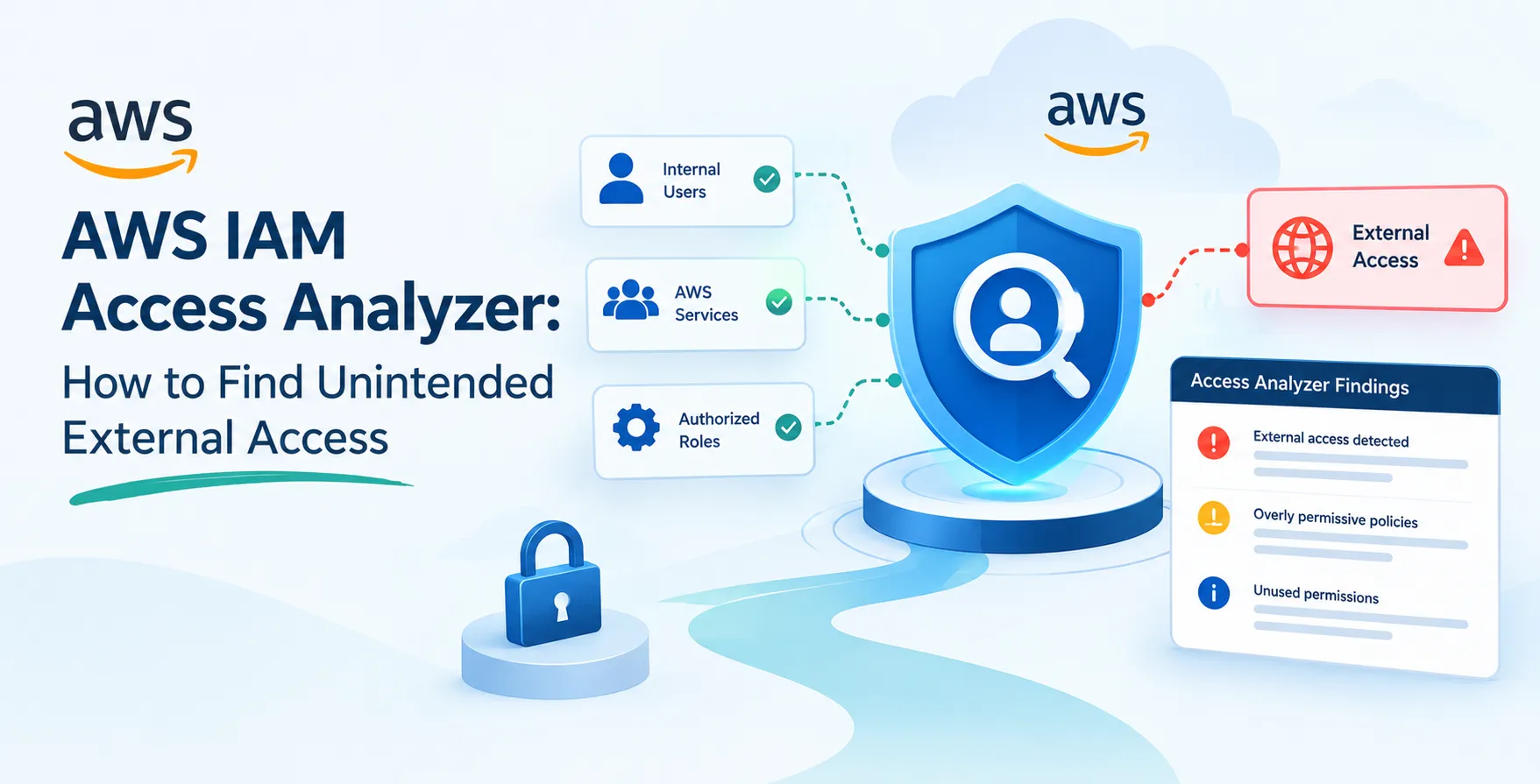
External access risks occur when resource policies allow entities outside your zone of trust to interact with your data. These entities could be other AWS accounts, public users, or unauthorized third-party services.
Traditional IAM policy management often fails to catch these subtle misconfigurations. A simple typo or an overly broad wildcard in a policy document can expose sensitive buckets or databases to the public internet.
Security teams must remain vigilant against these hidden vectors. Without automated detection, identifying these exposures across thousands of resources is practically impossible.
- Unauthorized cross-account data access
- Unintended public resource exposure
- Legacy permissions left behind
- Overly permissive service roles
How AWS IAM Access Analyzer Works
AWS IAM Access Analyzer uses automated reasoning to evaluate your resource policies. It builds a model of your access permissions and compares them against known security patterns.
The service identifies every resource that allows access from outside your designated perimeter. This includes S3 buckets, KMS keys, IAM roles, and Lambda functions.
It functions by analyzing the mathematical logic within your JSON policies. This approach is far more accurate than simple pattern matching or regex checks.
Enabling Access Analyzer
Setting up the service is straightforward and requires minimal configuration effort. You can enable it through the AWS Management Console or via infrastructure as code tools.
When you enable it, the analyzer creates an internal zone of trust based on your AWS account or organization ID. It then begins scanning your resources immediately to detect potential policy violations.
The setup process is non-intrusive and does not impact your current application performance. It simply runs in the background to provide continuous security insights.
- Create an analyzer instance
- Define the zone of trust
- Configure delegated administrator access
Analyzing Your Resource Policies
Once enabled, the tool scans your environment for any policy that grants broader access than necessary. It flags specific actions that could lead to data exfiltration or unauthorized modification.
You can view findings directly in the IAM console. Each finding includes detailed information about the resource, the policy statement, and the external entity gaining access.
This granular data allows you to make informed decisions about whether to keep or revoke a specific permission. It transforms abstract security concerns into concrete actionable tasks.
Interpreting Cross-Account Access Findings
AWS cross-account access findings often appear when you share resources between different environments. While some of these are intentional, many represent security gaps that teams overlook.
The analyzer categorizes findings based on the level of risk. High-priority items show access from accounts that are completely outside your organization hierarchy.
Understanding these findings is crucial for maintaining a clean architecture. You should regularly review these alerts to ensure they align with your business requirements.
| Finding Type |
Risk Level |
Typical Action |
| Public Access |
Critical |
Immediate Revocation |
| Cross-Account |
Medium |
Verify Business Need |
| Service-Linked |
Low |
Monitor Activity |
| Temporary Access |
Medium |
Review Expiration |
Managing AWS Public Resource Policy Audit
Performing a regular AWS public resource policy audit is a fundamental requirement for compliance. Access Analyzer makes this process continuous rather than periodic.
It tracks every public policy change in real-time. If a developer accidentally updates an S3 bucket policy to public, you receive an alert instantly.
This proactive approach prevents security incidents before they occur. It moves your team away from reactive firefighting toward a robust security posture.
Automating Findings with EventBridge
You can integrate Access Analyzer with Amazon EventBridge to automate your remediation workflows. This allows you to trigger automated scripts whenever a new finding is generated.
For instance, you might trigger a Lambda function to automatically quarantine a bucket that has been made public. This creates a self-healing security loop.
Automation ensures that no finding goes unnoticed, regardless of the scale of your infrastructure. It is a critical component for teams managing large-scale cloud footprints.
- Send alerts to Slack or email
- Trigger automated remediation scripts
- Log findings to a central security account
- Update Jira tickets automatically
- Execute custom validation logic
Best Practices for Policy Hygiene
Maintaining clean policies requires a cultural shift toward security-first development. Developers should understand the implications of the policies they write for their applications.
Use tagging to categorize resources by sensitivity. This helps you filter findings in the analyzer console more effectively during your daily reviews.
Always prefer resource-based policies over identity-based ones when possible. This keeps your permission logic localized and easier to audit for potential exposures.
Integrating with CI/CD Pipelines
As you refine your deployment processes, integrate policy validation into your pipelines. Before deploying infrastructure, test your policies against the Access Analyzer API to catch issues early.
This shift-left approach is essential for preventing misconfigurations from ever reaching production. It saves time by reducing the need for post-deployment remediation cycles.
When you implement robust testing, you reduce the reliance on long-lived access keys. This aligns with modern strategies for secure deployment, similar to how teams use OIDC for cloud authentication.
Comparing Manual Audits vs Automated Analysis
Manual audits are prone to human error and lack the depth required for modern cloud environments. Automated analysis provides continuous coverage and mathematical accuracy.
Automated tools can scan thousands of policies in seconds. Manual reviewers would take weeks to achieve the same level of depth and coverage.
Investing in automation frees your security engineers to focus on complex architecture rather than repetitive auditing. It is the only scalable way to manage cloud permissions.
Security Benefits for Modern Teams
Modern engineering teams benefit significantly from using AWS IAM Access Analyzer. It provides a shared language between developers and security engineers regarding permissions.
The tool reduces the cognitive load on developers. They no longer need to be IAM experts to write secure policies for their applications.
It also simplifies the compliance reporting process for audits. You can export findings to demonstrate that you have active monitoring for external access risks.
- Reduced risk of data breaches
- Faster security incident response
- Improved developer productivity
- Simplified compliance reporting
Addressing Common False Positives
Sometimes the analyzer flags legitimate business requirements as security risks. You can mark these findings as archived or suppress them to keep your dashboard clean.
Suppression requires a clear justification, which helps maintain an audit trail. This ensures that your team remains focused on actual threats rather than noise.
Review your suppressed findings periodically to ensure the original justification is still valid. Business needs change, and a policy that was safe yesterday might be a risk today.
Conclusion
AWS IAM Access Analyzer is a powerful tool for maintaining a secure and compliant cloud environment. It provides the visibility and automation necessary to identify unintended external access before it becomes a vulnerability.
By integrating this service into your daily workflows and CI/CD pipelines, you can build a more resilient infrastructure. It empowers your team to move fast while maintaining strict security standards.
Start by enabling the analyzer in your core accounts today. You will quickly see how much easier it is to manage your permissions when you have automated reasoning on your side.


 In collaboration with