Table of Contents
- Introduction
- What is Web Performance Optimization?
- Core Web Vitals Explained
- Why Page Speed Matters for Business
- How to Measure Website Performance
- Optimizing Images and Media Files
- Minifying CSS, JavaScript, and HTML
- Unoptimized vs Optimized Website Metrics
- Browser Caching and CDNs
- Server-Side Improvements and Hosting
- Database Query Optimization
- Step-by-Step Action Plan to Speed Up Your Site
- Conclusion
Introduction
Slow websites lose visitors fast. A delay of just one second can drop your conversion rate drastically.
Users expect pages to load instantly on every device. Meeting this standard requires clear technical strategy and execution.
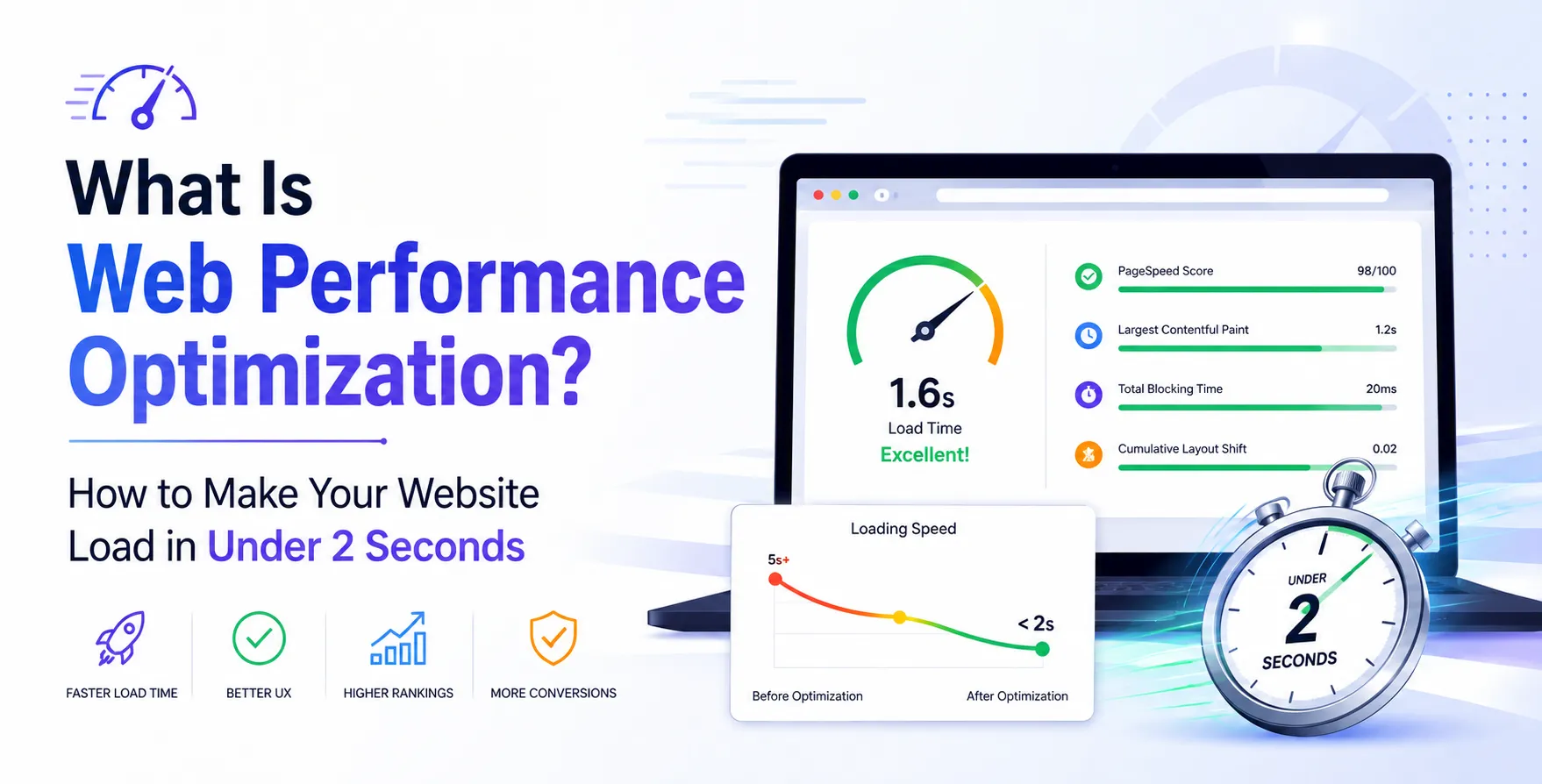
What is Web Performance Optimization?
Website performance optimization is the technical practice of speeding up page rendering and responsiveness. It involves refining code, assets, and server infrastructure to deliver content efficiently.
Fast loading builds immediate trust with users. It prevents visitors from bouncing to a competitor site before seeing your offer.
Engineers analyze network requests and browser rendering steps to find bottlenecks. Optimizing these areas transforms user experiences and increases engagement.
Core Web Vitals Explained
Google evaluates site user experience through key measurement standards known as Core Web Vitals.
Largest Contentful Paint
This metric measures how long main content takes to render on screen.
- Tracks primary visual rendering time
- Aims for under two seconds
Improving server response speeds helps optimize this critical visual metric.
Interaction to Next Paint
This metric tracks overall visual responsiveness to user inputs during page visits.
- Measures response latency on clicks
- Target stays under 200 milliseconds
Reducing main-thread JavaScript work keeps pages responsive to visitor actions.
Why Page Speed Matters for Business
Page speed directly impacts revenue, user engagement, and organic search engine rankings. Search engines prioritize fast sites when serving user queries.
Focusing on speed delivers clear business benefits across departments.
- Higher conversion rates on ecommerce stores
- Lower bounce rates for incoming landing pages
- Better search engine ranking positions
- Increased user trust and brand credibility
- Lower server bandwidth costs over time
To capture these gains, teams must actively improve website loading speed through strategic asset management.
How to Measure Website Performance
Accurate performance measurement relies on combining synthetic lab tests with actual user field data. Synthetic tests pinpoint technical bottlenecks in controlled environments using automated tools.
Real User Monitoring captures actual loading speeds across diverse networks and physical devices. This reveals real-world performance spikes during peak traffic hours.
Combining both data streams gives engineers a complete picture of overall website health. Regular monitoring ensures performance gains stay consistent after new feature releases.
Optimizing Images and Media Files
Uncompressed images are often the biggest cause of slow page loading speeds. Serving oversized media files wastes bandwidth and delays visual rendering.
Modern compression techniques drastically reduce website load time without sacrificing visual quality.
- Convert images to WebP format
- Implement lazy loading on images
- Compress images before deployment pipeline
- Serve responsive images with srcset
- Set explicit width and height attributes
- Use SVG vectors for graphics
Applying these adjustments removes massive visual assets from critical initial render pathways.
Minifying CSS, JavaScript, and HTML
Source code often contains unnecessary characters like whitespace, comments, and long variable names. Removing this excess clutter shrinks total payload size significantly.
Minification streamlines code processing before browsers download and parse assets.
- Strip comments and code whitespace
- Bundle related script files together
- Defer non-critical JavaScript execution
- Inline critical render path CSS styles
Smarter asset handling lets browsers render initial page layouts much faster.
Unoptimized vs Optimized Website Metrics
Comparing key performance metrics highlights the impact of targeted optimization efforts.
| Metric |
Unoptimized Website |
Optimized Website |
| Initial Page Load Time |
5.8 seconds |
1.2 seconds |
| Total Page Weight |
4.2 MB |
850 KB |
| HTTP Requests |
85 requests |
22 requests |
| Largest Contentful Paint |
3.9 seconds |
1.1 seconds |
| First Input Delay |
180 ms |
12 ms |
Browser Caching and CDNs
Caching stores static assets on local user devices to avoid unnecessary network downloads. Setting long expiration headers allows repeat visitors to load assets instantly from memory.
Content Delivery Networks distribute cached assets across global edge servers located near users. Physical proximity reduces round-trip network latency significantly.
Combining aggressive browser caching with a global CDN ensures ultra-fast response times globally. This architectural setup protects origin servers during sudden traffic spikes.
Server-Side Improvements and Hosting
Fast frontend code cannot fix slow backend server responses. Choosing performant hosting infrastructure provides the foundation for low initial latency.
Optimizing server software configuration is crucial for high throughput.
- Upgrade to HTTP/2 or HTTP/3 protocols
- Enable Brotli or Gzip asset compression
Modern network protocols reduce connection overhead and allow concurrent file downloads.
Database Query Optimization
Dynamic applications rely heavily on backend database queries during page execution. Slow query speeds create major bottlenecks that delay server responses.
Streamlining database interactions keeps dynamic page generation fast.
- Add indexes to frequent lookup columns
- Cache database queries in Redis
- Eliminate unused database query joins
- Limit returned database row counts
Step-by-Step Action Plan to Speed Up Your Site
If you want to know how to speed up a website, follow this structured execution plan.
- Audit existing page performance using Lighthouse
- Compress images and enable WebP formats
- Minify CSS and JavaScript build assets
- Configure browser caching and CDN routes
- Optimize backend database queries and hosting
Conclusion
Achieving loading speeds under two seconds requires continuous attention across code, media, and infrastructure. Small performance improvements accumulate to create fast, reliable user experiences.
Start by auditing your current page metrics and tackling large assets first. Over time, maintaining performance standards will drive user retention and organic search growth.


 In collaboration with