Table of Contents
- Introduction to Web Components
- What are Web Components?
- Benefits of Web Components
- Creating Custom HTML Elements
- Reusable UI Components
- Framework-Agnostic UI Development
- Challenges in Adopting Web Components
- Best Practices for Web Component Development
- Real-World Examples of Web Components
- Future of Web Components in UI Development
- Comparison of Web Components with Other UI Frameworks
- Conclusion
Introduction to Web Components
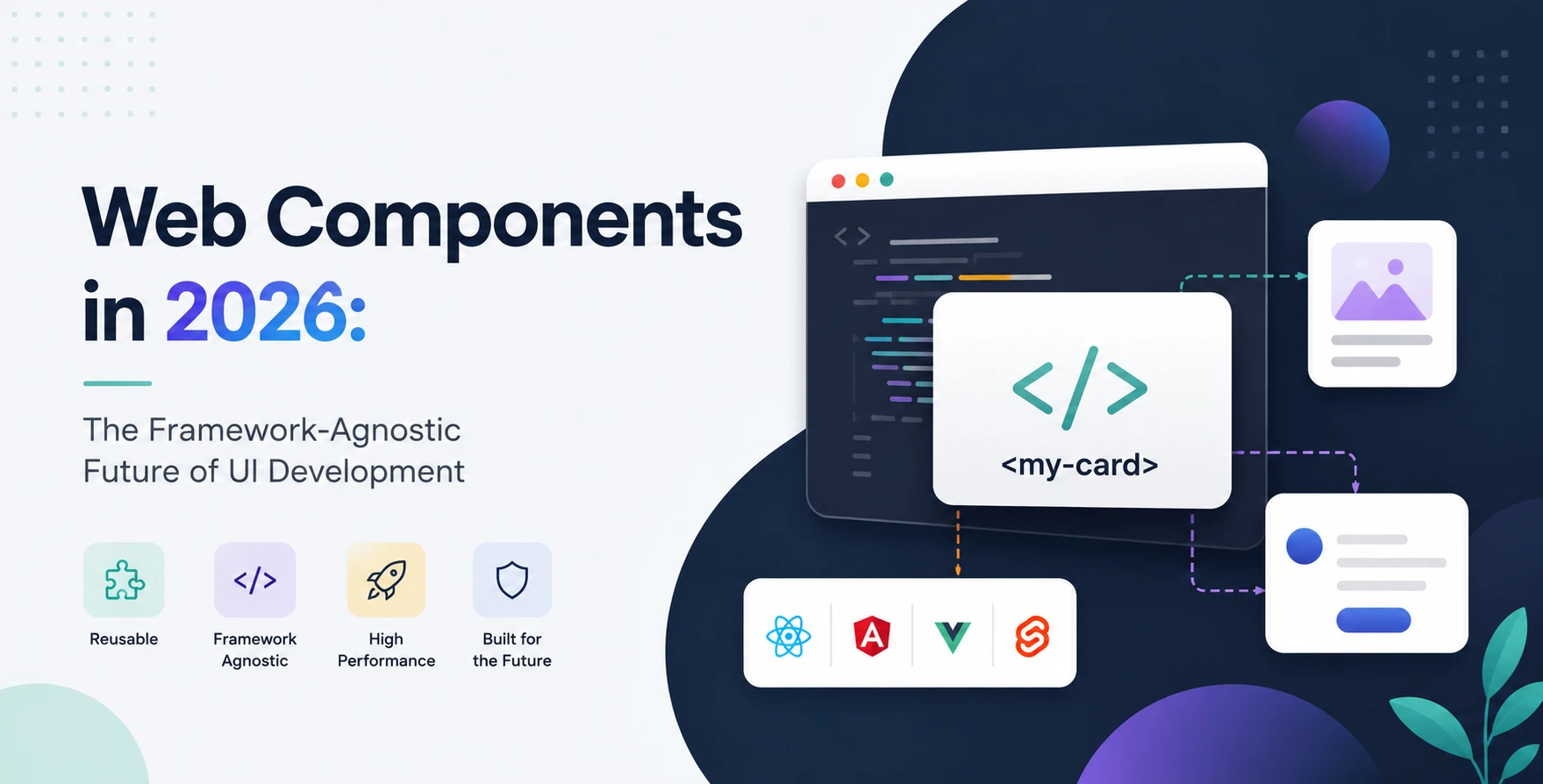
Web Components are a set of web platform APIs that allow you to create custom, reusable, and encapsulated HTML tags.
They enable developers to create their own HTML elements, making it easier to build modular and maintainable UI components.
This approach is framework-agnostic, meaning it can be used with any JavaScript framework or library.
What are Web Components?
Web Components consist of three main technologies: Custom Elements, HTML Templates, and HTML Imports.
Custom Elements allow you to create new HTML elements, while HTML Templates enable you to define the structure of your elements.
HTML Imports provide a way to import and reuse HTML documents.
- Custom Elements: Create new HTML elements
- HTML Templates: Define the structure of elements
- HTML Imports: Import and reuse HTML documents
Benefits of Web Components
Web Components offer several benefits, including improved code reusability, easier maintenance, and better performance.
They also enable developers to create framework-agnostic UI components, making it easier to switch between different frameworks.
Additionally, Web Components provide a more semantic and accessible way of building UI components.
- Improved code reusability
- Easier maintenance
- Better performance
- Framework-agnostic
- More semantic and accessible
Creating Custom HTML Elements
Creating custom HTML elements is a straightforward process that involves defining a new element using JavaScript.
You can then use this element in your HTML documents, just like any other standard HTML element.
Custom elements can also be extended to include custom properties, methods, and events.
- Define a new element using JavaScript
- Use the element in your HTML documents
- Extend the element with custom properties and methods
Reusable UI Components
Reusable UI components are a key benefit of Web Components, enabling developers to create modular and maintainable UI components.
These components can be reused across different projects and applications, reducing development time and improving consistency.
Reusable UI components can also be shared and distributed through package managers like npm.
- Modular and maintainable UI components
- Reusable across different projects and applications
- Shared and distributed through package managers
Framework-Agnostic UI Development
Web Components enable framework-agnostic UI development, meaning you can use them with any JavaScript framework or library.
This approach provides more flexibility and freedom, allowing you to switch between different frameworks without having to rewrite your UI components.
Framework-agnostic UI development also makes it easier to integrate with other libraries and frameworks.
- Use with any JavaScript framework or library
- Switch between frameworks without rewriting UI components
- Easier integration with other libraries and frameworks
Challenges in Adopting Web Components
Adopting Web Components can be challenging, especially for developers who are new to the technology.
Some of the challenges include the complexity of the technology, the lack of documentation and resources, and the need for a different mindset.
However, the benefits of Web Components far outweigh the challenges, making it a worthwhile investment for developers and organizations.
- Complexity of the technology
- Lack of documentation and resources
- Need for a different mindset
Best Practices for Web Component Development
Best practices for Web Component development include following the principles of modular and maintainable code, using semantic and accessible HTML, and testing and debugging thoroughly.
Developers should also follow the guidelines and recommendations provided by the Web Components community.
Additionally, it's essential to stay up-to-date with the latest developments and advancements in the field.
- Follow principles of modular and maintainable code
- Use semantic and accessible HTML
- Test and debug thoroughly
- Follow community guidelines and recommendations
- Stay up-to-date with the latest developments
Real-World Examples of Web Components
Web Components are being used in real-world applications and projects, including Google's Polymer library and the Mozilla's X-Tag library.
These libraries provide a set of pre-built Web Components that can be used to build complex UI applications.
Additionally, many organizations and companies are using Web Components to build their own custom UI components and applications.
- Google's Polymer library
- Mozilla's X-Tag library
- Custom UI components and applications
Future of Web Components in UI Development
The future of Web Components in UI development looks promising, with more and more developers and organizations adopting the technology.
As the technology continues to evolve and mature, we can expect to see even more powerful and feature-rich Web Components.
Additionally, the use of Web Components will become more widespread, and they will play a key role in shaping the future of UI development.
- Increasing adoption and usage
- More powerful and feature-rich Web Components
- Key role in shaping the future of UI development
Comparison of Web Components with Other UI Frameworks
| Web Components |
React |
Angular |
| Framework-agnostic |
Specific framework |
Specific framework |
| Reusable UI components |
Reusable components |
Reusable components |
| Custom HTML elements |
Virtual DOM |
Templates |
Conclusion
Web Components are revolutionizing UI development with their framework-agnostic approach, enabling developers to create reusable UI components easily.
They offer several benefits, including improved code reusability, easier maintenance, and better performance.
As the technology continues to evolve and mature, we can expect to see even more powerful and feature-rich Web Components, and they will play a key role in shaping the future of UI development.


 In collaboration with