Table of Contents
- Introduction to UI/UX Audit
- Importance of UI/UX Audit
- Pre-Audit Preparation
- Conducting a UI/UX Audit
- Identifying Conversion Problems
- Fixing Conversion Issues
- Post-Audit Analysis
- Implementing Changes
- Measuring Success
- Common UI/UX Mistakes
- Best Practices for UI/UX Audit
- Conclusion
Introduction to UI/UX Audit
A UI/UX audit is a thorough examination of a website's user interface and user experience.
It helps identify areas for improvement and provides recommendations for enhancing the overall user experience.
A well-conducted UI/UX audit can significantly boost conversion rates and user engagement.
Importance of UI/UX Audit
A UI/UX audit is crucial for any website that wants to improve its conversion rates and user experience.
It helps identify and fix common issues such as poor navigation, slow loading times, and unclear calls-to-action.
By conducting a UI/UX audit, you can gain valuable insights into your users' behavior and preferences.
- Improves user experience
- Boosts conversion rates
- Enhances user engagement
Pre-Audit Preparation
Before conducting a UI/UX audit, it's essential to prepare and gather necessary information.
This includes reviewing analytics data, user feedback, and competitor research.
A clear understanding of your website's goals and objectives is also crucial.
- Review analytics data
- Gather user feedback
- Conduct competitor research
Conducting a UI/UX Audit
Conducting a UI/UX audit involves a thorough examination of your website's user interface and user experience.
This includes reviewing the layout, navigation, content, and overall usability.
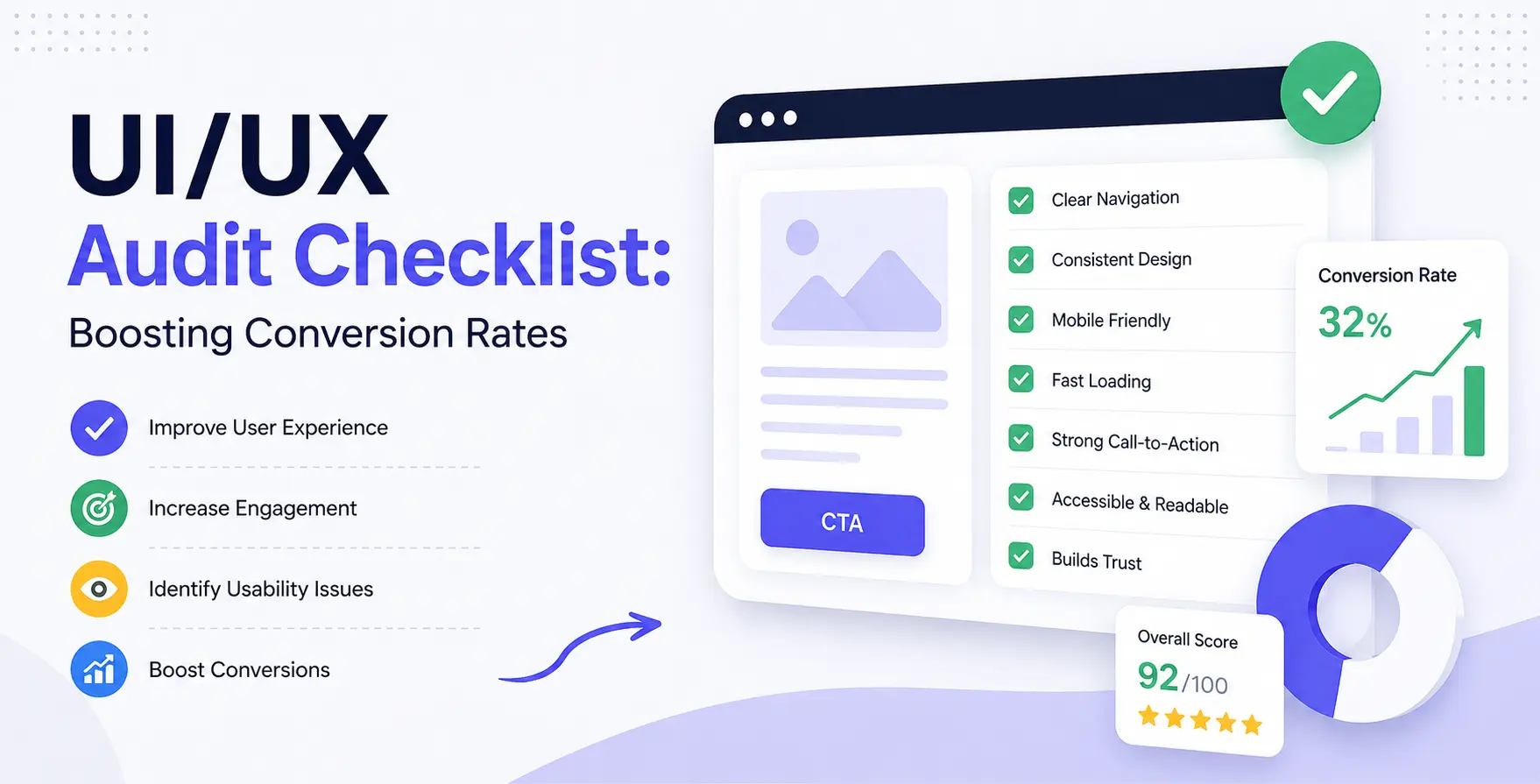
A UX audit checklist can help you stay organized and ensure that you cover all essential areas.
- Review layout and navigation
- Examine content and usability
- Test for accessibility and responsiveness
Identifying Conversion Problems
Identifying conversion problems is a critical step in the UI/UX audit process.
This involves analyzing data and user behavior to pinpoint areas where users are dropping off or experiencing friction.
A conversion rate optimization checklist can help you identify and prioritize areas for improvement.
- Analyze data and user behavior
- Identify areas of friction and drop-off
- Prioritize areas for improvement
Fixing Conversion Issues
Fixing conversion issues requires a thorough understanding of the problems and a clear plan for improvement.
This involves making changes to the user interface, user experience, and overall usability.
A UI UX audit can help you identify and fix common issues such as poor navigation and unclear calls-to-action.
- Make changes to the user interface
- Improve user experience and usability
- Test and iterate on changes
Post-Audit Analysis
After conducting a UI/UX audit and making changes, it's essential to analyze the results.
This involves reviewing data and user feedback to determine the effectiveness of the changes.
A website UX audit can help you identify areas for further improvement and optimize your website for better performance.
- Review data and user feedback
- Determine the effectiveness of changes
- Identify areas for further improvement
Implementing Changes
Implementing changes is a critical step in the UI/UX audit process.
This involves making changes to the user interface, user experience, and overall usability.
A clear plan and timeline are essential for successful implementation.
- Make changes to the user interface
- Improve user experience and usability
- Test and iterate on changes
Measuring Success
Measuring success is essential to determine the effectiveness of the UI/UX audit and changes.
This involves reviewing data and user feedback to determine the impact on conversion rates and user engagement.
A UX audit checklist can help you stay organized and ensure that you cover all essential areas.
- Review data and user feedback
- Determine the impact on conversion rates
- Identify areas for further improvement
Common UI/UX Mistakes
Common UI/UX mistakes can have a significant impact on conversion rates and user engagement.
These include poor navigation, slow loading times, and unclear calls-to-action.
A UI UX audit can help you identify and fix these common issues.
- Poor navigation
- Slow loading times
- Unclear calls-to-action
Best Practices for UI/UX Audit
Best practices for UI/UX audit include conducting thorough research, testing, and iteration.
It's also essential to stay up-to-date with the latest trends and technologies.
A conversion rate optimization checklist can help you stay organized and ensure that you cover all essential areas.
- Conduct thorough research
- Test and iterate on changes
- Stay up-to-date with the latest trends
Conclusion
A UI/UX audit is a powerful tool for improving conversion rates and user engagement.
By following a comprehensive UX audit checklist and conducting a thorough website UX audit, you can identify and fix common issues and optimize your website for better performance.
Remember to stay organized, test and iterate, and stay up-to-date with the latest trends and technologies.


 In collaboration with