Table of Contents
- Introduction to JDBC Security
- Why the PostgreSQL JDBC 42.7.14 Security Update Matters
- Understanding the pgJDBC CVE Fixes
- Dependency Management in Java Projects
- Preparing for Your Upgrade
- Step-by-Step Java PostgreSQL Driver Upgrade
- Testing After the Update
- Common Pitfalls During JDBC Upgrades
- When to Seek Professional Assistance
- PostgreSQL Ecosystem Compatibility
- Monitoring Your Security Posture
- Best Practices for Future Updates
- Conclusion
Introduction to JDBC Security
Securing your database connectivity is a fundamental aspect of enterprise software architecture. The PostgreSQL JDBC driver serves as the critical bridge between your Java applications and your data layer, making its integrity paramount.
Ignoring vulnerabilities in this driver can expose your application to unauthorized access or data breaches. Developers must prioritize applying patches as soon as they become available to maintain a secure infrastructure.
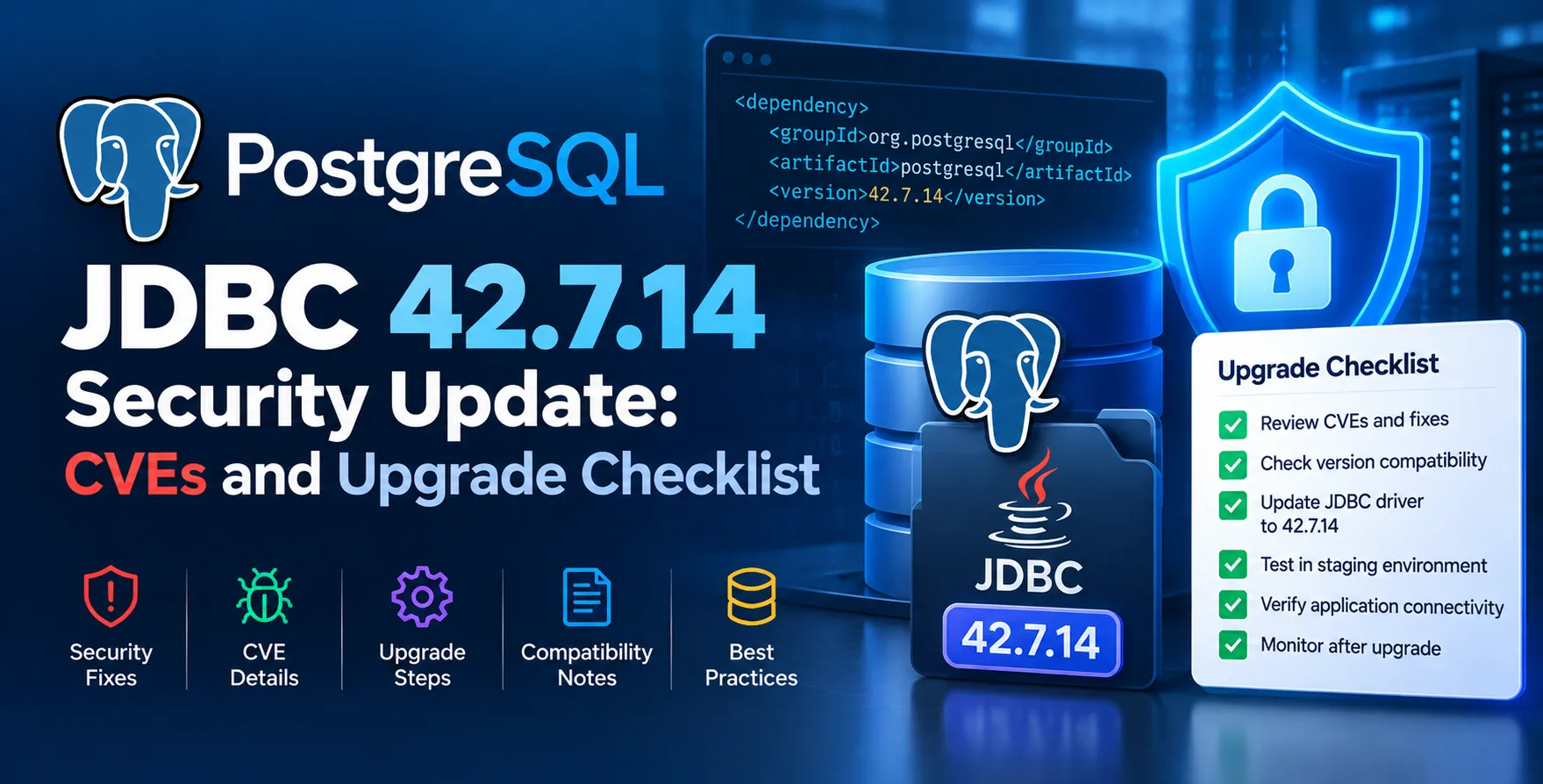
Why the PostgreSQL JDBC 42.7.14 Security Update Matters
The latest release addresses specific security concerns that could potentially be exploited by malicious actors targeting database interactions. Keeping up with the latest version ensures your application remains protected against known attack vectors.
This update is not merely a collection of bug fixes. It represents a proactive measure to safeguard the communication channel between your backend code and the database engine.
- Prevents potential privilege escalation
- Addresses identified memory handling issues
- Ensures compliance with current security standards
- Improves overall connection stability
- Reduces the risk of man-in-the-middle attacks
Understanding the pgJDBC CVE Fixes
Security vulnerabilities are often tracked via Common Vulnerabilities and Exposures (CVE) identifiers. The pgJDBC CVE fixes included in this release specifically target weaknesses that allowed for unexpected behavior during connection initialization or data transfer.
Understanding these fixes helps developers assess the severity of the threat to their specific environment. Not every application is vulnerable to every CVE, but standardizing on the latest version remains the most effective defensive strategy.
These patches often include complex changes to how the driver parses incoming packets or handles authentication handshakes. By abstracting this complexity, the maintainers ensure that developers can secure their applications without needing deep knowledge of the underlying networking protocols.
Dependency Management in Java Projects
Most modern Java applications rely on build tools like Maven or Gradle to manage libraries. Updating your dependencies is usually a matter of modifying a single configuration file.
However, simply changing the version number can sometimes lead to unexpected conflicts with other libraries. Thorough testing is necessary even for minor version bumps in your database driver.
- Check your pom.xml or build.gradle files
- Verify transitive dependency conflicts
- Review changelogs for breaking API changes
- Ensure compatibility with your current Java runtime
Preparing for Your Upgrade
Before modifying your production environment, you should perform a structured audit of your current dependencies. This prevents surprises during the deployment phase and ensures that your team is prepared for any necessary code adjustments.
Start by reviewing your project documentation to see if any legacy code relies on deprecated features of the older driver. While the library maintainers aim for backward compatibility, security patches occasionally force changes that require minor refactoring.
| Action |
Pre-Upgrade |
Post-Upgrade |
| Code Scan |
Check legacy methods |
Verify functionality |
| Connection Test |
Baseline latency |
Measure performance |
| Dependency Audit |
Identify version |
Confirm upgrade |
| Environment Sync |
Dev stage |
Production deployment |
| Security Review |
Identify CVEs |
Verify patch application |
Step-by-Step Java PostgreSQL Driver Upgrade
Executing a Java PostgreSQL driver upgrade follows a logical sequence that minimizes downtime. Begin by updating your local development environment to ensure that the integration tests still pass under the new driver version.
- Update the dependency version in your build configuration
- Clean your project build to remove old cached artifacts
- Run existing unit and integration test suites
- Check your application logs for new connection warnings
- Deploy to a staging environment for stress testing
After confirming stability in staging, you can proceed to update your production clusters. Always maintain a rollback plan in case of unforeseen issues during the transition.
Testing After the Update
Testing is the most important part of any software update. You must verify that your database queries still function correctly and that connection pooling remains performant.
Pay close attention to how the application handles reconnection logic if the driver has changed its timeout behavior. These subtle changes can impact the reliability of your service under high concurrency.
- Verify database query execution
- Check connection pool health
- Validate authentication handshakes
- Monitor application memory usage
Common Pitfalls During JDBC Upgrades
One common mistake is failing to update the driver across all microservices simultaneously. This can lead to inconsistent behavior where different parts of your system interact with the database differently.
Another issue is assuming that an update is purely additive. While rare, security patches can sometimes alter the default behavior of connection parameters, which might require you to update your connection string settings.
Always read the release notes accompanying the 42.7.14 release. They contain crucial details about configuration changes that might be necessary for your specific setup.
When to Seek Professional Assistance
Complex enterprise systems often have highly customized database configurations that make simple upgrades difficult. If your application relies on unique security plugins or custom authentication layers, you might need expert eyes on the migration.
Professional services can help ensure that your PostgreSQL JDBC 42.7.14 security update is applied without disrupting your business operations. This is especially true for systems requiring high availability where downtime is not an option.
Engaging experts ensures that your configuration aligns with modern industry standards. They can also help identify if other parts of your infrastructure require similar attention to maintain overall system health.
PostgreSQL Ecosystem Compatibility
The JDBC driver does not exist in a vacuum. It interacts with various aspects of the database ecosystem, including connection poolers and server-side configurations. Always ensure that your server-side settings align with the requirements of the new driver version.
For instance, if your system utilizes advanced features like asynchronous queries or specific data type mappings, ensure those remain supported after the update. Most updates are designed to be seamless, but edge cases occur in highly custom implementations.
Monitoring Your Security Posture
Security is an ongoing process rather than a one-time setup. Once you have applied the latest patches, you should establish a routine for monitoring future releases and security advisories.
Automated tools can help you track dependency versions across your entire organization. This allows you to identify vulnerable libraries before they become a liability in production.
- Implement automated vulnerability scanning
- Subscribe to security mailing lists
- Audit dependencies on a quarterly basis
- Keep your Java runtime environment updated
Best Practices for Future Updates
To make future updates easier, keep your codebase clean and avoid heavy reliance on driver-specific implementation details. Adhering to standard interfaces helps ensure that you can swap drivers or update versions with minimal friction.
Document your database configuration steps clearly. Having a shared knowledge base helps your team react quickly when new security patches are announced.
Conclusion
Applying the PostgreSQL JDBC 42.7.14 security update is a vital step in maintaining the security and reliability of your Java applications. By following a structured upgrade path, you can mitigate risks while ensuring your database connectivity remains robust.
Stay proactive with your dependency management and prioritize security as part of your regular development lifecycle. Taking these small, consistent steps prevents larger issues down the road and keeps your production environment secure.


 In collaboration with