Table of Contents
- Introduction to the Migration
- Understanding the Architecture Shift
- Key Differences Between APIs
- Preparing Your codebase
- Managing State and Context
- Handling Tools and Function Calling
- Implementing the New Response Flow
- Authentication and Security
- Performance Considerations
- Testing Your Implementation
- Common Migration Pitfalls
- Best Practices for Future-Proofing
- Conclusion
Introduction to the Migration
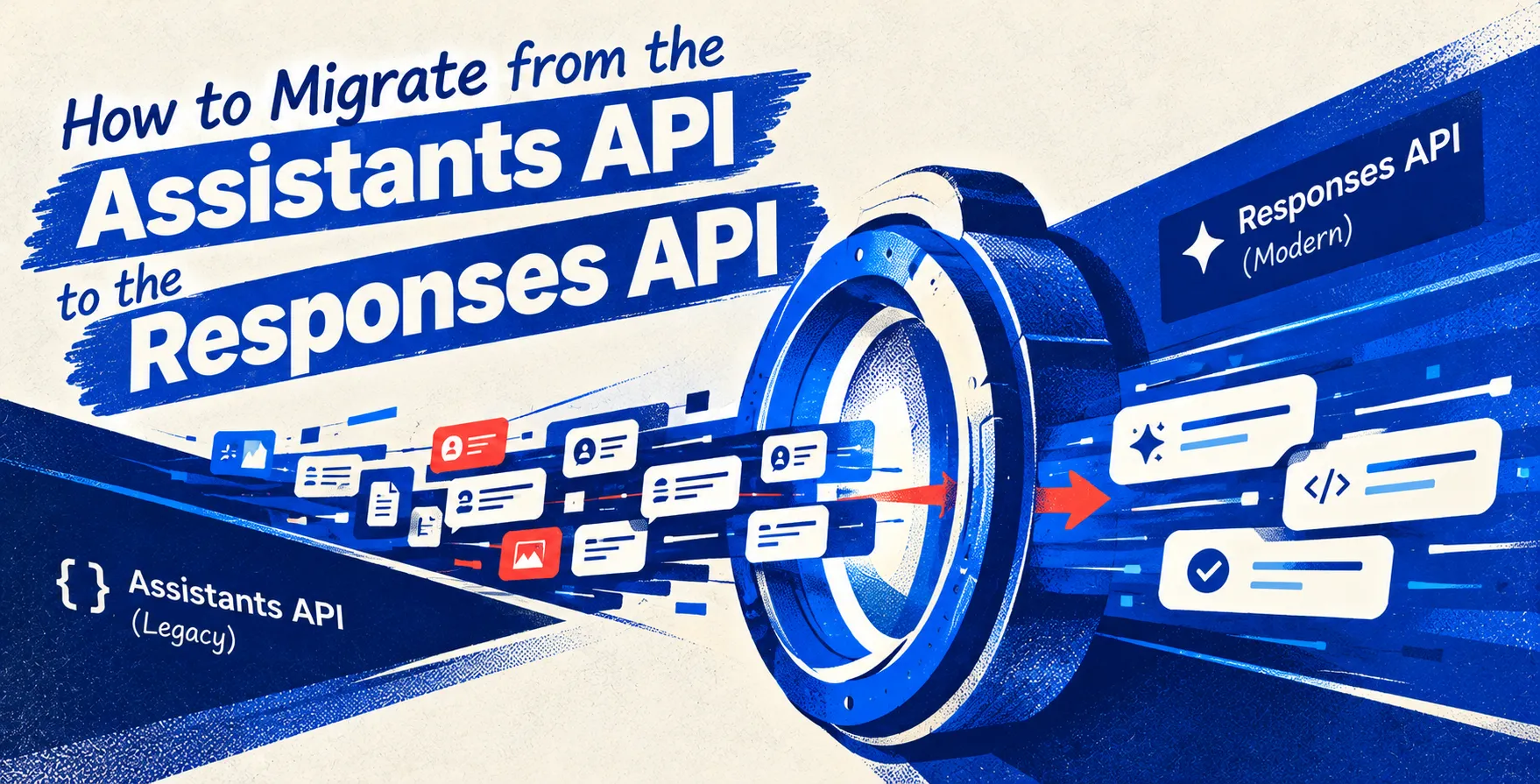
As modern AI development evolves, moving toward more efficient interfaces is essential for scalability. Deciding how to migrate from the Assistants API to the Responses API is a strategic move for teams needing greater control over state management and execution latency.
The Assistants API provided a managed environment for building conversational interfaces with built-in memory. However, the OpenAI Responses API offers a more granular approach, allowing developers to manage context and state on their own terms. This shift is critical for high-performance production systems.
Understanding the Architecture Shift
The core philosophy behind this migration involves decoupling the AI's memory from the API provider. While the Assistants API handles threads and persistence internally, the Responses API treats the interaction as a stateless stream. This gives you absolute control over your data lifecycle.
Developers often find that managing their own state reduces complexity in the long run. By moving away from opaque thread management, you gain clarity on how your application interacts with the model at every turn. This shift is a fundamental step in scaling robust AI-powered applications.
Key Differences Between APIs
Understanding the architectural divergence is the first step in a successful migration. The following table highlights the primary operational differences between these two approaches.
| Feature |
Assistants API |
Responses API |
| State Management |
Managed internally |
Externally controlled |
| Execution Model |
Polling/Events |
Streaming/Direct |
| Latency Control |
High abstraction |
Low overhead |
| Persistence |
Built-in |
Custom storage |
| Tool Integration |
Auto-handled |
Manual orchestration |
Preparing Your Codebase
Before initiating the migration, audit your existing implementation for tight coupling. You need to identify every location where the application relies on managed thread IDs or auto-generated response objects. This audit ensures that your OpenAI API migration guide is followed systematically.
Start by abstracting your chat service layer to support both interfaces temporarily. This allows you to perform an incremental transition without breaking your production service. Having a clear isolation layer will save hours of debugging during the switchover.
- Audit all thread ID references
- Isolate the chat interface logic
- Map existing metadata storage
- Establish a local state schema
Managing State and Context
One of the biggest changes during an Assistants API migration is the shift to manual context management. You must now explicitly send the conversation history to the model with every request. This requires a robust backend storage solution to keep track of message sequences and user identity.
Using a database like PostgreSQL or Redis is recommended for storing these conversation logs. This approach ensures your application remains stateless while maintaining a rich context window. By handling context manually, you also prevent accidental data leakage between different user sessions.
- Store message history in databases
- Implement efficient message retrieval
- Manage context window limits manually
- Track user session identifiers
Handling Tools and Function Calling
The way your application handles tool execution changes significantly in this new paradigm. In the older API, the system automatically managed the execution loop for tool calls. With the current architecture, your backend service must intercept tool requests and execute the logic synchronously or asynchronously.
This gives you greater freedom to integrate complex internal business logic into the workflow. You no longer have to worry about the limitations of the managed tool loop. Just ensure your functions are well-defined and handle error states gracefully before returning data to the model.
- Implement custom function callers
- Validate tool inputs rigorously
- Handle execution timeouts proactively
- Process output responses manually
Implementing the New Response Flow
The transition requires a complete rewrite of your request handling loop. You must now implement a clear loop that sends the full prompt, receives the model response, and stores the interaction. This provides the transparency needed for debugging and observability.
Ensure your implementation includes a robust error handling strategy for streaming responses. By treating every turn as an independent transaction, you improve the reliability of your AI features. This level of control is what makes the OpenAI Responses API a preferred choice for enterprise-grade applications.
- Initialize client connections
- Stream output tokens efficiently
- Format messages for consistency
- Log interactions for analytics
Authentication and Security
Security remains paramount throughout the transition. When shifting to the new API, ensure your environment variables and API keys are managed through secure secret management services. Do not hardcode credentials in your repository, as this creates a significant risk for your infrastructure.
Furthermore, ensure that your internal endpoints interacting with the model are properly secured. Using industry-standard authentication methods keeps your application safe. Protecting your API access is just as important as the logic you build on top of it.
Performance Considerations
The move to a stateless architecture often yields significant performance gains. By removing the overhead of managed threads, you reduce the number of API calls needed to check status updates. This leads to lower latency and a more responsive user experience.
Monitor your token usage closely to optimize costs. Because you have total control over the context sent to the API, you can prune older, unnecessary messages. This optimization is a key advantage of moving to the modern API structure.
Testing Your Implementation
Rigorous testing is non-negotiable when migrating core infrastructure. Create a test suite that compares the output of your old implementation against the new one. This ensures that the user experience remains consistent throughout the transition process.
Focus your testing on edge cases like tool failures or extremely long conversations. Validating these scenarios helps you catch potential issues before they hit your user base. A reliable test suite is the safety net that allows for a smooth, confident deployment.
Common Migration Pitfalls
Many developers encounter similar challenges during this transition. Being aware of these traps can save you significant time and frustration during the development phase.
- Ignoring context window limits
- Failing to handle state cleanup
- Poorly structured function definitions
- Missing error handling logic
- Inconsistent message formatting
Best Practices for Future-Proofing
Building for the future means maintaining clean, modular code. By following the principles of separation of concerns, you can swap out model providers or upgrade APIs with minimal friction in the future. Keep your business logic separate from the API interaction layers.
Documentation is another critical pillar for long-term success. Keep your internal documentation updated as you migrate. This ensures that your team remains aligned as you scale your infrastructure to meet new business requirements.
Conclusion
Migrating to the new API architecture is a significant but rewarding undertaking for any engineering team. By taking control of your state and execution flow, you unlock new levels of performance and reliability. Following this systematic approach will ensure a successful transition.
Remember that the shift is not just about changing endpoints, but about evolving how your application handles intelligence. Use this opportunity to clean up your codebase and optimize your logic. Your users will appreciate the faster, more robust experience.


 In collaboration with