Table of Contents
- Introduction to Automation
- Understanding the Search Console API
- Getting Started with API Access
- Setting Up Your Environment
- Key Metrics for Reporting
- Automating Data Collection
- Transforming Raw API Data
- Visualizing Performance Trends
- API Rate Limits and Best Practices
- Common Integration Pitfalls
- Scaling Reporting Across Teams
- Security Considerations
- Final Thoughts
Introduction to Automation
Manual data collection is the primary bottleneck in modern search engine optimization. Spending hours downloading CSV files from the dashboard prevents teams from focusing on actual analysis and strategy.
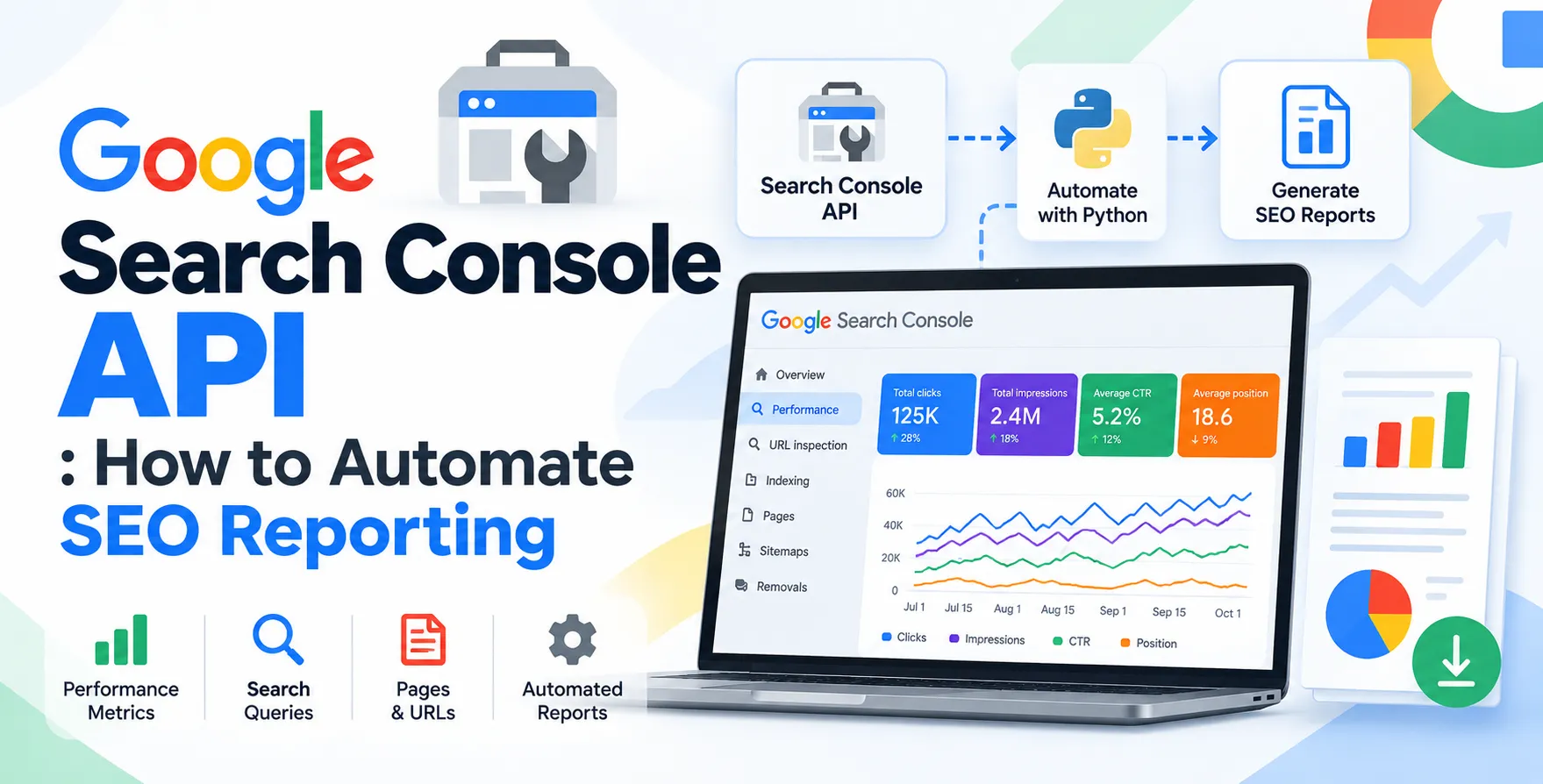
By utilizing the Google Search Console API, you can shift from manual data entry to automated, real-time reporting. This transition saves time and ensures your data is always ready for review.
- Eliminates manual CSV downloads
- Provides near real-time data
- Enables custom metric calculations
- Supports multi-site monitoring
- Reduces human error in reporting
Understanding the Search Console API
The API serves as a programmatic bridge between your website performance data and your reporting tools. It allows developers to query search analytics data directly, bypassing the standard browser-based interface.
You can request specific dimensions like date ranges, queries, pages, and countries. This granular level of control is essential for any professional SEO reporting automation workflow.
Getting Started with API Access
Before you start pulling data, you must configure your project in the Google Cloud Console. This process establishes the necessary credentials to authorize your requests securely.
You need to create a service account to handle authentication without requiring interactive user login. This is a critical step for building robust, headless automation pipelines.
- Create a Google Cloud project
- Enable the Search Console API
- Generate service account credentials
- Download the JSON key file
- Grant access in Search Console
Setting Up Your Environment
Most developers prefer using Python for these integrations because of its mature library ecosystem. Libraries like pandas make data manipulation significantly easier once you retrieve the raw results.
Ensure your environment is isolated using virtual environments. This keeps your dependencies clean and avoids conflicts with other system-wide packages or projects.
Key Metrics for Reporting
When working with Search Console API data, you are primarily interacting with the search analytics resource. This endpoint provides the core performance indicators that define your organic visibility.
Core Performance Metrics
These metrics represent the standard health check for any website indexed by Google. Tracking them automatically helps identify sudden drops or spikes in traffic.
- Impressions per page
- Click-through rates
- Average search positions
- Total clicks per query
Granular Dimensional Data
Beyond basic metrics, you can segment your data to understand user intent better. This helps in mapping specific content types to search performance trends.
- Device category breakdowns
- Country-level geographic performance
- Search appearance types
- Specific date range filtering
By segmenting these dimensions, you can pinpoint exactly why traffic fluctuates. This level of detail is rarely achievable through standard manual reports.
Automating Data Collection
The automation flow typically involves a scheduled script that runs daily or weekly. This script queries the API, processes the JSON response, and pushes the data to a storage destination.
Common destinations include BigQuery, Google Sheets, or a custom internal dashboard. Storing data in a centralized warehouse allows for long-term trend analysis that goes beyond the 16-month limit in the standard interface.
Transforming Raw API Data
API responses come in a structured format that often requires normalization. You must flatten the nested results into a tabular format suitable for your reporting software.
Use scripts to clean up query strings and categorize pages by site section. This step transforms raw logs into meaningful business intelligence that stakeholders can understand at a glance.
Visualizing Performance Trends
Visualizing the data is the final piece of the puzzle. Once your automation pipeline is stable, you can connect your data source to tools like Looker Studio or Power BI.
| Reporting Stage |
Manual Approach |
Automated Approach |
| Data Extraction |
Manual CSV Export |
API Scripting |
| Data Refresh |
Weekly/Monthly |
Daily/Real-time |
| Aggregation |
Excel Formulas |
Database Queries |
| Visualization |
Static Slides |
Live Dashboards |
| Scalability |
Low |
High |
API Rate Limits and Best Practices
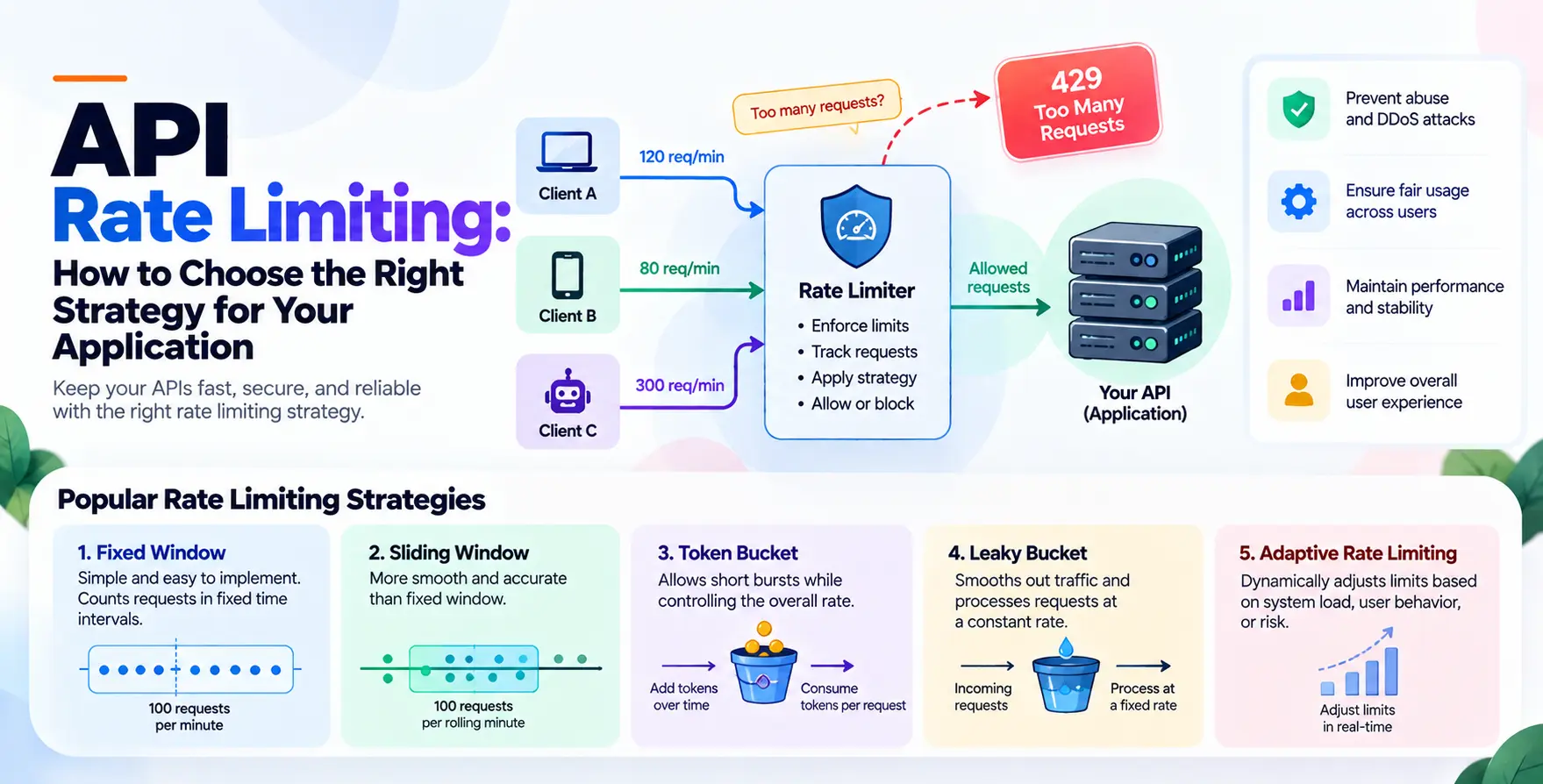
Google enforces quotas to ensure stability for all users. You must design your scripts to handle these limits gracefully to avoid service disruptions.
Implement exponential backoff strategies when encountering rate limit errors. Also, consider caching your API responses to reduce the number of redundant calls during a single reporting cycle.
- Implement exponential backoff
- Cache frequent queries locally
- Batch requests where possible
- Monitor quota usage daily
Common Integration Pitfalls
Authentication failures are the most common issue encountered by developers. Always ensure your service account email has the correct permissions granted within the Search Console property settings.
Another common mistake is ignoring the data freshness latency. Remember that search data is usually delayed by a few days, so your reporting logic should account for this gap.
Scaling Reporting Across Teams
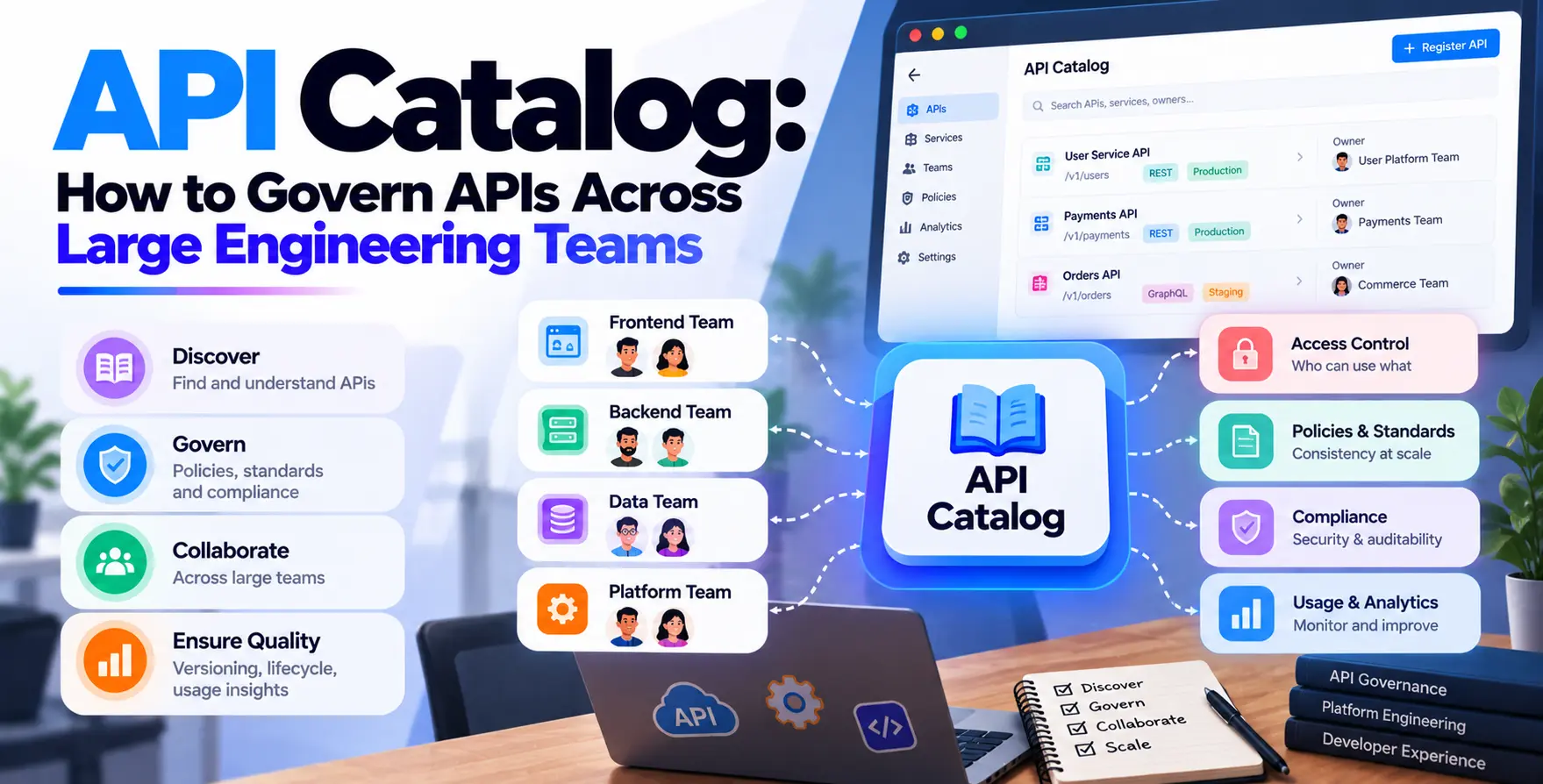
As your organization grows, managing access for multiple properties becomes complex. A centralized API service can act as an internal gateway for all your SEO data needs.
This hub-and-spoke model allows different teams to access standardized reports without needing individual API credentials. It ensures consistent data governance across the entire enterprise.
Security Considerations
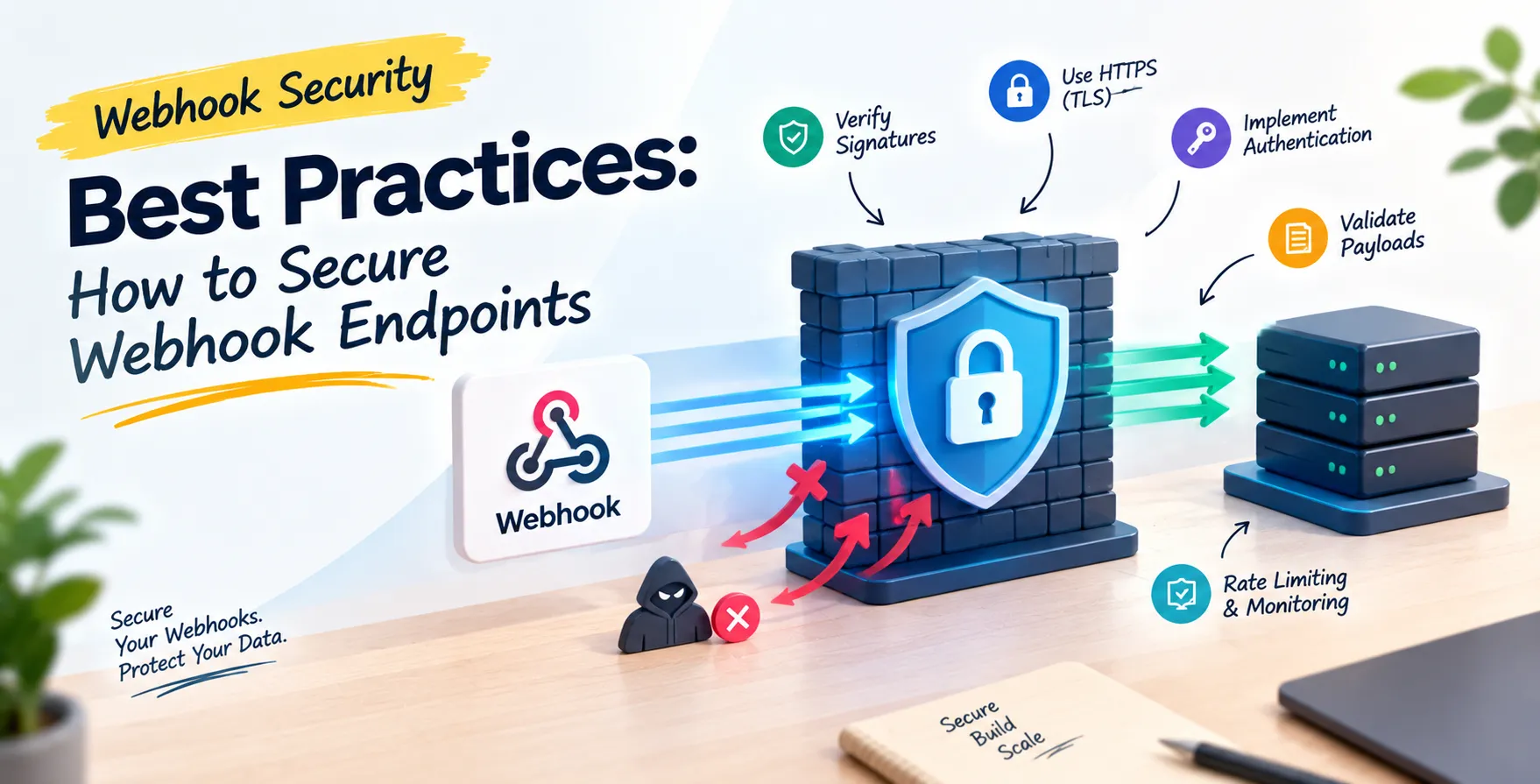
Treat your service account keys as highly sensitive credentials. Never commit them to public version control systems or share them through insecure channels.
Rotate your credentials periodically to minimize the impact of any potential leaks. Following strict security protocols is vital when building any pipeline that interacts with sensitive business data.
Final Thoughts
Mastering the Google Search Console API how to automate SEO reporting process changes how you handle organic growth. It turns tedious, repetitive tasks into a streamlined engine of actionable insights.
Start by automating one report, then expand your scope as you become more comfortable with the API patterns. The time invested in building these integrations pays dividends in the form of smarter, data-driven decisions for your website strategy.


 In collaboration with