Table of Contents
- Introduction
- Understanding the Expo SDK 55 Upgrade
- Preparing Your Development Environment
- Key Breaking Changes in Expo SDK 55
- Managing Dependencies and Peer Dependencies
- Updating Expo Router Configuration
- Changes to Native Modules
- Testing Your Application After Migration
- Common Pitfalls During Upgrade
- Performance Considerations Post-Migration
- Best Practices for Future Upgrades
- Tools to Automate Your Migration
- Post-Migration Cleanup and Validation
- Conclusion
Introduction
Upgrading your development environment is a critical task for any modern software team. The latest release brings performance improvements and stability fixes that help keep your codebase modern.
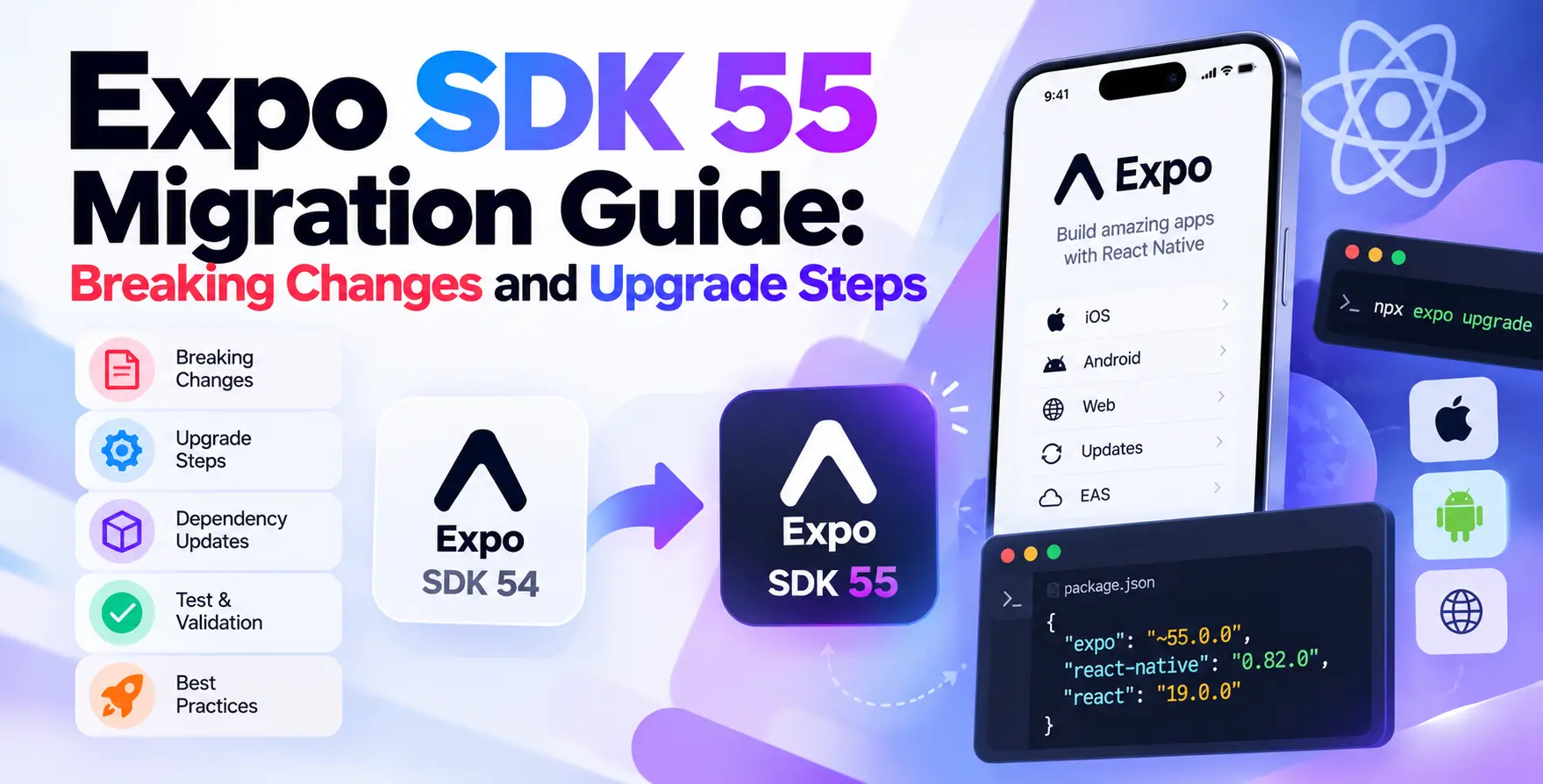
This Expo SDK 55 migration guide breaking changes and upgrade steps is designed to help you navigate the transition. We will focus on the most impactful shifts to ensure your application remains stable throughout the process.
Understanding the Expo SDK 55 Upgrade
When you initiate an Expo SDK 55 upgrade, you are not just bumping version numbers. You are ensuring compatibility with the latest React Native core and underlying platform APIs.
The ecosystem moves quickly, and failing to stay current can lead to technical debt. Regular updates help you leverage new features while keeping your security posture strong.
- Access to latest React Native features
- Improved stability for native modules
- Enhanced developer experience for CLI tools
- Better support for newer Android and iOS versions
Preparing Your Development Environment
Before you run any upgrade commands, you must ensure your local environment is ready. A clean state prevents cryptic errors during the dependency resolution phase.
Verify your Node.js and watchman versions against the requirements. If you have been working with older versions, consider using a version manager to switch environments quickly.
Dependency Checkup
Check your lockfiles for any conflicting versions of core packages. Ensuring a clean slate makes debugging much easier later.
- Clear your project cache
- Update your global CLI tools
- Check for deprecated native dependencies
- Review your current package.json file
Once you are confident in your environment, create a new git branch. Never attempt a major framework upgrade on your main production branch.
Key Breaking Changes in Expo SDK 55
The core of this React Native Expo migration involves handling specific breaking changes. These changes often impact how your application communicates with the native layer.
Developers should pay close attention to removed APIs and deprecated configuration properties. Ignoring these can cause runtime crashes that are difficult to trace.
Removed Configuration Properties
Certain keys in your app configuration have been deprecated. You must migrate these to the recommended alternatives to avoid build failures.
- Deprecated app.json configuration keys
- Changes to native module initialization
- Updated image loading library signatures
- Revisions to background task handling
Review the migration logs carefully. If you encounter a warning during your initial build, address it immediately rather than deferring it.
Managing Dependencies and Peer Dependencies
Managing the dependency tree is often the most time-consuming part of an Expo SDK 55 upgrade. You must ensure that all third-party libraries are compatible with the new SDK version.
Many popular libraries require updates to their peer dependencies. Use the Expo CLI tools to automatically detect and suggest compatible versions for your specific project needs.
| Dependency Type |
Action Required |
Importance |
| Core Expo Packages |
Upgrade immediately |
Critical |
| UI Component Libraries |
Check compatibility |
High |
| Native Modules |
Review native code |
High |
| Utility Packages |
Minor version update |
Low |
| Testing Frameworks |
Verify test runners |
Medium |
Updating Expo Router Configuration
If your project uses file-based routing, you will likely need to adjust your configuration. Small syntax changes in how routes are exported can lead to navigation errors.
Check the documentation for any changes to layout files. Ensuring your root layout correctly wraps your navigation stack is vital for consistent app behavior.
- Update route grouping syntax
- Verify navigation state persistence
- Adjust dynamic route parameters
- Check layout file exports
Changes to Native Modules
Native modules are the most common source of friction during major version updates. When the underlying React Native version changes, your native code may need to be regenerated.
Running a clean build is essential here. By forcing a rebuild of your iOS and Android folders, you ensure that the native layer correctly reflects the new SDK requirements.
Testing Your Application After Migration
Testing must be thorough after any major upgrade. Automation is your best friend during this phase of the process.
Start by running your existing unit tests to verify core logic. Then, perform manual smoke tests on the most critical user flows, such as authentication and payment processing.
- Verify navigation functionality
- Test push notification registration
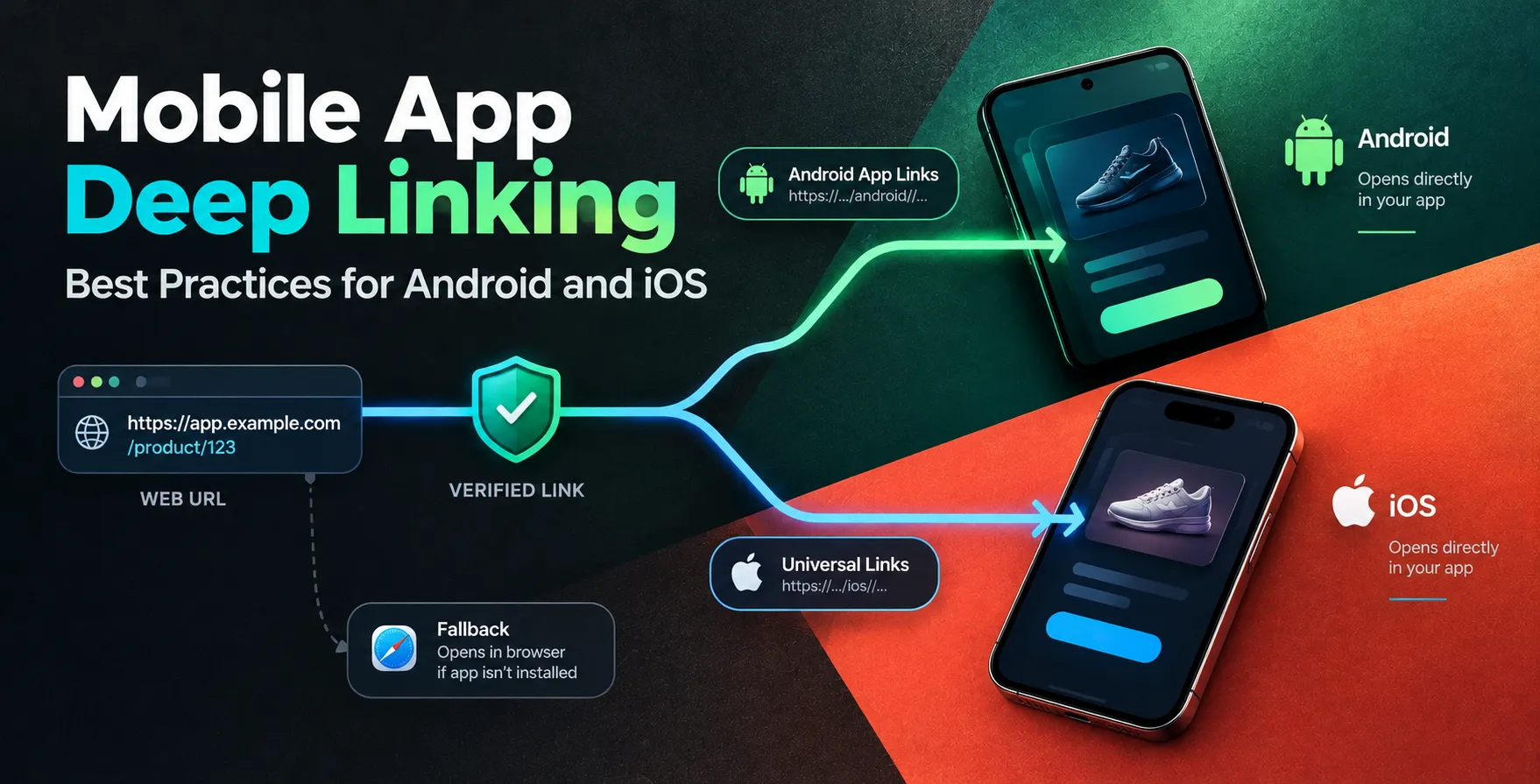
- Check deep linking behavior
- Validate hardware sensor access
- Confirm offline data persistence
Common Pitfalls During Upgrade
Most developers run into trouble by skipping the intermediate steps. Trying to jump multiple SDK versions at once is a recipe for disaster.
Always follow the recommended path. If you are coming from an older version, upgrade to the previous SDK release first before moving to version 55.
Performance Considerations Post-Migration
After a successful upgrade, take a moment to profile your application. Changes in the underlying engine can sometimes affect memory usage or startup times.
Monitor your app’s performance metrics in production. If you notice regressions, review your native module configurations for any missed optimization flags.
Best Practices for Future Upgrades
To make future migrations easier, keep your project configuration clean. Avoid hardcoding versions where possible and rely on the CLI to manage your dependencies.
Maintain a comprehensive test suite. The more you test your application automatically, the faster you can identify issues in future version bumps.
Tools to Automate Your Migration
Utilize the built-in CLI tools provided by the framework team. They are designed to automate the heavy lifting of dependency resolution.
These tools can identify outdated packages and suggest the correct versions. Leveraging them saves hours of manual debugging and ensures your configuration stays standard.
- Expo CLI upgrade command
- Dependency diagnostic tools
- Automated patch scripts
Post-Migration Cleanup and Validation
Finally, remove any temporary files or workarounds you implemented to get the build passing. A clean project is easier to maintain.
Verify that your CI/CD pipeline is also updated to reflect the new environment. Ensure your build servers are using the correct Node and Ruby versions for the new setup.
Conclusion
The process of migrating your application is an investment in stability and performance. By following this guide, you can ensure a smooth transition to the latest version.
Remember to test thoroughly and keep your dependencies updated. A proactive approach to maintenance will save you significant time in the long run.


 In collaboration with