Table of Contents
- Introduction
- Understanding the SaaS SEO Environment
- Crawlability and Indexing Basics
- Site Architecture and URL Structure
- Managing JavaScript Frameworks
- Core Web Vitals Performance
- HTTPS and Security Protocols
- XML Sitemap Management
- Handling Duplicate Content
- Canonicalization Best Practices
- Internal Linking Strategies
- Structured Data Implementation
- Mobile Responsiveness Evaluation
- Conclusion
Introduction
SaaS companies face unique hurdles when it comes to search visibility. Unlike static websites, SaaS platforms often rely on complex application structures that can hide content from search crawlers.
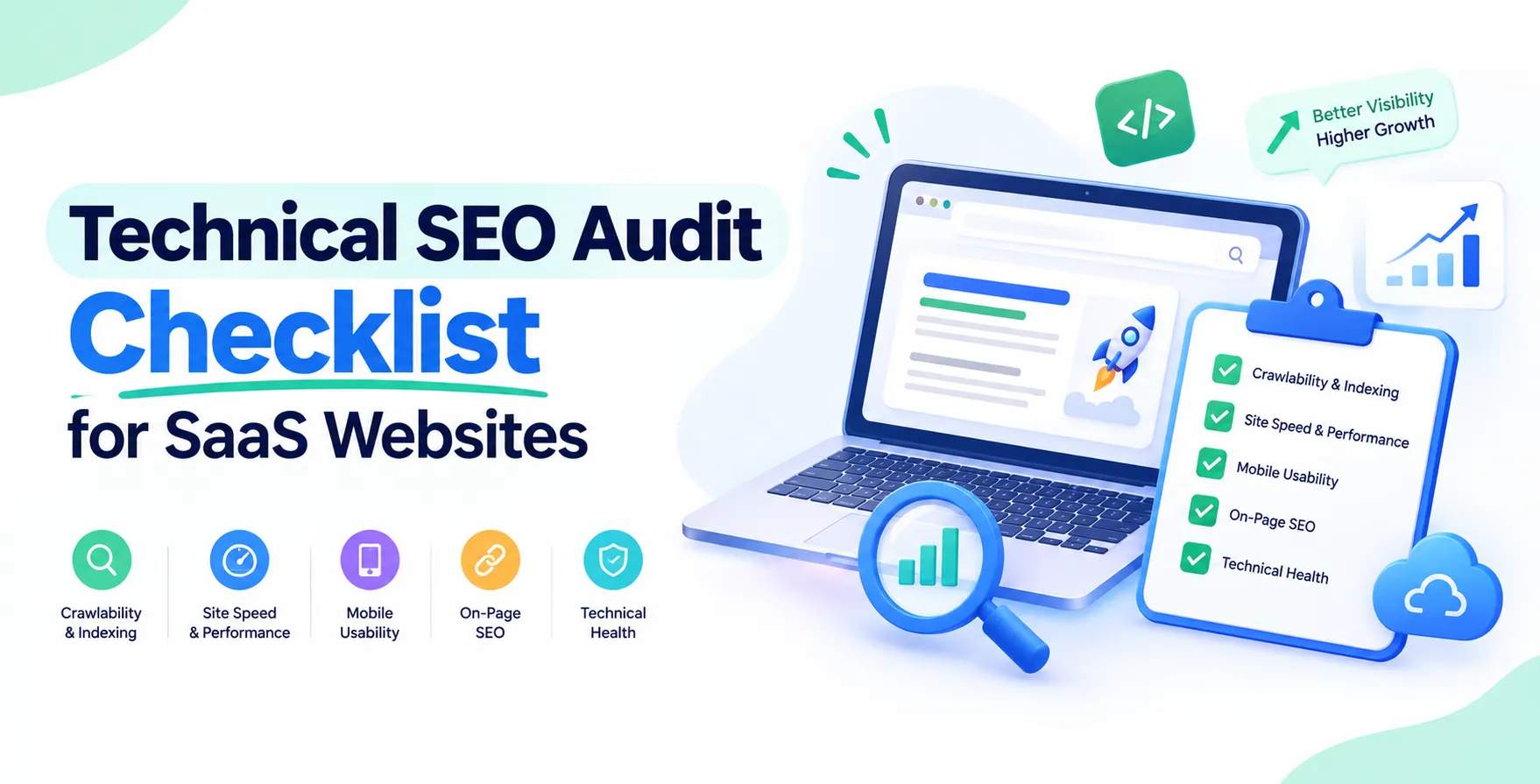
Running a regular technical SEO audit checklist for SaaS websites is critical for maintaining your organic search presence. Without a solid technical foundation, your high-quality content may never reach the top of search results.
Understanding the SaaS SEO Environment
A SaaS SEO audit requires a different mindset than auditing a standard blog or e-commerce site. You are managing a mix of marketing pages, product documentation, and potentially complex web applications.
Technical SEO for SaaS focuses on ensuring that search engines can discover your value proposition. If your main product interface or landing pages are buried behind login gates or broken scripts, your growth will stall.
- Distinguish between marketing and product pages
- Identify potential crawl barriers
- Map out the conversion path
- Evaluate rendering performance
Crawlability and Indexing Basics
Before optimizing content, you must ensure Google can actually see your site. Crawl budget is a finite resource that needs to be prioritized for your most important pages.
Check your robots.txt file to ensure you are not blocking vital sections of the site. Review your server logs to see if bots are hitting 404 errors or getting stuck in redirect loops.
- Check robots.txt directives
- Review server log errors
- Identify orphan pages
- Monitor index status
Site Architecture and URL Structure
A logical hierarchy is the backbone of any successful technical SEO checklist. For SaaS, your URL structure should clearly reflect the relationship between features, solutions, and industries.
Flat architectures generally perform better for search engines. Keep your most important landing pages within three clicks of the homepage to maximize authority distribution.
- Implement logical folder structures
- Use descriptive URL slugs
- Keep hierarchy shallow
- Avoid deep nesting
Managing JavaScript Frameworks
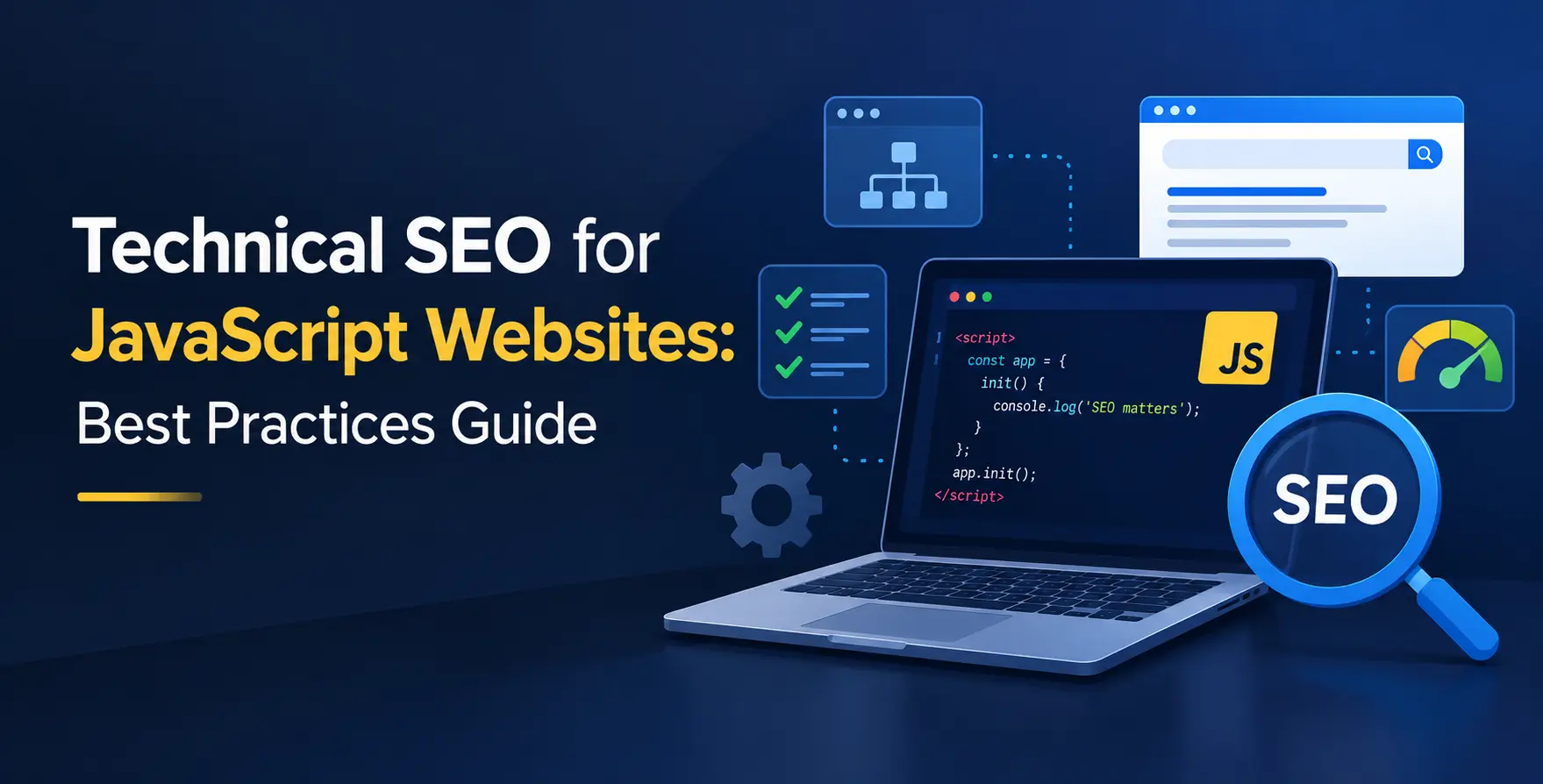
Many modern SaaS platforms rely on heavy frameworks that can complicate search discovery. Implementing technical SEO for JavaScript websites is essential if your frontend is not delivering static HTML to the browser.
If you suspect rendering issues, test your pages using live inspection tools. You may need to invest in server side rendering to ensure crawlers receive fully formed content on the first request.
- Audit rendering behavior
- Test against search engine crawlers
- Check for broken script dependencies
- Use progressive enhancement where possible
Core Web Vitals Performance
Speed is a competitive advantage in the SaaS world. You must optimize Core Web Vitals to ensure your pages load quickly and remain stable during interaction.
High interaction latency or layout shifts can frustrate users and hurt your rankings. Prioritize your Largest Contentful Paint and Cumulative Layout Shift metrics to keep users engaged longer.
- Reduce main thread execution
- Optimize image delivery
- Defer non-critical scripts
- Improve server response times
HTTPS and Security Protocols
Search engines prioritize secure sites to protect user data. Ensure your entire platform is served over HTTPS to avoid security warnings in browsers.
A secure connection is a standard requirement for any SaaS platform today. Beyond SEO, it builds necessary trust for your potential customers during the signup process.
- Migrate all assets to HTTPS
- Check for mixed content warnings
- Update internal links
- Maintain valid SSL certificates
XML Sitemap Management
An XML sitemap acts as a roadmap for search bots. It should only contain your canonical, high-value pages that you want indexed.
Remove any pages that return 404 or 301 redirects from your sitemap files. Regularly update your sitemap to include new product pages or blog posts as soon as they go live.
- Include canonical URLs only
- Exclude low-value pages
- Submit to search consoles
- Segment by content type
Handling Duplicate Content
SaaS websites often have duplicate content issues due to parameter-based filtering or staging environments. If left unchecked, this dilutes your search authority across multiple versions of the same page.
Use canonical tags to tell search engines which version of a page is the master copy. This prevents index bloat and ensures your primary keywords get the ranking credit they deserve.
- Identify parameter duplication
- Implement canonical tags
- Monitor staging site indexing
- Standardize URL variations
Canonicalization Best Practices
Canonical tags act as a signal to search engines regarding the preferred version of a URL. Mismanaged canonicals are a common reason for indexing failures in complex SaaS environments.
Ensure your self-referencing canonicals are correctly implemented across all templates. If you have multiple product pages that serve similar intents, consider consolidating them to avoid competing against yourself.
- Check self-referencing tags
- Audit cross-domain canonicals
- Validate URL consistency
- Remove conflicting directives
Internal Linking Strategies
Internal linking is how you pass authority from your high-performing blog posts to your money pages. A strategic link structure helps crawlers understand the importance of your product features.
Avoid generic anchor text like click here. Use descriptive, keyword-rich phrases that give context about the destination page to both users and search engines.
- Link to key product pages
- Use descriptive anchor text
- Audit broken internal links
- Prioritize relevant connections
Structured Data Implementation
Structured data helps Google understand your specific SaaS offerings. It can enable rich snippets like ratings or software pricing directly in the search results.
Use Schema markup to define your product, organization, and FAQ content. This increases your real estate on the search engine results page and improves click-through rates.
- Implement product schema
- Add FAQ schema blocks
- Define organization details
- Validate with testing tools
Mobile Responsiveness Evaluation
Google uses mobile-first indexing for almost all websites. If your SaaS platform is difficult to navigate on a phone, you will lose significant search traffic.
Test your product dashboard and marketing pages on various mobile devices. Ensure that buttons are clickable and text is readable without excessive zooming or scrolling.
| Element |
Best Practice |
Common Issue |
| Navigation |
Simple hamburger menu |
Hidden critical links |
| Forms |
Responsive input fields |
Cut-off text boxes |
| Images |
Compressed for mobile |
Large file sizes |
| Buttons |
Thumb-friendly size |
Too close together |
Conclusion
A thorough audit is an ongoing process rather than a one-time task. As your SaaS platform grows, you will introduce new features and pages that require constant monitoring.
By following this technical SEO checklist, you can resolve underlying issues that prevent your site from reaching its full potential. Stay proactive, monitor your performance regularly, and keep your technical foundation clean for long-term growth.


 In collaboration with