Table of Contents
- Understanding the Google Ads API v25.2 Update
- Evolution of the Google Ads API Ecosystem
- New Performance Benchmarks Explained
- Leveraging Performance Max API Controls
- Granular Asset Management Capabilities
- Data-Driven Optimization Strategies
- Comparing API Versions for Migration
- Automating Performance Max Campaigns
- Handling Complex Campaign Structures
- Improving Reporting Accuracy with New Metrics
- Best Practices for Version Upgrades
- Security and Access Management
- Leveraging API Insights for Scale
- Conclusion
Understanding the Google Ads API v25.2 Update
The release of Google Ads API v25.2 marks a significant milestone for developers managing complex advertising infrastructures. This update introduces refined tools that simplify how teams access performance data and manage automated campaigns.
By integrating these changes, your team can better align programmatic efforts with evolving business objectives. Keeping your systems updated is essential for maintaining a competitive edge in digital advertising.
- Faster data retrieval processes
- Enhanced support for modern bidding strategies
- Streamlined campaign management workflows
- Improved documentation for developers
- Greater transparency in automated bidding
Evolution of the Google Ads API Ecosystem
Software development in the advertising space relies heavily on stable interfaces. Over the years, the platform has shifted toward more automated, machine-learning-driven workflows that reduce manual overhead for engineering teams.
The current iteration focuses on providing developers with the precision needed to control algorithmic outcomes. Understanding the history of these changes helps in planning long-term architectural decisions for your ad-tech stack.
New Performance Benchmarks Explained
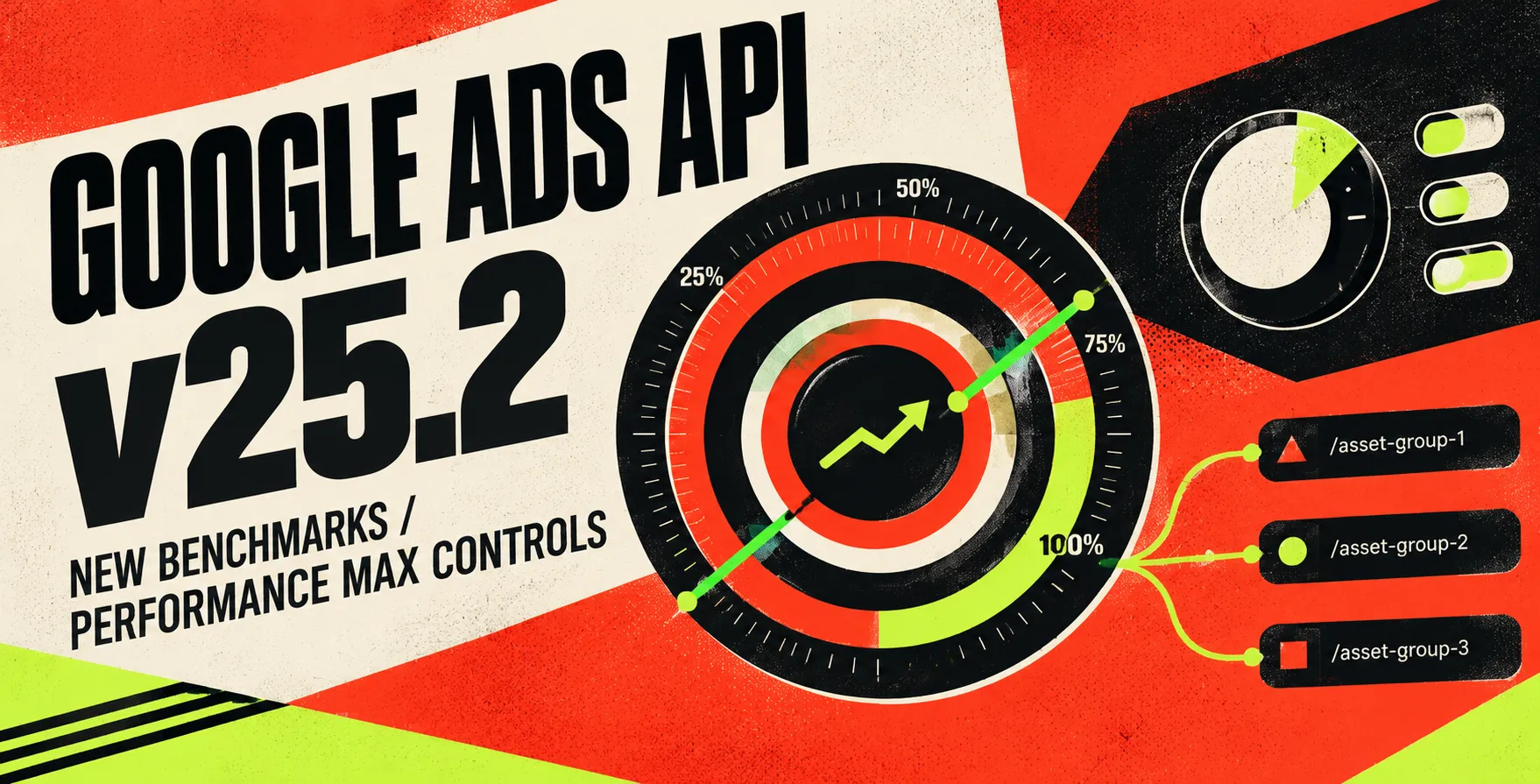
Google Ads API v25.2 new features and benchmarks provide deeper insights into campaign health. These metrics allow developers to compare their performance against industry standards with higher confidence than before.
Accessing these benchmarks programmatically means you no longer need to rely on static UI dashboards. You can now pull real-time comparisons directly into your own internal business intelligence tools.
- Industry-wide click-through rate comparisons
- Conversion rate benchmark analysis
- Auction insight data integration
- Peer-group performance scoring
- Historical trend visualization support
Leveraging Performance Max API Controls
The Performance Max API has received critical updates to grant developers more autonomy over campaign assets. These controls allow for better steering of machine learning models toward specific business goals.
You can now define constraints and preferences that were previously locked behind the web interface. This level of control is vital for enterprise-level campaigns requiring strict brand safety and specific outcome targeting.
Strategic Asset Management
Managing assets at scale requires programmatic consistency across multiple accounts. You can now define asset groups with greater precision, ensuring that creative elements align with intended audience segments.
- Automated asset group creation
- Targeting signal configuration
- Creative performance reporting
- Brand safety guardrail implementation
These features enable a more cohesive approach to creative testing and optimization cycles.
Targeting Signal Precision
Developers can now fine-tune the data inputs that feed into the underlying optimization models. By refining these signals, you can steer the engine to prioritize high-value user conversions.
- Dynamic audience signal injection
- Customer match list synchronization
- Conversion value rule updates
- Geographic targeting overrides
Refining these inputs leads to more predictable campaign results over time.
Granular Asset Management Capabilities
Asset management is no longer a black box. With the latest API release, developers have access to granular data regarding how individual assets contribute to overall campaign success.
This allows for automated pruning of underperforming creative elements. By optimizing your asset portfolio programmatically, you save significant time compared to manual review processes.
| Feature |
Previous API Capabilities |
v25.2 Capabilities |
| Asset Reporting |
Campaign level only |
Individual asset level |
| Placement Control |
Limited exclusions |
Advanced exclusion lists |
| Goal Assignment |
Global settings |
Per-asset performance goals |
| Status Updates |
Manual toggle |
Batch status management |
| Data Refresh |
Daily |
Near real-time |
Data-Driven Optimization Strategies
Data is the lifeblood of any modern advertising strategy. By leveraging the specific metrics provided in this update, your team can build sophisticated bidding models that react to market shifts instantly.
Building these systems requires a clear understanding of the data flow. You should ensure your internal services are prepared to handle the increased volume of performance signals.
Comparing API Versions for Migration
Migrating to Google Ads API v25.2 requires careful planning to avoid service interruptions. You must evaluate the deprecated fields and ensure your current implementation is compatible with the new schema.
API versioning is a standard practice, but the complexity increases with major feature updates. A well-structured migration plan prevents downtime and ensures your performance metrics remain accurate during the transition.
- Audit current API usage
- Map deprecated fields
- Update authentication flows
- Test in sandboxed environments
- Monitor error rates post-launch
Automating Performance Max Campaigns
Automation is the core benefit of the Performance Max API. By programmatically setting goals and budget constraints, you can manage hundreds of campaigns without manual intervention.
This efficiency allows your team to focus on strategic high-level tasks rather than operational maintenance. It is the best way to handle large-scale advertising portfolios in 2026.
Handling Complex Campaign Structures
Large accounts often feature complex hierarchies that are difficult to manage manually. The latest API enhancements allow for more robust handling of these structures through programmatic batching.
By organizing your campaigns with clear tagging and metadata, you simplify the query process. This structure is essential for maintaining sanity as your account footprint grows.
Improving Reporting Accuracy with New Metrics
Reporting accuracy is the foundation of trust with business stakeholders. The new metrics introduced in v25.2 provide a more nuanced view of the customer journey, helping you attribute value correctly.
You can now extract data that correlates directly with revenue impact. This makes it easier to justify advertising spend to leadership based on hard, verifiable numbers.
Best Practices for Version Upgrades
Upgrading your integration should be a controlled process. Always maintain a clear separation between your production environment and your testing environment during the rollout.
Automated testing suites play a crucial role here. Ensure your codebase can handle the new response formats without breaking existing downstream logic.
Security and Access Management
As you increase your programmatic capabilities, security remains paramount. Ensure that your API tokens are rotated regularly and that your service accounts have the minimum necessary permissions.
Implementing robust logging for all API interactions helps in troubleshooting and auditing. Keep your client libraries up to date to benefit from the latest security patches provided by the platform.
Leveraging API Insights for Scale
The final goal of using the Google Ads API is to achieve scale. By combining performance insights with automated controls, you create a self-optimizing system that learns from every interaction.
This holistic approach is what separates industry leaders from those struggling with manual management. Invest the time now to master these new capabilities for long-term growth.
Conclusion
Google Ads API v25.2 offers a powerful set of tools for teams looking to refine their advertising performance. By leveraging the new performance benchmarks and granular controls, you can build more responsive, data-driven systems.
Focus on a systematic migration and ensure your team understands the nuances of the latest features. With these updates, the potential for programmatic growth is higher than ever.


 In collaboration with