Table of Contents
- Understanding the PostgreSQL 14 EOL Timeline
- Why Upgrading Matters for Your Database
- Assessing Your Current Infrastructure
- Pre-Migration Planning and Preparation
- Testing Your Database Upgrades
- Choosing the Right Migration Strategy
- Executing the Upgrade Process
- Handling Application Compatibility
- Post-Upgrade Performance Validation
- Common Challenges During Postgres 14 Migration
- Maintaining Database Health After Upgrades
- The Role of Professional Support
- When to Seek Expert Assistance
- Conclusion
Understanding the PostgreSQL 14 EOL Timeline
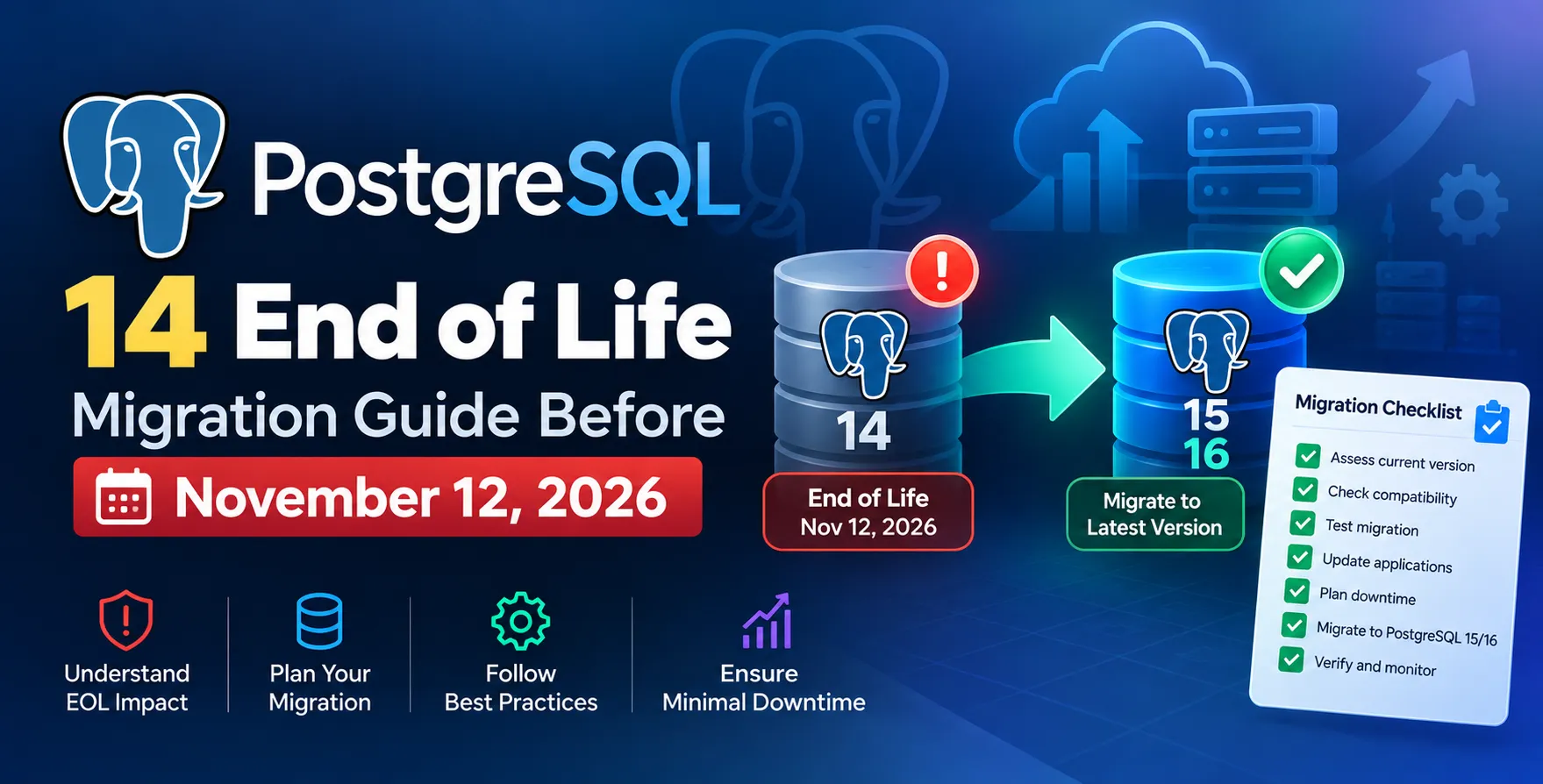
The open-source community sets a firm schedule for software support. For database administrators, the **PostgreSQL 14 EOL** date of November 12, 2026, is a critical deadline to mark on your calendars.
Once this date passes, the community will no longer provide security patches or bug fixes for version 14. Running an unsupported database engine exposes your infrastructure to unpatched vulnerabilities and potential data integrity risks.
- Plan your upgrade well before the November 2026 date
- Audit all existing database instances running version 14
- Allocate development resources for compatibility testing
Why Upgrading Matters for Your Database
Upgrading is not just about avoiding security risks; it is about accessing new capabilities. Modern versions of PostgreSQL offer significant improvements in query performance and storage management.
Staying on an outdated version prevents you from using advanced features that simplify development. Regular upgrades ensure your systems remain performant and compliant with modern security standards.
- Access to performance-enhancing features
- Improved security through ongoing community patches
- Better support for modern application frameworks
- Enhanced developer productivity tools
Assessing Your Current Infrastructure
Before beginning your **PostgreSQL 14 end of life migration guide before November 12 2026**, you must inventory your environment. Identify every production, staging, and development instance currently running on version 14.
Consider the size of your datasets and the criticality of each instance. High-traffic systems require more complex planning compared to internal development tools.
- Document all production clusters
- Identify dependencies with third-party tools
- Review existing backup and recovery procedures
Pre-Migration Planning and Preparation
Successful migrations require thorough preparation. You should start by reviewing the release notes for target versions to identify breaking changes that might affect your codebase.
Create a detailed migration plan that outlines roles, responsibilities, and rollback strategies. A well-documented plan prevents confusion when things do not go exactly as expected during the transition.
- Draft a clear project timeline
- Define your rollback process
- Verify hardware resource availability
Testing Your Database Upgrades
Never upgrade production without rigorous testing. You should use a staging environment that mirrors your production configuration to catch issues early.
Run your full suite of integration tests against the new version. Monitor how queries behave and watch for any unexpected changes in execution plans or response times.
- Use production data clones for testing
- Validate application connectivity
- Check for deprecated syntax or functions
- Measure performance under simulated load
Choosing the Right Migration Strategy
Selecting the best approach for your **Postgres 14 migration** depends on your downtime tolerance. Some teams prefer simple in-place upgrades, while others require high-availability methods.
Your choice will dictate the level of complexity and the amount of testing required. Evaluate your specific business requirements before settling on a technical path.
| Strategy |
Downtime |
Complexity |
| In-place Upgrade |
High |
Low |
| Logical Replication |
Low |
High |
| Dump and Restore |
Highest |
Medium |
| Blue-Green Deployment |
Lowest |
Highest |
Executing the Upgrade Process
When you are ready to execute the upgrade, follow a strict, sequential process. Ensure you have a full, verified backup before touching any production files.
Coordinate the deployment with your application team to minimize impact on end-users. Clear communication is just as important as the technical execution of the upgrade steps.
- Perform a final data backup
- Stop all application traffic
- Run the upgrade tool
- Restart the database engine
- Verify data consistency
Handling Application Compatibility
Your application code often needs updates to support newer database versions. Check for library compatibility and driver updates that might be necessary for a smooth transition.
Ensure your ORM configurations or database connection strings are updated. Failing to update these layers is a common cause of post-migration application failures.
- Update database drivers and connectors
- Audit application-level SQL queries
- Test for broken ORM mappings
Post-Upgrade Performance Validation
After the migration, monitoring is essential. Use tools to check for increased latency or unusual resource consumption that might indicate an issue with the new configuration.
Database performance metrics should be compared against pre-migration baselines. If performance degrades, investigate whether your indexes need re-optimization or if configuration parameters require tuning.
- Compare query execution times
- Monitor CPU and memory usage
- Check for persistent connection issues
Common Challenges During Postgres 14 Migration
Every upgrade comes with potential hurdles. The most frequent issues involve syntax changes or missing extensions that require manual intervention during the move to a newer version.
Anticipating these problems allows you to build buffers into your project timeline. A proactive approach to troubleshooting makes the entire process more manageable and predictable for your engineering team.
- Syntax differences in SQL queries
- Incompatibility with old extensions
- Configuration file format changes
- Unexpected locking behaviors
Maintaining Database Health After Upgrades
Post-migration, your work is not done. Regular database maintenance is crucial for long-term stability and performance in your updated environment.
Implement a robust maintenance schedule that includes routine checkups. Consistent upkeep prevents technical debt from accumulating and keeps your system running smoothly for years to come.
- Schedule regular maintenance tasks
- Monitor logs for slow queries
- Review index usage patterns
- Keep extensions updated
The Role of Professional Support
Navigating major version upgrades can be daunting for small teams. Relying on professional services can ensure that your transition is handled with industry-standard best practices.
Expert teams provide the oversight necessary to avoid catastrophic mistakes. They bring experience with edge cases that your internal team might not have encountered previously.
Whether you need help with a custom software development company india or specific database tuning, professional support can be the difference between a smooth transition and a prolonged outage.
When to Seek Expert Assistance
You should consider bringing in external experts if your team lacks deep database internals knowledge. Complex architectures with high availability requirements often demand specialized skills.
If you find that your current staff is overwhelmed by the complexity of your infrastructure, reaching out for help is a sign of good leadership. Outsourcing the heavy lifting allows your core team to focus on building features rather than wrestling with database internals.
- High-availability cluster migrations
- Extremely large dataset transitions
- Complex cross-version upgrade paths
Conclusion
Preparing for the November 2026 deadline is an essential task for every organization. By following a structured **PostgreSQL 14 upgrade guide**, you can mitigate risks and ensure a seamless transition to a supported version.
Start your planning today to avoid a last-minute scramble. Your database performance and security depend on being proactive rather than reactive in your upgrade cycle.
- Start planning your migration early
- Prioritize thorough testing in staging
- Leverage professional support when necessary


 In collaboration with