Table of Contents
- Introduction
- Understanding Claude Code Extensibility
- Getting Started with Claude Code Mods
- Essential Configuration Steps
- Building Custom Tool Integrations
- Optimizing Your Development Workflow
- Common Use Cases for Custom Mods
- Security Considerations for Custom Extensions
- Comparing Different Customization Approaches
- Debugging Your Claude Code Modifications
- Maintaining Consistent AI Coding Standards
- Scaling Mods Across Development Teams
- Advanced Automation Techniques
- Conclusion
Introduction
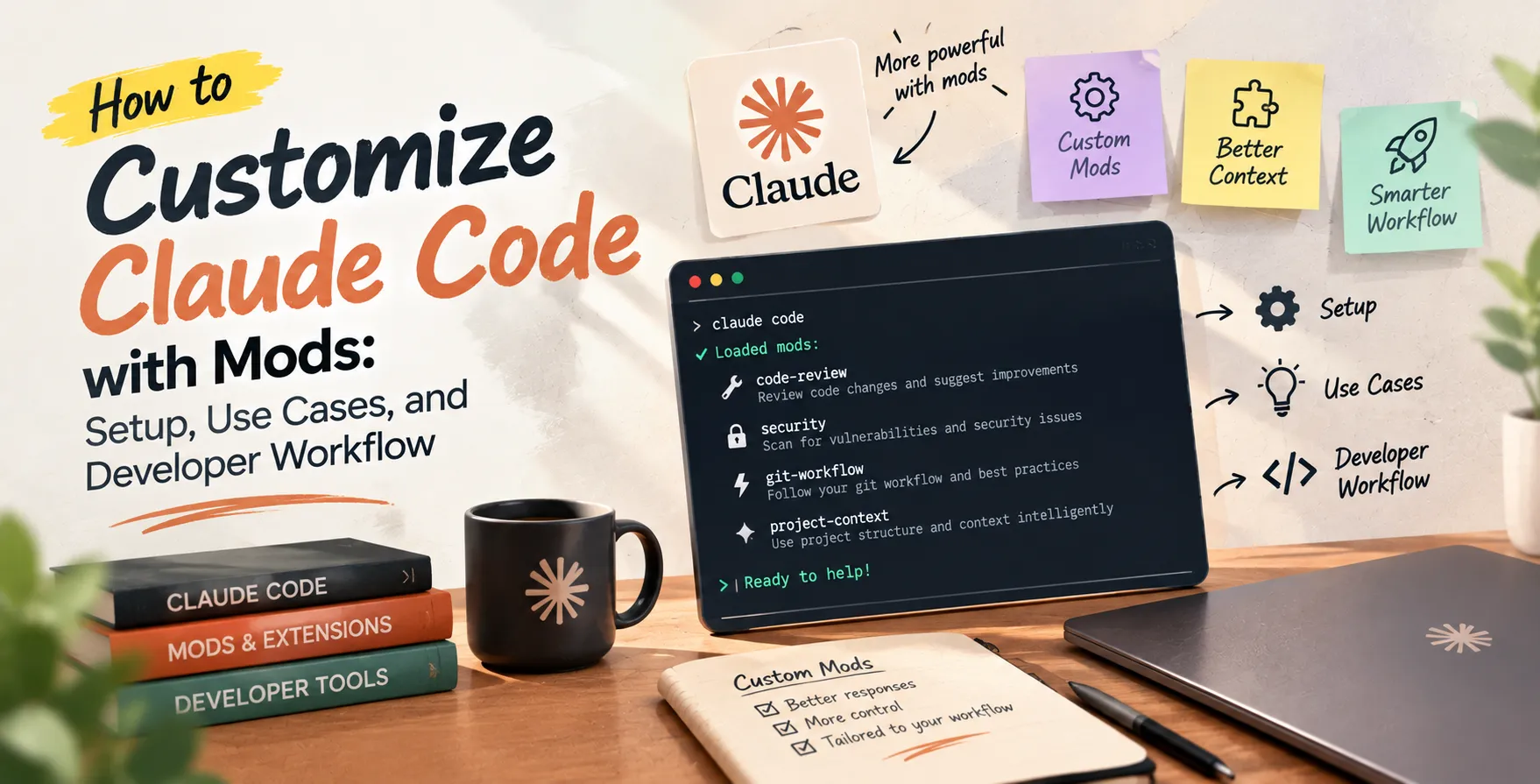
Modern software development is shifting toward highly personalized toolchains that match specific project requirements. Knowing how to customize Claude Code with mods allows engineers to move beyond default agent capabilities and tailor the coding experience to their unique stack.
By leveraging these extensions, developers can automate repetitive tasks, integrate proprietary internal APIs, and enforce custom coding patterns. This level of granular control turns a general-purpose coding agent into a specialized partner that understands your specific business logic and architecture.
Understanding Claude Code Extensibility
The core power of modern AI coding agents lies in their ability to reason about codebases and execute commands. However, off-the-shelf tools often lack the context of internal company libraries or unconventional build systems.
Implementing Claude Code mods helps bridge this gap. Instead of relying on generic heuristics, you can provide the agent with custom instructions and tools that mirror your team's internal workflows. This creates a feedback loop where the agent becomes more effective the more you customize it.
Extensibility effectively turns the agent into a teammate that understands your repository's quirks. It is not just about adding features, but about removing friction from the developer experience.
- Enforces team-specific coding standards
- Automates domain-specific testing suites
- Integrates with internal project documentation
- Reduces manual boilerplate generation
Getting Started with Claude Code Mods
To begin customizing your environment, you first need to understand the underlying configuration files. The setup process is designed to be straightforward for engineers familiar with standard CLI tooling.
Start by identifying the specific friction points in your daily routine. Ask yourself which tasks consume the most time when interacting with the AI agent. Once identified, map these tasks to custom mod definitions.
- Identify repetitive shell commands
- Map tasks to custom tool definitions
- Configure agent behavior via environment variables
- Verify integration through dry-run execution
Essential Configuration Steps
Proper configuration is the foundation of any stable customization effort. You must ensure that your custom definitions are properly scoped and accessible to the agent process.
Start by creating a dedicated directory for your extensions. This keeps your modifications organized and separate from the main application logic, making it easier to manage version control and updates.
- Define scope in configuration files
- Validate schema compatibility for tools
- Set clear permissions for agent actions
- Establish logging for custom tool calls
Always review your local configuration files before deploying changes to a shared team environment. A small error in a custom tool definition can lead to unexpected behavior during automated refactoring sessions.
Building Custom Tool Integrations
When you start building Claude Code plugins, focus on interoperability. Your tools should be able to communicate effectively with the agent's core engine while remaining lightweight and focused on a single responsibility.
Think of each mod as a specialized function. The more focused the function, the easier it is for the agent to understand when and how to invoke it correctly.
Designing Effective Tool Schemas
The schema determines how the AI perceives your custom tool. A clear, well-documented schema is essential for accurate tool usage.
- Use descriptive names for functions
- Provide detailed parameter explanations
- Define clear return value expectations
- Include error handling scenarios
Always test your schema against multiple prompts to ensure the agent correctly identifies the right tool for the job. Ambiguity is the enemy of reliable automation.
Optimizing Your Development Workflow
A well-customized agent should feel like a natural extension of your IDE. By integrating Claude Code customization directly into your CLI workflow, you minimize the context switching that often plagues modern development.
Consider how these mods interact with your existing CI/CD pipelines. An ideal setup allows the agent to trigger local test suites and provide immediate feedback before you even commit your changes to the main branch.
- Integrate local linting and formatting
- Trigger unit tests via agent commands
- Automate commit message generation
- Provide context from internal documentation
Common Use Cases for Custom Mods
Customizing your agent opens up a variety of possibilities for automating complex tasks. Many teams find that building mods for repetitive infrastructure tasks provides the highest return on investment.
For instance, you might create a mod that automatically handles the boilerplate code required for new API endpoints. This allows the developer to focus on the business logic rather than the plumbing of the application.
- Generating boilerplate for new controllers
- Automating schema migration scripts
- Updating internal documentation files
- Formatting complex JSON configuration objects
- Running security scanning tools automatically
Security Considerations for Custom Extensions
When you introduce custom code to your agent's execution path, security must remain a priority. Following strict Claude Code security best practices for developer workstations is essential to protect your environment from unintended side effects.
Avoid granting the agent broad permissions to sensitive areas of your file system. Always use the principle of least privilege when configuring which directories and commands the agent can access.
- Validate all inputs to custom tools
- Restrict write access to production configurations
- Monitor logs for unexpected tool invocations
- Rotate credentials used by custom agents
Comparing Different Customization Approaches
| Approach |
Complexity |
Flexibility |
| CLI Aliases |
Low |
Limited |
| Custom Tool Scripts |
Medium |
High |
| Agent SDK Plugins |
High |
Maximum |
| Environment Variables |
Low |
Low |
| Internal API Wrappers |
Medium |
Moderate |
Debugging Your Claude Code Modifications
Troubleshooting custom mods requires a systematic approach. If an agent fails to execute a task, start by examining the raw output of the tool call.
Often, the issue lies in the agent's interpretation of the instructions rather than the code itself. Providing clearer documentation within the tool schema usually resolves these interpretation errors.
- Check tool invocation logs
- Review agent reasoning traces
- Validate input parameters against schema
- Isolate the tool from the main agent
Maintaining Consistent AI Coding Standards
Consistency is key when working in a team environment. Ensure that all your modifications adhere to the established style guide to avoid "code drift" where the AI produces results that differ from human-written code.
Periodically audit the output generated by your custom mods. If the AI begins producing non-compliant code, it may be time to update the system prompts or the tool definitions to reflect your current standards.
Scaling Mods Across Development Teams
Sharing your customizations can significantly improve developer productivity across your entire organization. Centralize your custom tool repository so that teammates can easily pull the latest versions.
Standardization also makes it easier to onboard new developers. When everyone uses the same set of custom mods, the learning curve for interacting with the AI agent is greatly reduced.
- Centralize custom mod repositories
- Document usage patterns for team members
- Version control your tool definitions
- Establish an internal feedback loop
Advanced Automation Techniques
For those looking to push further, consider chaining multiple custom tools together to form complex workflows. By combining several simple mods, you can automate multi-step processes like feature flag implementation or complex refactoring tasks.
This approach requires careful orchestration, but the efficiency gains are substantial. As the agent becomes more capable, these sophisticated workflows will likely become the standard for high-performing engineering teams.
Conclusion
Customizing your coding agent is a powerful way to reclaim time and reduce cognitive load. By implementing targeted modifications, you transform a generic AI tool into a specialized asset that understands your specific codebase, architecture, and team workflows.
Start small, focus on solving your most tedious tasks, and gradually expand your tool library as you become more comfortable with the process. With the right setup, you can significantly enhance your development speed while maintaining the high standards your projects demand.


 In collaboration with