Table of Contents
- Introduction to Team-Based AI
- Understanding ChatGPT Space
- Key Features for Collaboration
- Why Businesses Need a Shared AI Workspace
- Core Use Cases for Teams
- Security and Data Governance
- Setting Up Your Team Environment
- Integrating with Existing Workflows
- Scaling AI Usage Across Departments
- Managing Access and Permissions
- Comparing Team Solutions
- Choosing the Right AI Infrastructure
- Final Thoughts
Introduction to Team-Based AI
Modern businesses are increasingly turning to generative AI to drive operational efficiency. The transition from individual experimentation to organizational adoption requires a structured approach to collaboration.
A dedicated ChatGPT Space allows companies to move beyond isolated user accounts. This shift creates a centralized environment where teams can share insights and resources effectively.
Understanding ChatGPT Space
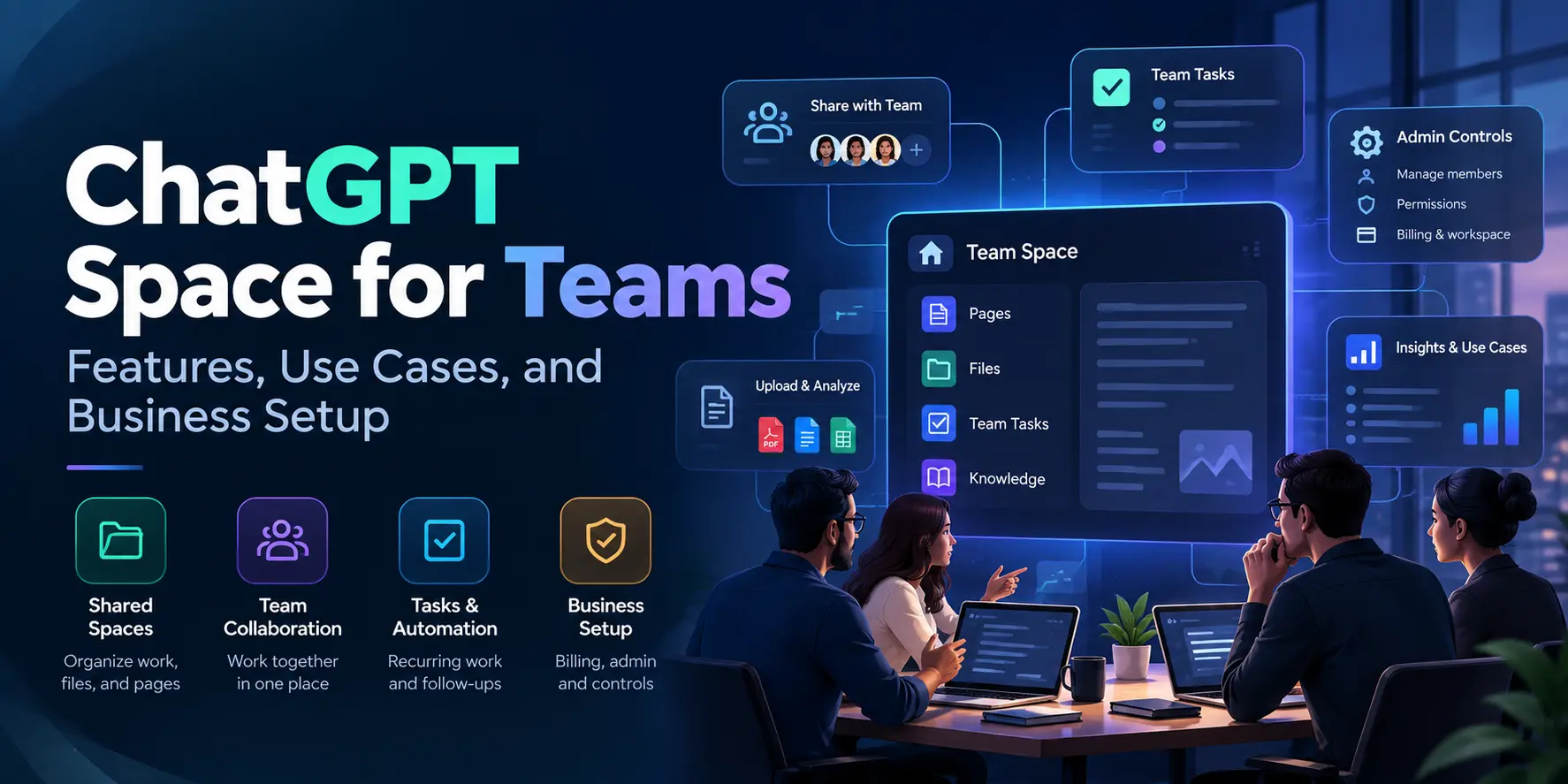
At its core, a shared workspace is designed to foster collective intelligence. It provides a common ground where team members can access the same knowledge base and tools.
Moving to a unified platform ensures that everyone is working with the same context and model versions. This alignment is critical for maintaining consistency in output across different departments.
By centralizing these interactions, organizations gain better visibility into how their teams utilize AI tools. It effectively bridges the gap between individual productivity and enterprise-level strategy.
Key Features for Collaboration
The platform introduces specific tools meant to simplify group interaction. These features help teams manage their workflows without losing track of important progress.
- Shared conversation history for team visibility
- Custom instructions tailored to departmental needs
- Unified access to advanced model capabilities
- Collaborative folders for organizing project assets
- Secure data sharing within defined team boundaries
These capabilities transform the tool from a personal assistant into a powerful team asset. Teams can now build on each other's work rather than starting from scratch.
Why Businesses Need a Shared AI Workspace
Adopting an AI workspace for teams is not just about convenience. It is fundamentally about standardizing how your company interacts with LLMs to ensure quality and compliance.
When employees use disjointed personal accounts, knowledge becomes trapped in silos. A shared space ensures that best practices and high-performing prompts remain accessible to the entire organization.
Furthermore, managing a single workspace is significantly easier for IT administrators. You can enforce policies and monitor usage patterns from a central dashboard.
Core Use Cases for Teams
Content Creation and Marketing
Teams use shared spaces to maintain brand voice across various marketing materials. This ensures that every piece of content aligns with established guidelines.
- Consistent brand messaging in blog posts
- Automated social media caption generation
- Collaborative brainstorming for campaign ideas
- Drafting email newsletters with approved tone
Marketing teams save countless hours by reusing successful templates. This leads to faster turnaround times and higher output quality.
Technical Documentation and Coding
Development teams benefit from shared environments for maintaining code standards and documentation. This is often where teams explore best AI for developers to speed up their sprint cycles.
- Standardized code comments and documentation
- Shared troubleshooting patterns for recurring bugs
- Collaborative review of generated code snippets
- Centralized knowledge for internal API usage
By keeping these resources in a shared space, developers can onboard new team members more efficiently. It creates a living library of technical wisdom that evolves with the project.
Security and Data Governance
Enterprises must prioritize data security when adopting AI. A professional workspace offers enhanced controls that protect sensitive business information from being used in unintended ways.
You can define clear boundaries regarding data retention and model training. This provides the peace of mind necessary for legal and compliance teams to sign off on AI adoption.
Security is not an afterthought in these enterprise-grade environments. It is built into the architecture to support robust data protection standards.
Setting Up Your Team Environment
The initial setup process is designed to be straightforward for administrators. You start by defining your organization's hierarchy and inviting team members to join.
Once the foundation is set, you should configure specific permissions and shared resources. This ensures that every user has the access they need without compromising overall system security.
After the technical configuration, focus on user training and best practices. A well-configured workspace is only as effective as the team using it.
Integrating with Existing Workflows
| Workflow Area |
Traditional Method |
AI Workspace Method |
| Data Access |
Manual file searching |
Instant AI retrieval |
| Collaboration |
Email threads |
Shared chat history |
| Standardization |
Static documentation |
Custom AI instructions |
| Efficiency |
Fragmented tools |
Unified platform |
| Security |
Individual accounts |
Centralized management |
Integrating these tools into your existing stack is essential for long-term adoption. You should look for ways to connect your AI environment with project management software and internal communication tools.
Scaling AI Usage Across Departments
As usage grows, you need a strategy to scale effectively without losing control. Start by identifying high-impact areas where AI can provide immediate value before rolling it out to the entire company.
Gather feedback from early adopters to refine your configuration. This iterative approach helps ensure that the platform meets the unique needs of different business units.
Documenting successful use cases helps build momentum throughout the organization. When employees see the tangible benefits, they are more likely to embrace the new technology.
Managing Access and Permissions
Carefully managing who can do what is critical for keeping your workspace organized and secure. Define clear roles such as admins, editors, and viewers to maintain order.
Periodic audits of these permissions prevent configuration drift over time. This keeps your environment clean and minimizes the risk of accidental data exposure.
Effective governance allows teams to experiment freely within their designated areas. It strikes the right balance between flexibility and oversight.
Choosing the Right AI Infrastructure
When evaluating different ChatGPT Space for teams features and use cases, consider your long-term goals. Look for platforms that support integration, scalability, and robust security features.
Do not just look at current needs but consider how your AI strategy will evolve over the next two years. A flexible foundation will save you significant effort in the future.
Finally, prioritize vendors that offer reliable support and frequent updates. The landscape is moving fast, and you want a partner that stays ahead of the curve.
Final Thoughts
Implementing a dedicated workspace for your team is a major step toward becoming an AI-enabled organization. It creates the structure needed for collaboration, security, and consistent results.
By focusing on shared resources and best practices, you can maximize the value of your AI investment. Start small, iterate often, and watch your team's productivity soar as they learn to leverage these tools together.


 In collaboration with