Table of Contents
- Introduction
- The Evolution of Digital Interfaces
- Why UI Animation Matters in 2026
- Guiding User Attention
- Reducing Cognitive Load
- Performance Impact of Motion Design UI
- Microinteractions in UI
- Spatial Awareness and Context
- Static vs Animated Interfaces
- Implementation Best Practices
- Common Motion Design Mistakes
- Measuring Motion ROI
- Final Thoughts
Introduction
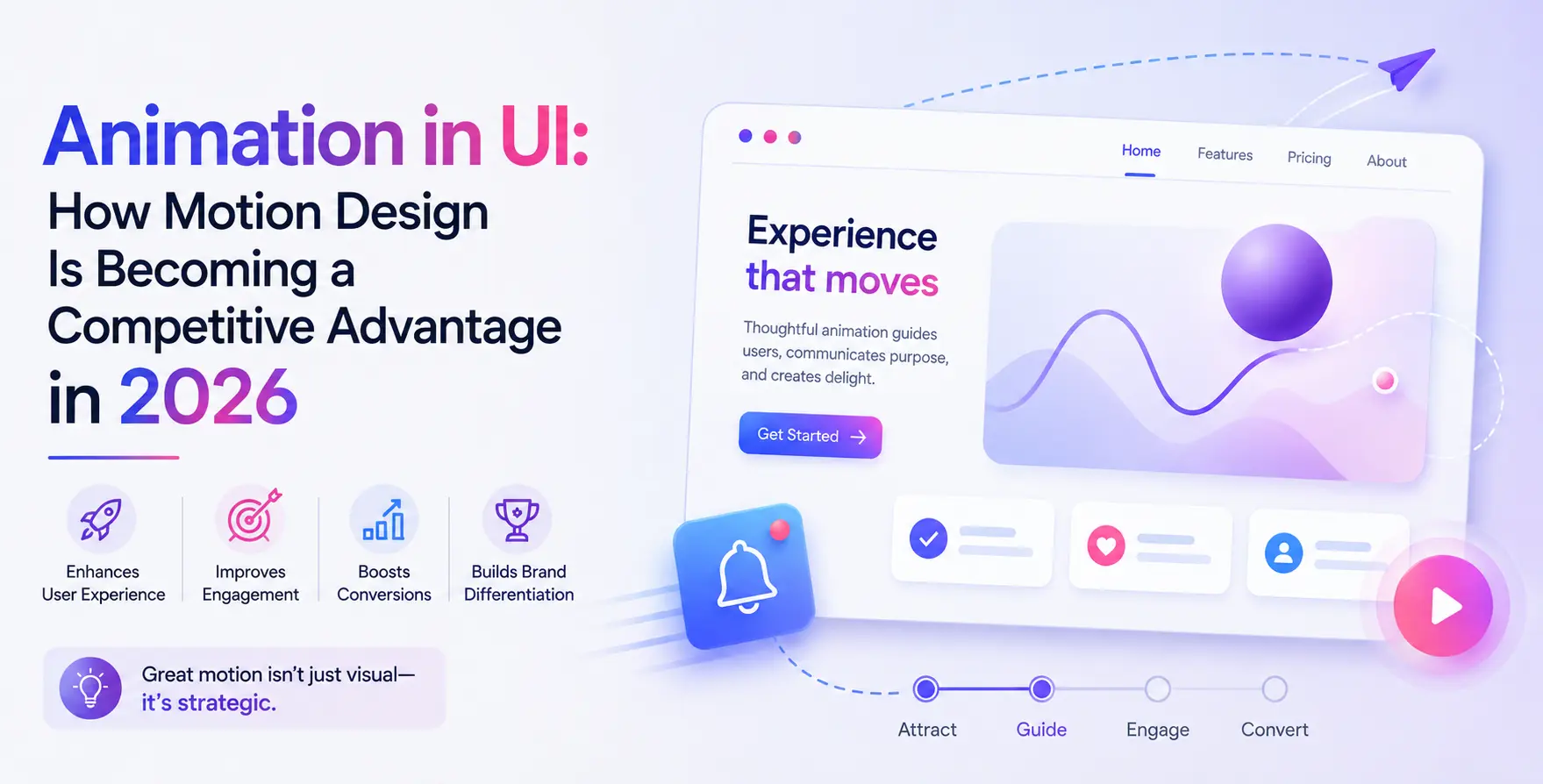
Modern web applications require more than static visual layouts to engage users effectively. Strategic motion design transforms functional software into responsive and intuitive digital experiences.
As user expectations evolve in 2026, thoughtful movement serves as a core usability requirement rather than mere decoration.
The Evolution of Digital Interfaces
Early web design relied entirely on static HTML pages with instant screen state changes. Users clicked navigation links and waited for full refreshes without visual transition context.
Today, front-end engineering treats motion as a structural interface tool. Dynamic layouts guide users through complex web applications with complete clarity and feedback.
Why UI Animation Matters in 2026
Incorporating smooth UI animation modernizes web applications and elevates perceived product quality. Meaningful movement establishes immediate user trust and reinforces system performance.
- Communicates system status changes instantly
- Enhances perceived screen loading speeds
- Directs user focus during transitions
- Differentiates digital product brand identity
- Reinforces successful user interaction tasks
Products leveraging dynamic motion feel faster and more dependable during daily user workflows.
Guiding User Attention
Human vision naturally tracks movement across a digital display. Designers use strategic motion cues to focus attention toward critical action buttons and system notices.
- Highlights critical incoming system alerts
- Directs focal flow during multi-step tasks
Controlled visual movement ensures key information remains obvious without cluttering the screen interface layout.
Reducing Cognitive Load
Complex software interfaces often present dense information to active users simultaneously. Sudden layout updates force users to scan the entire screen repeatedly to locate updated details.
Smooth spatial transitions explain layout transformations visually. This continuity eliminates user confusion and streamlines daily platform interaction tasks.
Performance Impact of Motion Design UI
High-performing applications balance visual elegance with rapid rendering speeds. Modern Motion design UI methodologies utilize hardware-accelerated CSS properties to ensure sixty frames per second rendering capability.
- Utilizes GPU accelerated CSS properties
- Prevents expensive browser layout recalculations
- Optimizes web animation frame rates
- Maintains smooth performance on mobile devices
Efficient execution ensures motion enhances usability without impacting overall platform loading speeds.
Microinteractions in UI
Targeted visual feedback transforms simple interface components into satisfying software controls. Implementing subtle Microinteractions in UI architecture provides instantaneous confirmation for user actions.
Functional Feedback
Immediate responses confirm that system inputs were successfully processed by background servers.
- Button press depth transitions
- Toggle switch slider movements
- Form validation success indicators
- File upload progress updates
These immediate visual confirmations reassure users without interrupting primary task completion speed.
Brand Delighters
Custom animation touches express visual personality during key milestone moments within the application.
- Animated checkmark completion icons
- Playful custom loading indicators
Signature animated details build positive user associations while maintaining strict front-end performance standards.
Spatial Awareness and Context
Flat screen displays lack physical depth and spatial orientation natively. Adding strategic User interface animation constructs clear virtual layers that clarify software navigation hierarchies.
Slide-out navigation panels demonstrate clearly where visual elements originate when triggered. Predictable spatial movements prevent users from feeling disoriented within complex menu systems.
Static vs Animated Interfaces
Comparing interface models highlights the key usability advantages of dynamic motion over traditional static layout paradigms.
| Usability metric |
Static interface |
Animated interface |
| State changes |
Abrupt visual cuts |
Smooth continuous transitions |
| Perceived speed |
Feels rigid or delayed |
Feels responsive and fluid |
| Focus guidance |
Requires manual scanning |
Directs visual focus automatically |
| System feedback |
Relies on static text |
Provides instant motion feedback |
| User fatigue |
Higher visual effort required |
Lower cognitive friction overall |
Implementation Best Practices
Engineering teams integrate structured motion principles directly into core design system code bases.
- Keep transition durations between 200ms and 400ms
- Apply natural cubic-bezier easing curves
- Respect user reduced-motion accessibility settings
- Restrict simultaneous active screen animations
- Animate transform and opacity properties primarily
- Test animation performance across budget mobile devices
Consistent timing rules maintain visual coherence across expanding software application suites.
Common Motion Design Mistakes
Excessive visual movement degrades user experience and decreases overall software accessibility standards.
- Unnecessary long animation timing delays
- Distracting decorative looping elements
- Ignoring user browser motion preferences
- Animating performance-heavy layout attributes
Restraint ensures that UI motion supports functional usability rather than creating visual confusion.
Measuring Motion ROI
Development teams evaluate motion effectiveness by tracking quantitative user behavior metrics.
- Lower bounce rates on key user flows
- Faster task completion rates
- Reduced user input submission errors
- Higher user feature engagement scores
- Improved customer satisfaction ratings
Quantitative interaction metrics confirm that purposeful motion design delivers measurable product value.
Final Thoughts
Motion design is now an essential functional discipline in modern web application engineering. Software teams that implement purposeful movement create cleaner and more efficient user experiences.
Prioritizing performance, accessibility, and clear micro-feedback ensures sustained competitive advantage. Integrating thoughtful motion systems today prepares digital products for future user expectations.


 In collaboration with